Adding a note thought — Coursera UX flow
Adding a note thought in Coursera.
Step 1: Edit the note
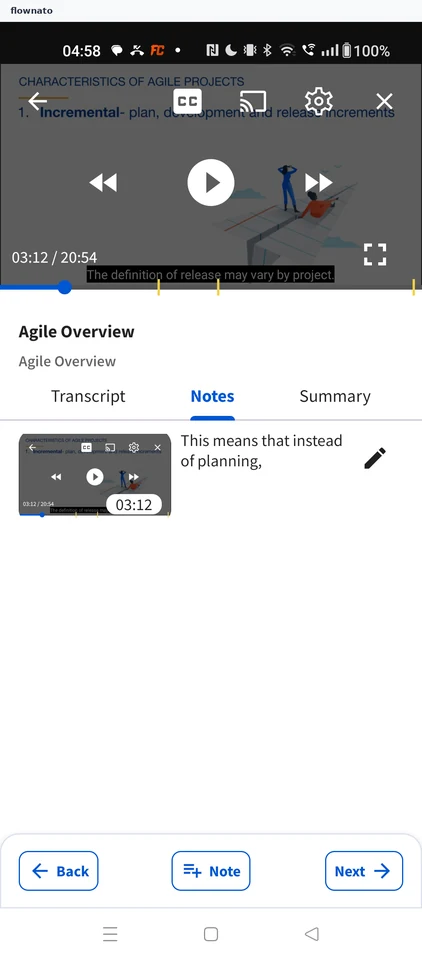
Now playing · Player controls, Video, Tabs, Image, Icon, Sticky action bar
Step 2: Edit Note sheet
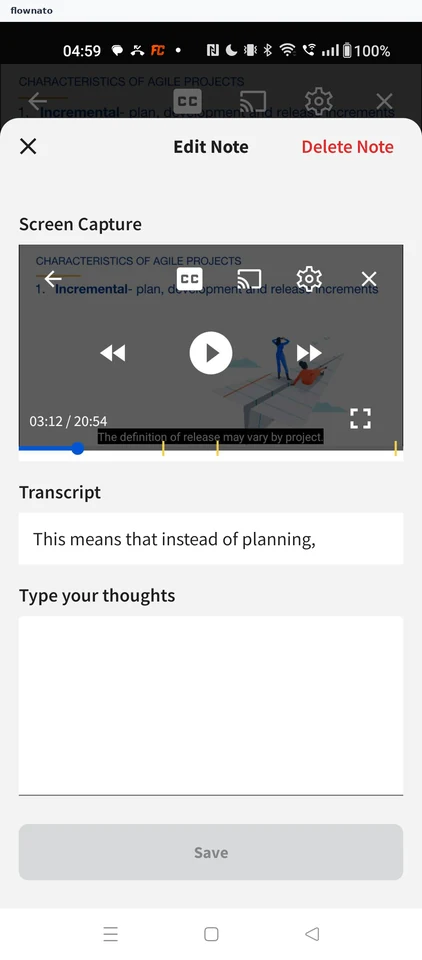
Step 3: Type a thought and save
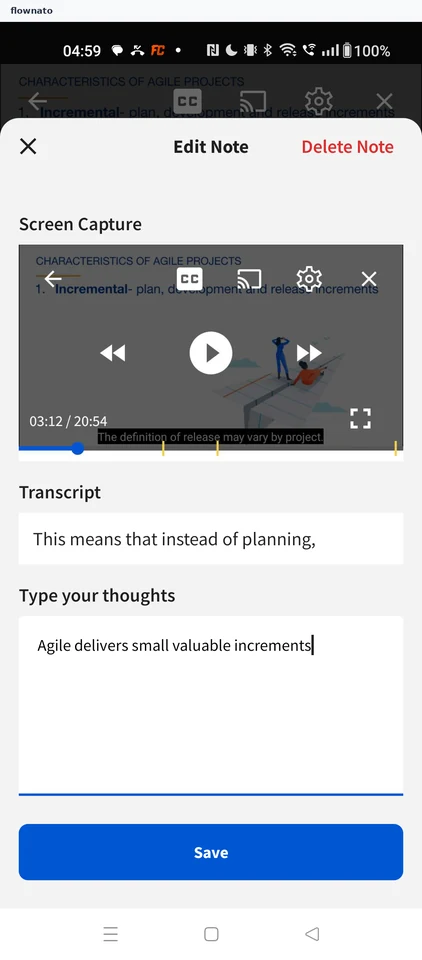
Step 4: Note updated
Adding a note thought in Coursera.
Now playing · Player controls, Video, Tabs, Image, Icon, Sticky action bar