Continuing a course — Coursera UX flow
Continuing a course in Coursera.
Step 1: Coursera launches

Step 2: Close the Languages notice
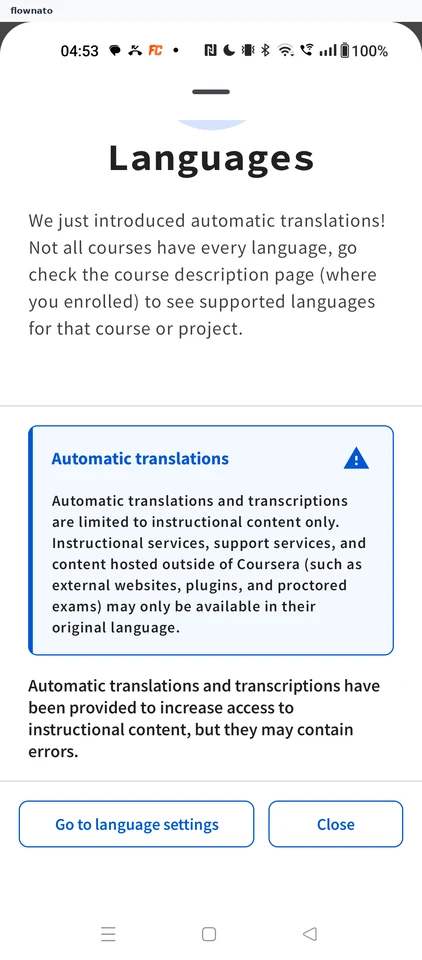
Promotions · Bottom sheet, Inline alert, Button, Divider, Text
Step 3: Open the enrolled course
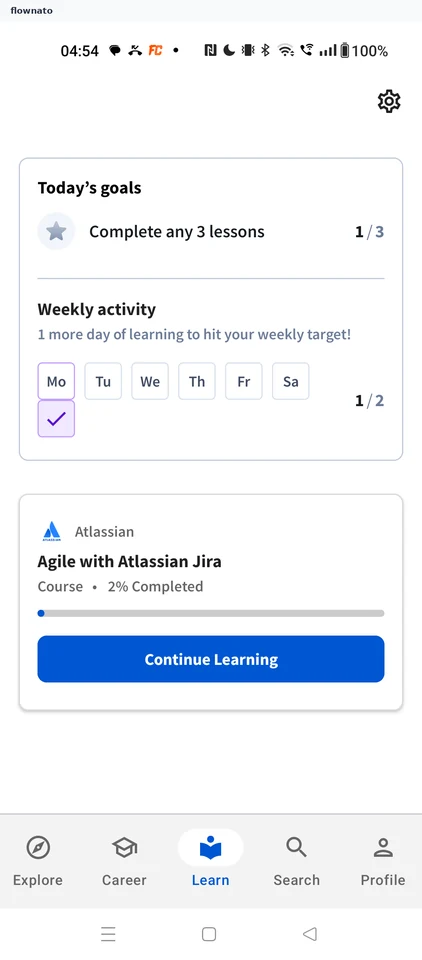
Statistics · Card, Progress indicator, Button, Logo, Icon, Bottom navigation
Step 4: Continue the next item
Step 5: Lecture starts playing
Step 6: Lecture plays on