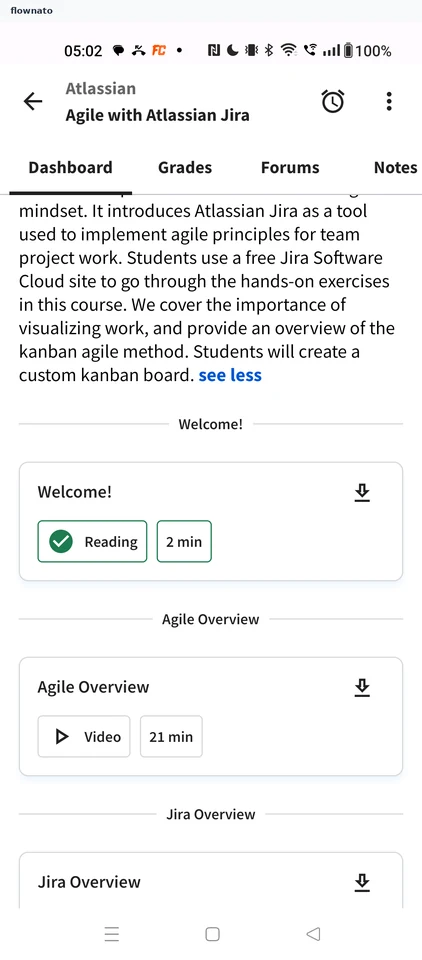
Reading the module description — Coursera UX flow
Reading the module description in Coursera.
Step 1: Expand the description
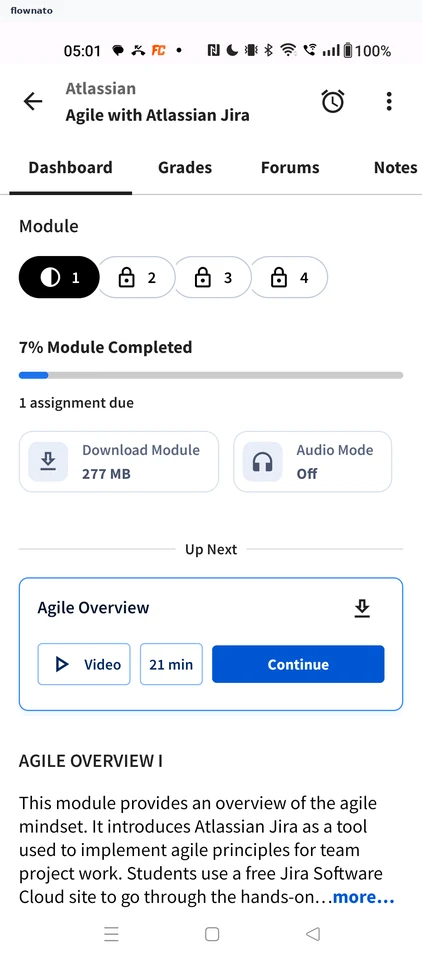
Collection · Top bar, Tabs, Progress indicator, Card, Button
Step 2: Description expanded
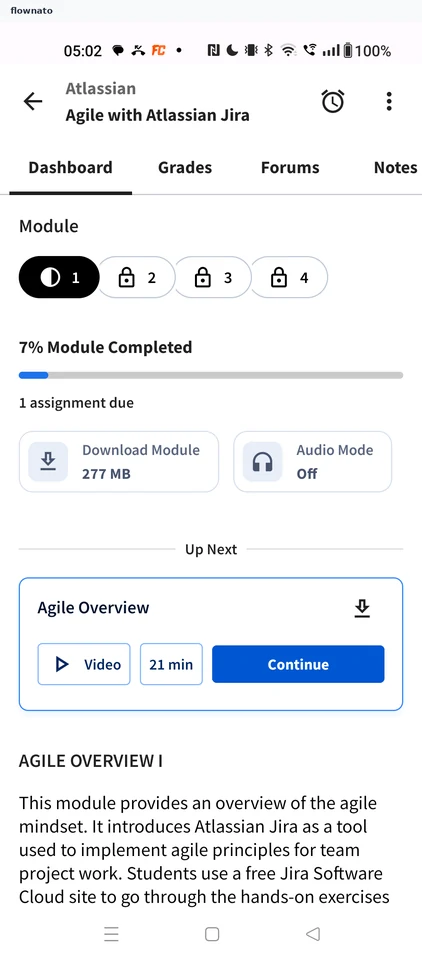
Collection · Top bar, Tabs, Chip, Progress indicator, Card, Button
Step 3: Read it in full