Reading the lecture summary — Coursera UX flow
Reading the lecture summary in Coursera.
Step 1: Open Summary
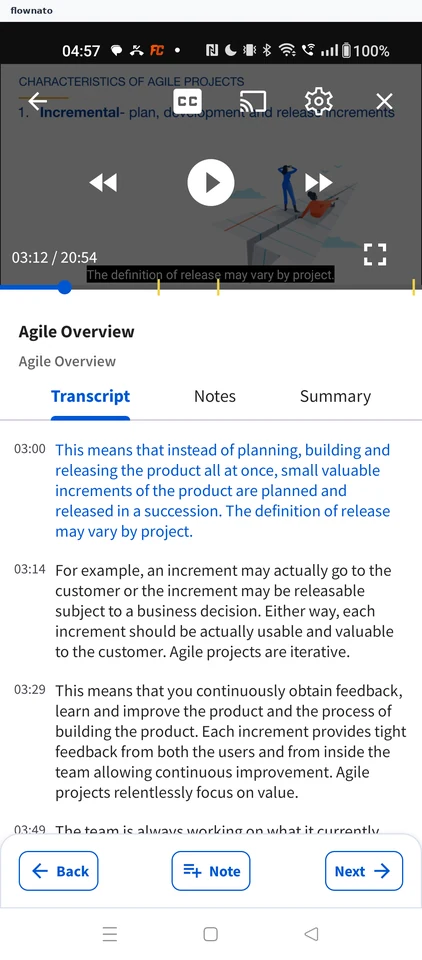
Now playing · Player controls, Video, Slider, Tabs, List, Sticky action bar
Step 2: Lecture summary
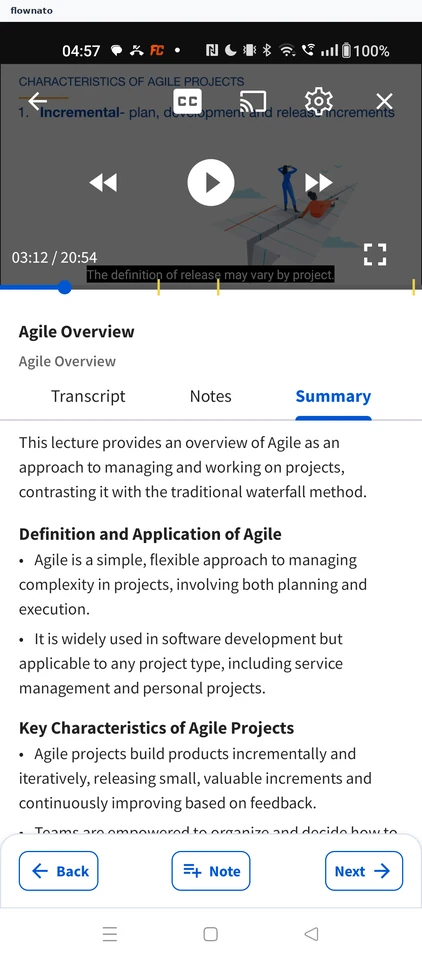
Now playing · Player controls, Video, Tabs, Text, Sticky action bar