Sign in — Coursera UX flow
Sign in in Coursera.
Step 1: Launch Coursera
Step 2: Explore home
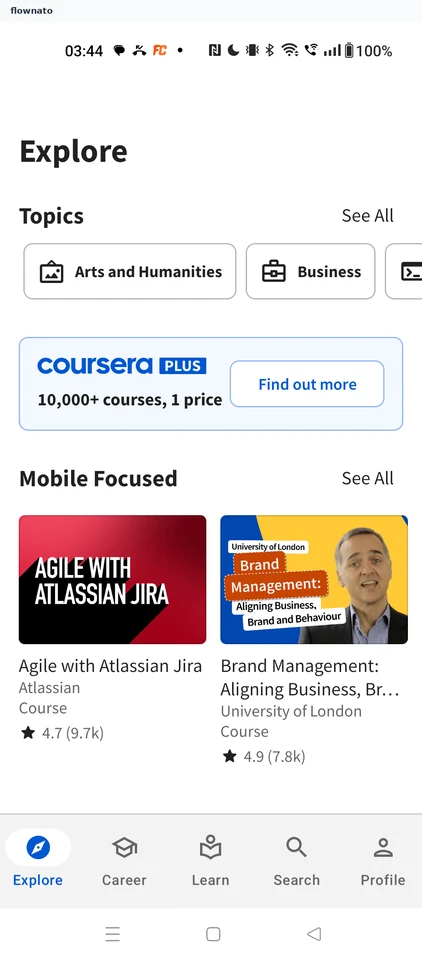
Home · Section header, Carousel, Promo banner, Button, Image, Card
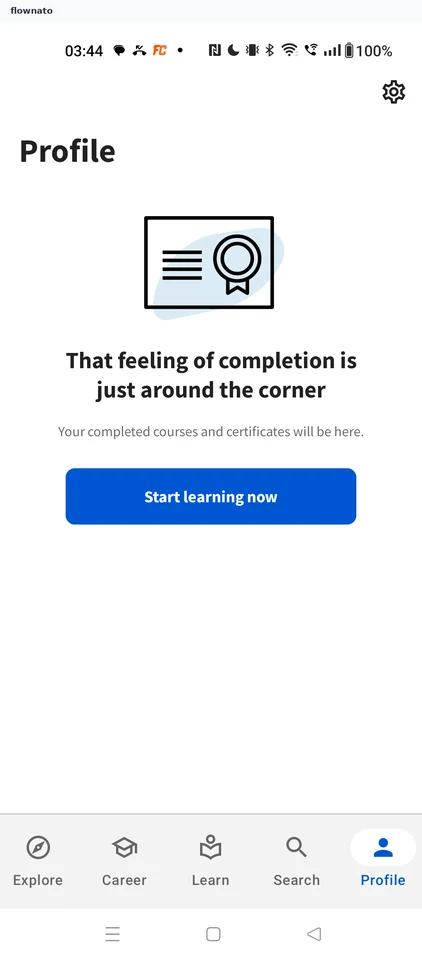
Step 3: Profile without an account
Step 4: Settings
Step 5: Confirm the Google account
Step 6: Signing you in
Step 7: Signed in on Profile