Housing

Housing app UI and user flows

App

About Housing

Screens and user flows from the Housing app.

Housing is an Android app in the Real estate category. Last recorded on 8 November 2026.

Explore the screens and product flows inside Housing.

In the library
34 flows · 24 screens
Category and platform
Real estate · Android
Updated
Nov 2026
FLOWNATO RATING
—Rating pending

Searching for Buy

Flow

About Housing Searching for Buy

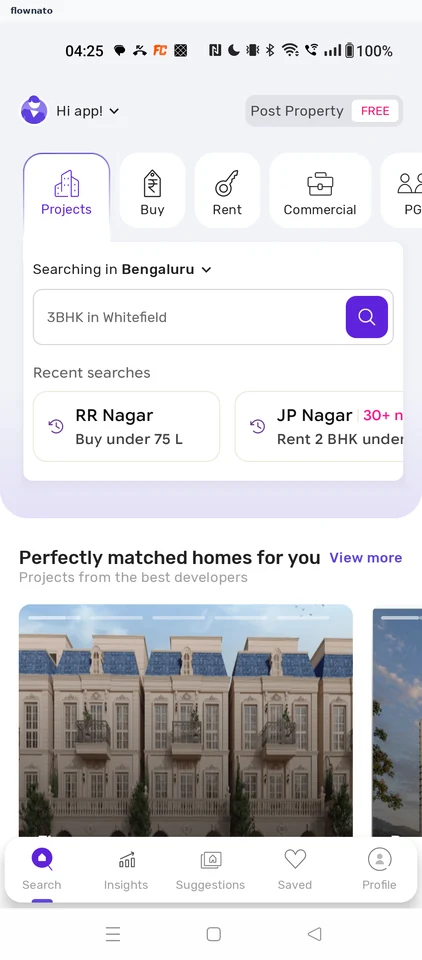
  1. Signed-in Home
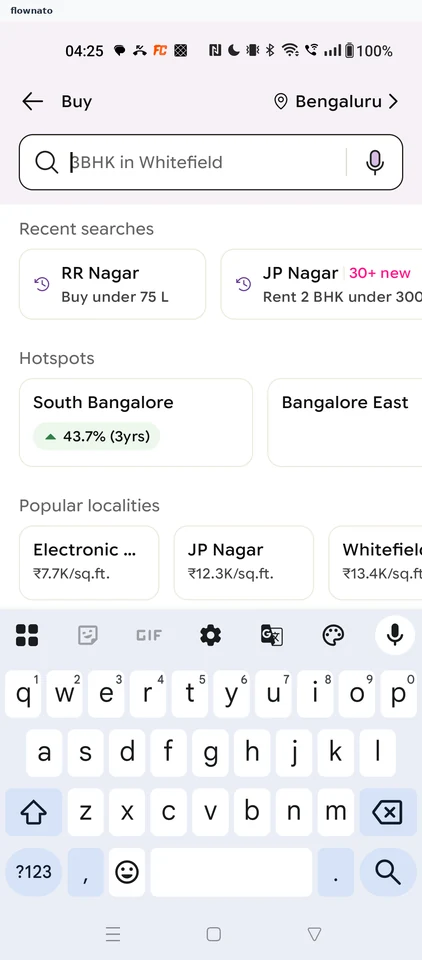
  2. Locality search
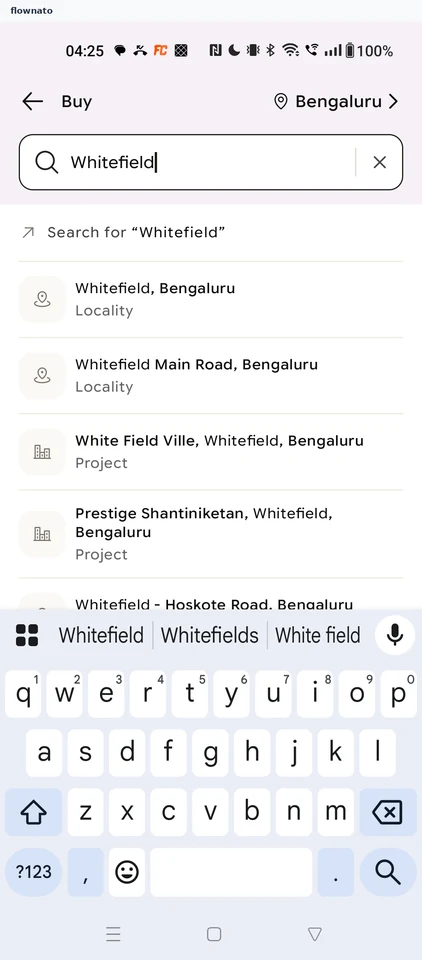
  3. Locality search
  4. Search results
  5. Search results

5 screens

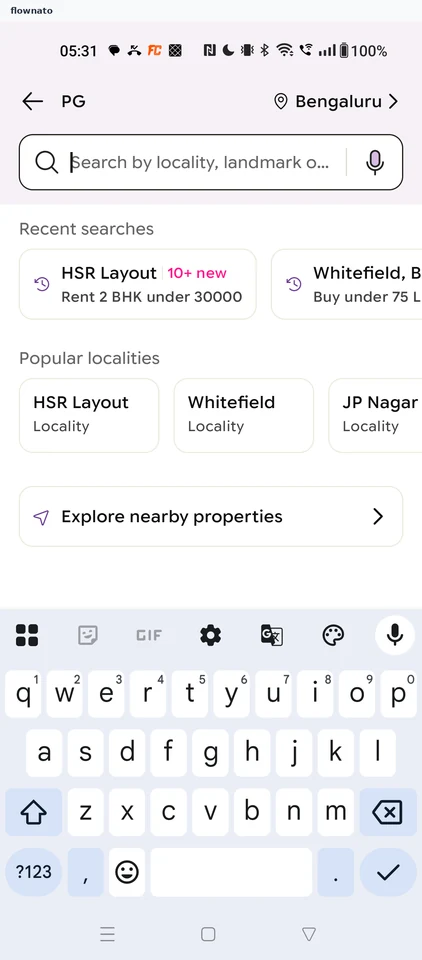
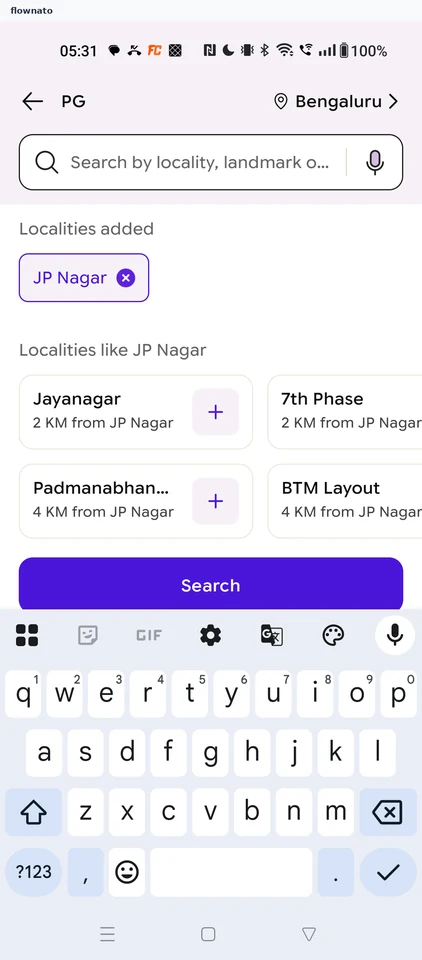
Searching for PG

Flow

About Housing Searching for PG

  1. Home
  2. Locality search
  3. Locality search
  4. Locality search
  5. Filter
  6. Search results
  7. Search results

7 screens

Logging in

Flow

About Housing Logging in

  1. Profile with Login
  2. Choose a phone number
  3. Log in or sign up sheet
  4. Finish signing up
  5. Choose a Google account
  6. Logged-in Profile

6 screens

Searching for projects

Flow

About Housing Searching for projects

  1. Home
  2. Search
  3. Search
  4. Search results
  5. Search results

5 screens

Project detail

Flow

About Housing Project detail

  1. Project detail
  2. Project detail
  3. Project detail
  4. Project detail
  5. Project detail
  6. Project detail

6 screens

Filtering floor plans

Flow

About Housing Filtering floor plans

  1. Project detail
  2. 3 BHK plan cards

2 screens

Floor plan

Flow

About Housing Floor plan

  1. 3 BHK plan cards
  2. 3D floor plan
  3. 2D floor plan

3 screens

Location map (project detail)

Flow

About Housing Location map (project detail)

  1. Project page
  2. Location map
  3. Surroundings

3 screens

Gallery

Flow

About Housing Gallery

  1. Carousel end card
  2. Gallery by category
  3. Master plan
  4. Full-screen photo
  5. Next photo

5 screens

Contacting sellers

Flow

About Housing Contacting sellers

  1. Carousel moved instead
  2. Enquiry confirmed

2 screens

Calling a seller

Flow

About Housing Calling a seller

  1. Project detail
  2. Phone dialer with seller number

2 screens

Sorting results (projects)

Flow

About Housing Sorting results (projects)

  1. Results in Relevance order
  2. Sort options
  3. Cheapest first

3 screens

Filtering results (projects)

Flow

About Housing Filtering results (projects)

  1. Project results
  2. 3 BHK checked
  3. Filtered results

3 screens

Property detail (Buy)

Flow

About Housing Property detail (Buy)

  1. Property detail
  2. Property detail
  3. Listing with heart

3 screens

Saving a property

Flow

About Housing Saving a property

  1. Listing with heart
  2. Saved to wishlist
  3. Property detail

3 screens

Price breakup

Flow

About Housing Price breakup

  1. Listing card
  2. Price breakup

2 screens

Browsing photos

Flow

About Housing Browsing photos

  1. Property detail
  2. Property detail

2 screens

Contacting an agent

Flow

About Housing Contacting an agent

  1. Listing details
  2. Enquiry confirmed

2 screens

Filtering results (buy)

Flow

About Housing Filtering results (buy)

  1. Whitefield results
  2. Sort options
  3. Sorted results
  4. 2 BHK selected
  5. Filtered results

5 screens

Searching for Rent

Flow

About Housing Searching for Rent

  1. Home
  2. Locality search
  3. Search results

3 screens

Property detail (Rent)

Flow

About Housing Property detail (Rent)

  1. Search results
  2. Property detail

2 screens

Searching for Commercial

Flow

About Housing Searching for Commercial

  1. Home
  2. Commercial search
  3. Locality search entry
  4. Commercial search
  5. Commercial search
  6. Filter
  7. Filter
  8. Search results

8 screens

Listing detail

Flow

About Housing Listing detail

  1. Listing detail
  2. Listing detail
  3. Listing detail

3 screens

Contacting owner

Flow

About Housing Contacting owner

  1. Listing detail
  2. Owner details

2 screens

Location map (listing detail)

Flow

About Housing Location map (listing detail)

  1. Listing detail
  2. Location map
  3. Location map

3 screens

Filtering results (commercial)

Flow

About Housing Filtering results (commercial)

  1. Search results
  2. Commercial results sort sheet
  3. Search results
  4. Commercial results sort sheet
  5. Search results
  6. Commercial search results
  7. Search results

7 screens

Changing sub category

Flow

About Housing Changing sub category

  1. Search results
  2. Filter
  3. Filter
  4. Filter
  5. Search results

5 screens

PG detail

Flow

About Housing PG detail

  1. Search results
  2. PG detail
  3. PG detail
  4. PG detail
  5. PG detail
  6. PG detail
  7. PG detail

7 screens

Share options

Flow

About Housing Share options

  1. PG detail
  2. Share options

2 screens

Photo gallery

Flow

About Housing Photo gallery

  1. Listing cover photo
  2. Photo gallery
  3. Sharing room photos

3 screens

Map view

Flow

About Housing Map view

  1. Listing location
  2. Map with healthcare
  3. Nearby commute

3 screens

Subscribing to Premium

Flow

About Housing Subscribing to Premium

  1. PG details
  2. Premium paywall

2 screens

Sorting results (pg)

Flow

About Housing Sorting results (pg)

  1. Results before sorting
  2. Sort options
  3. Cheapest first

3 screens

Filtering results (pg)

Flow

About Housing Filtering results (pg)

  1. Results with one filter
  2. Filter sheet
  3. Double Sharing checked
  4. Filtered results

4 screens