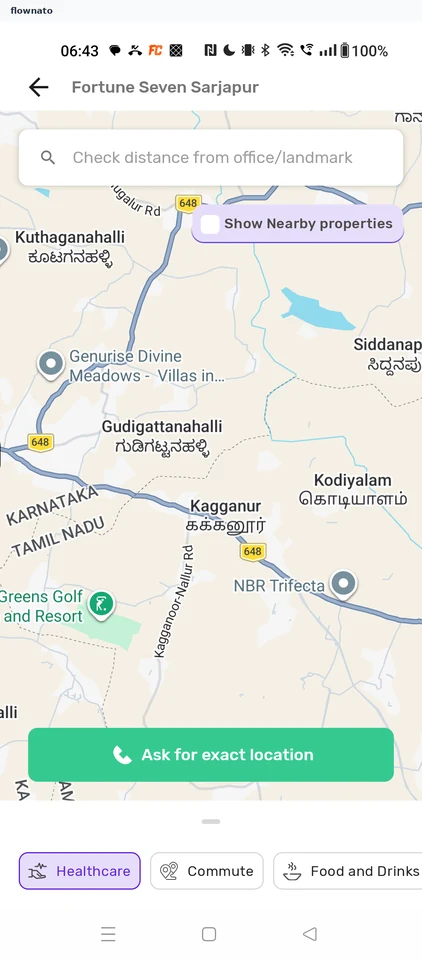
Checking the project location — Housing UX flow
Checking the project location in Housing.
Step 1: Project page
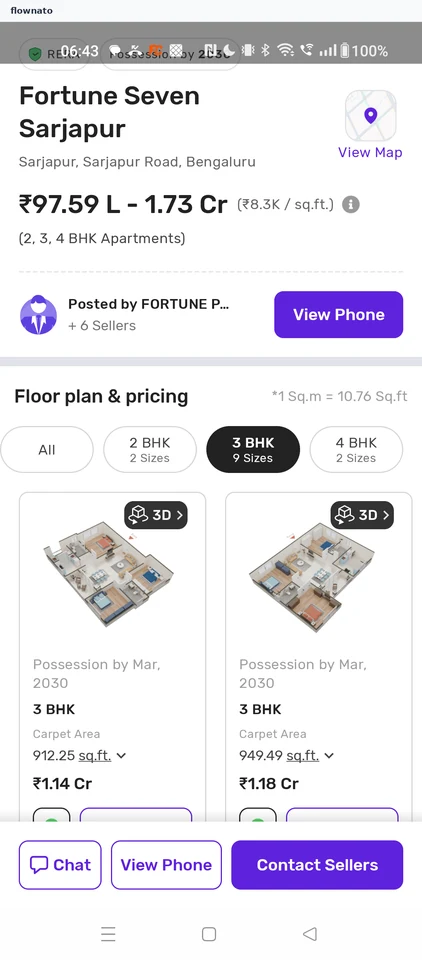
Product details · Price, Button, Chip, Card, Image, Section header
Step 2: Location map
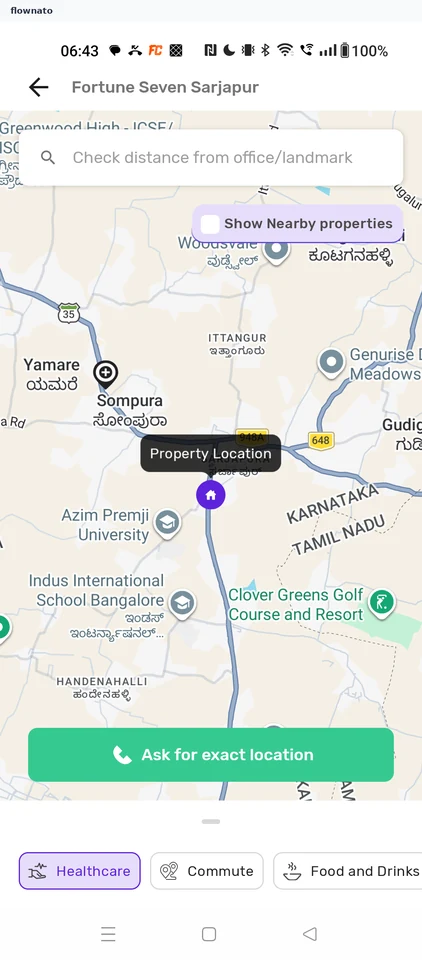
Pin location · Map, Search bar, Checkbox, Tooltip, Map pin, Button
Step 3: Surroundings