MyFitnessPal app UI and user flows

About MyFitnessPal

Screens and user flows from the MyFitnessPal app.

MyFitnessPal is an Android app. Last recorded on 12 October 2026.

Android

MyFitnessPal journeys

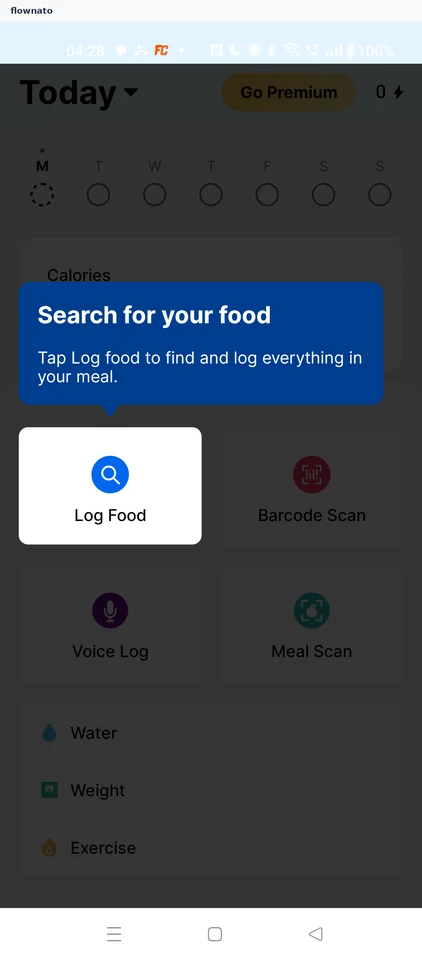
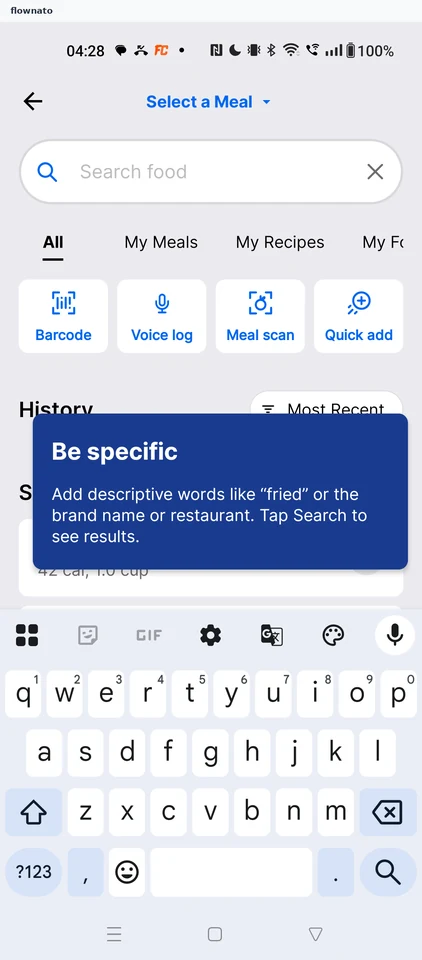
  1. Logging a food

    12 steps · complete with a free account
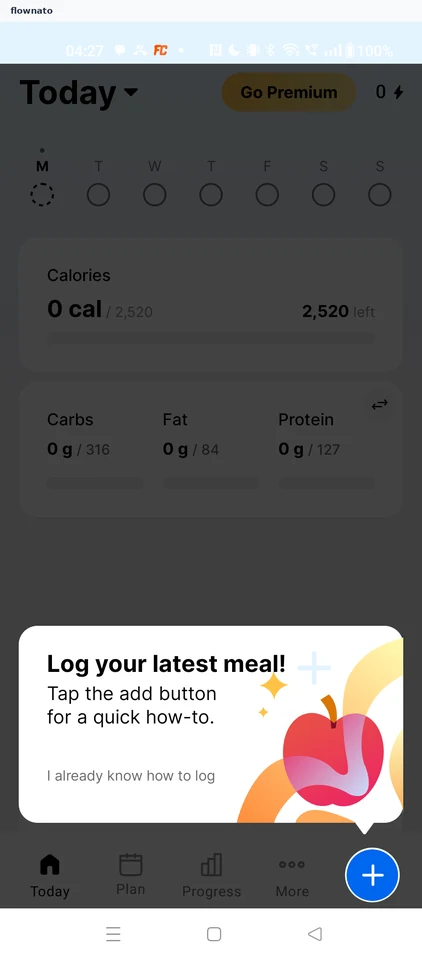
    MyFitnessPal: Empty TodayMyFitnessPal: Add menuMyFitnessPal: Search for a food
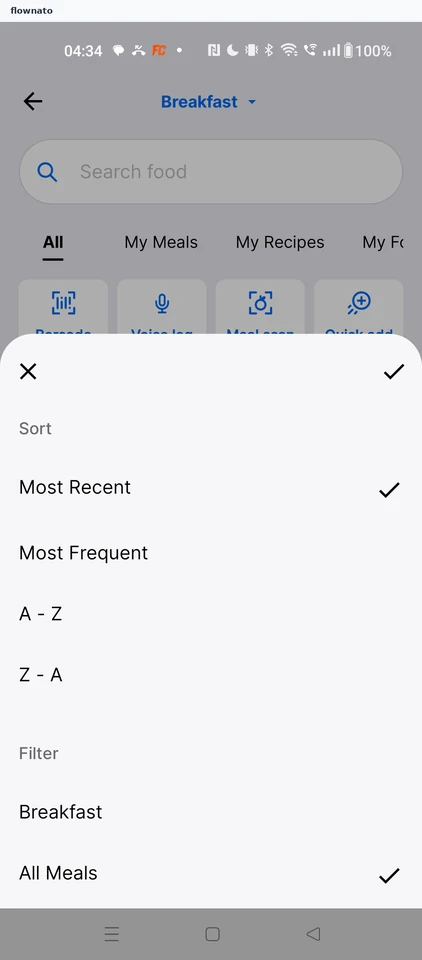
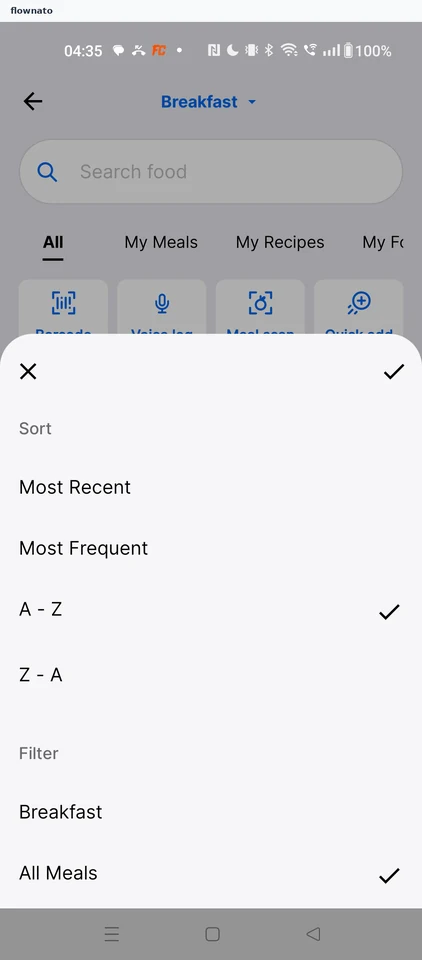
  2. Sorting food history

    4 steps

    MyFitnessPal: History sort chipMyFitnessPal: Sort and filter sheetMyFitnessPal: Confirm the sort
  3. Quick adding calories

    4 steps

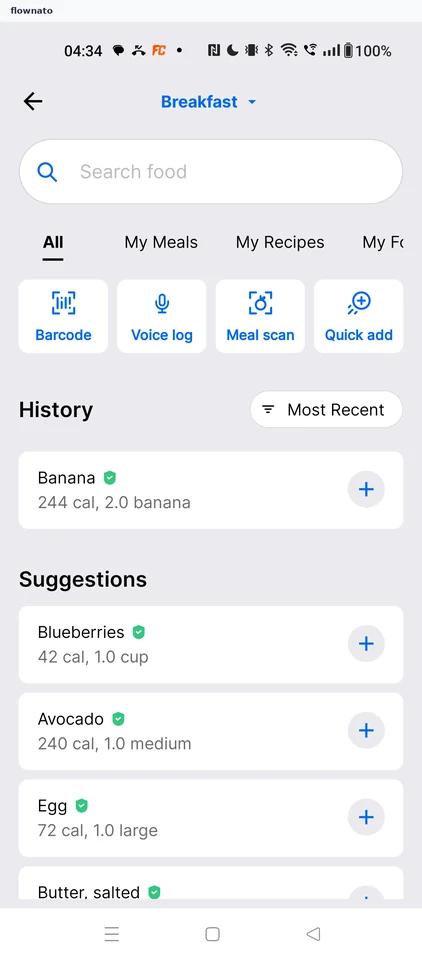
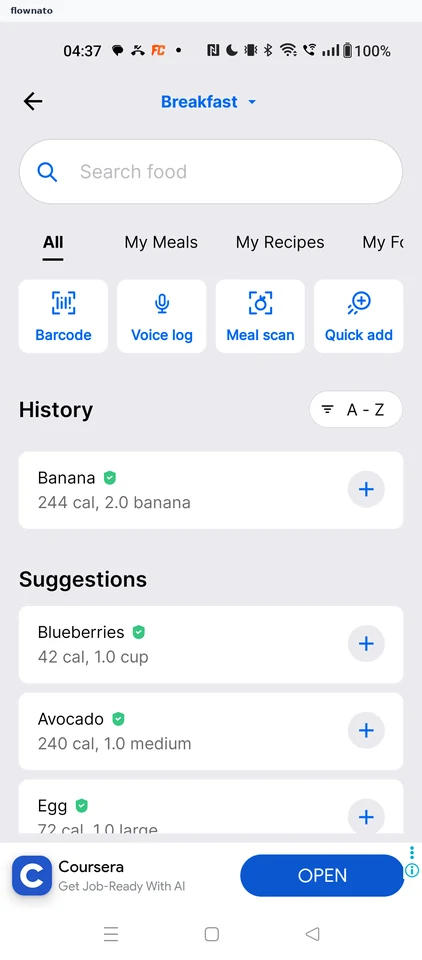
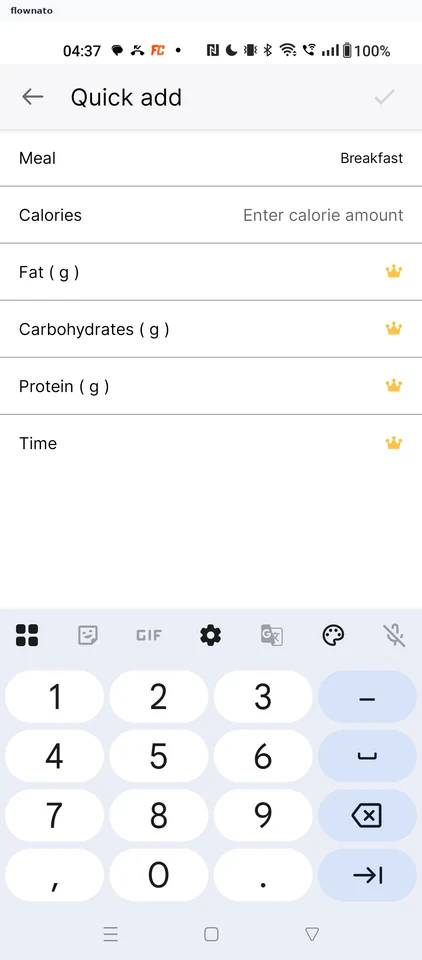
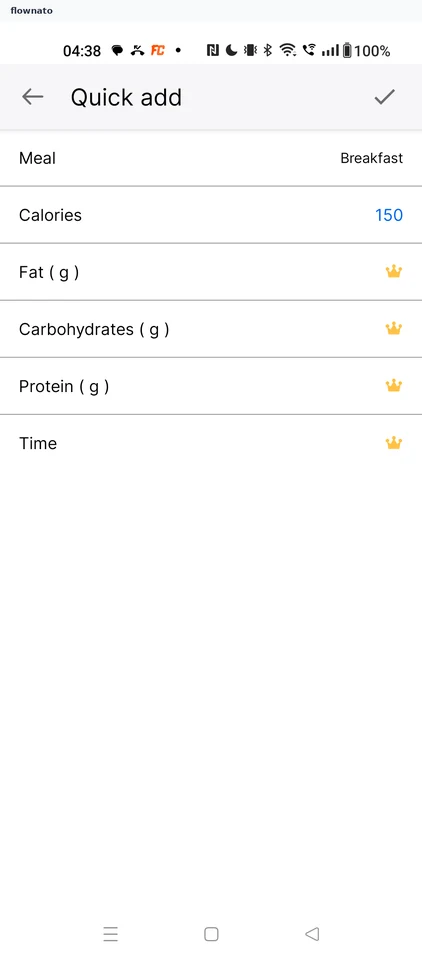
    MyFitnessPal: Food search hubMyFitnessPal: Quick add formMyFitnessPal: Save 150 calories
  4. Editing a food's servings

    7 steps

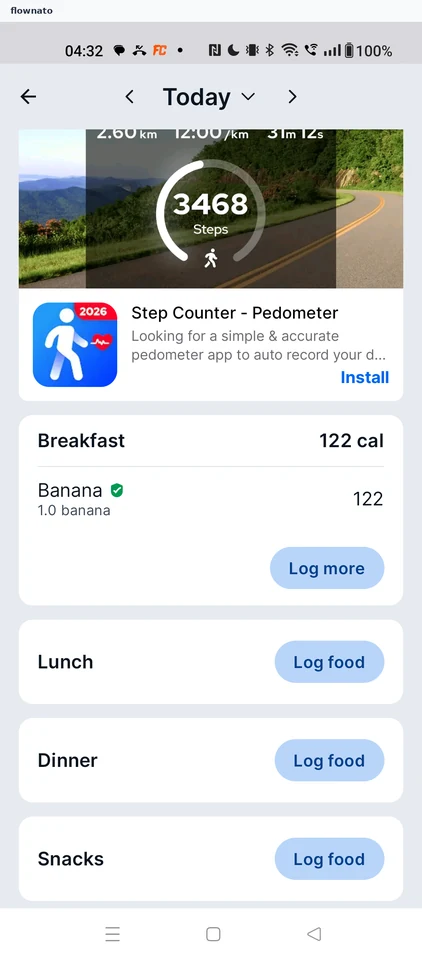
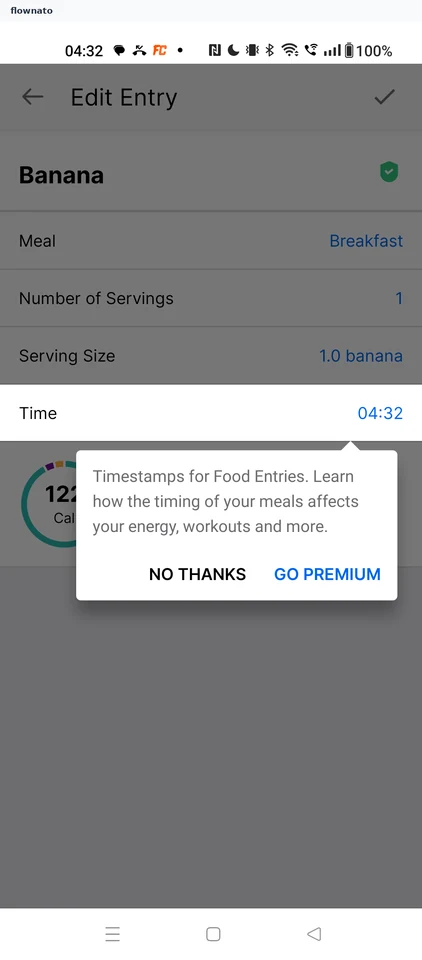
    MyFitnessPal: Logged Banana on TodayMyFitnessPal: Diary for TodayMyFitnessPal: Premium timestamp prompt
  5. Filtering verified foods

    2 steps

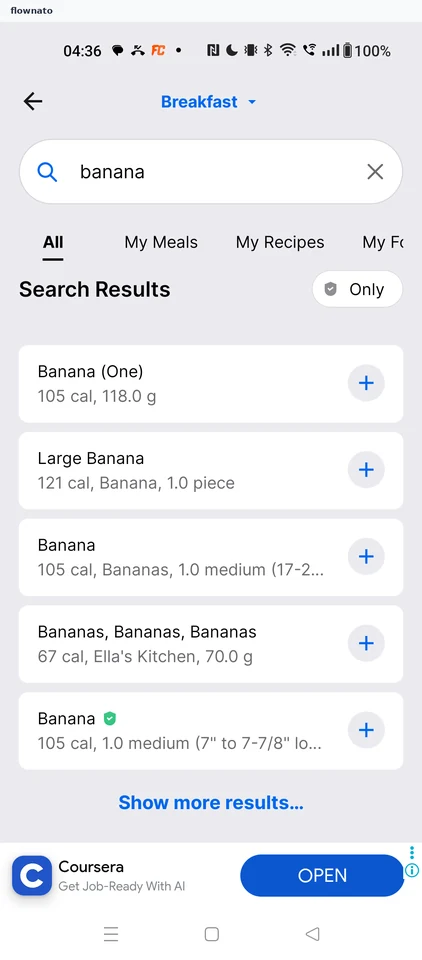
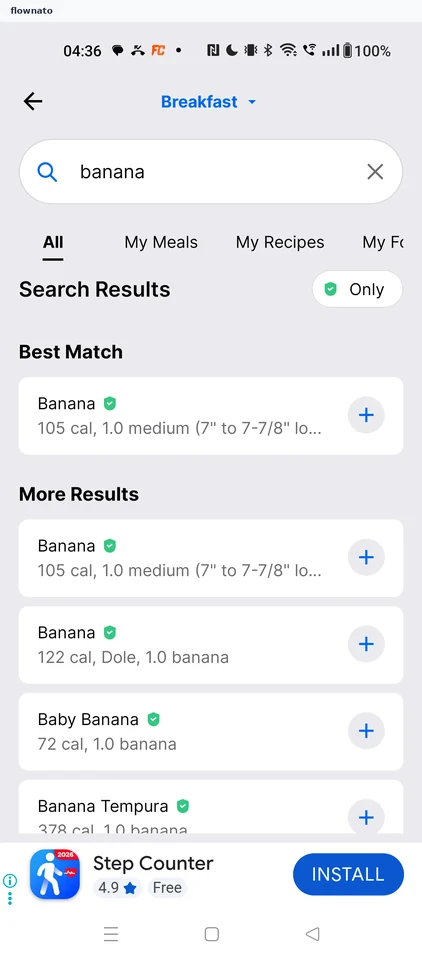
    MyFitnessPal: Unfiltered resultsMyFitnessPal: Verified foods only
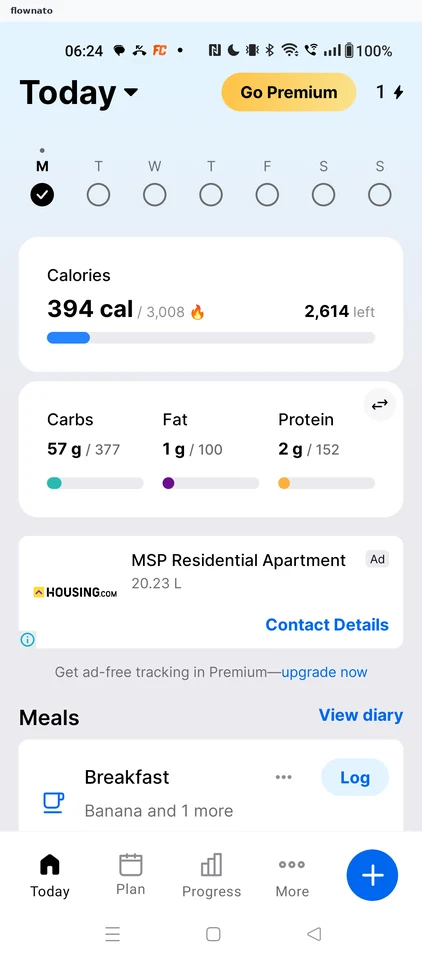
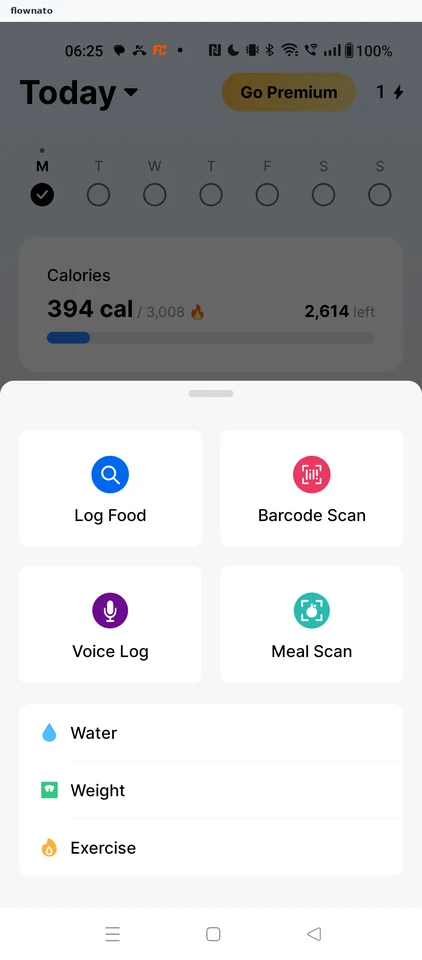
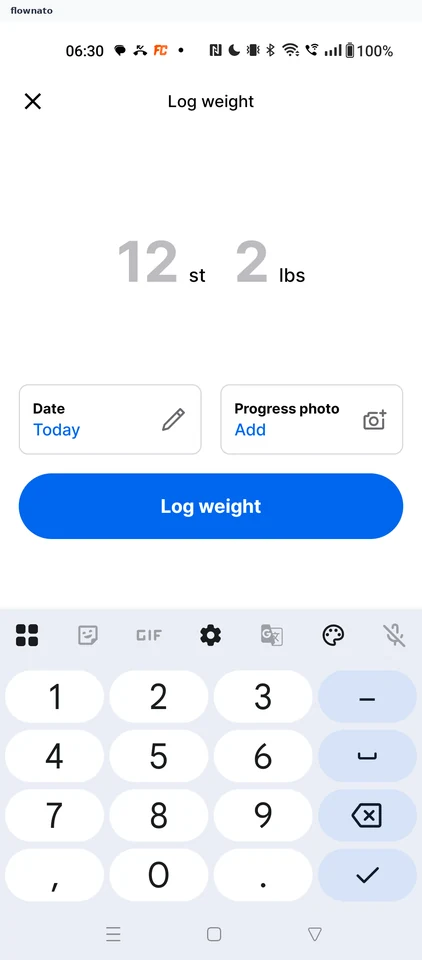
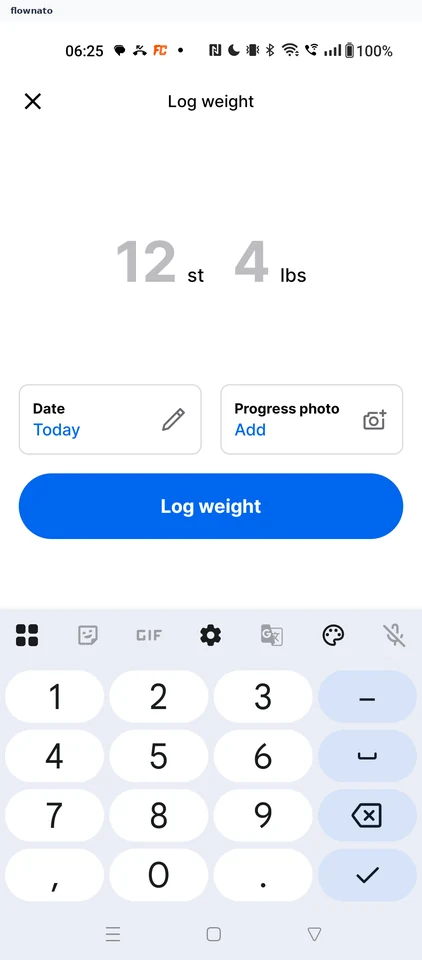
  6. Logging your weight

    6 steps · complete with a free account
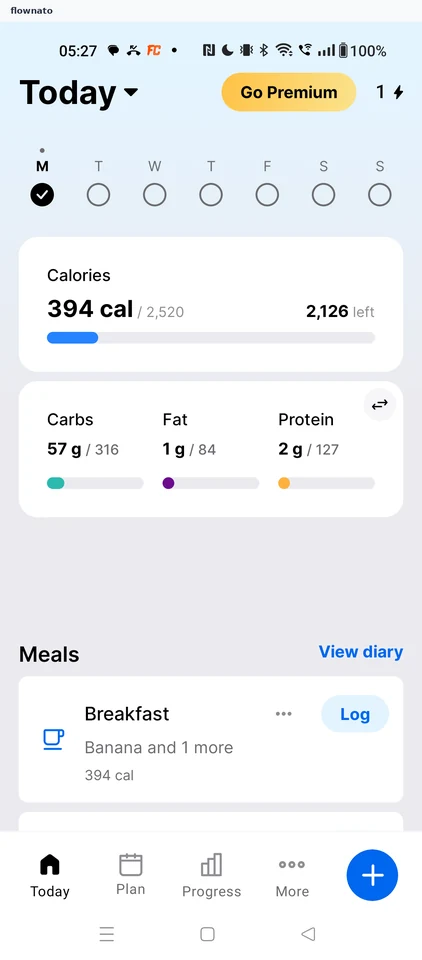
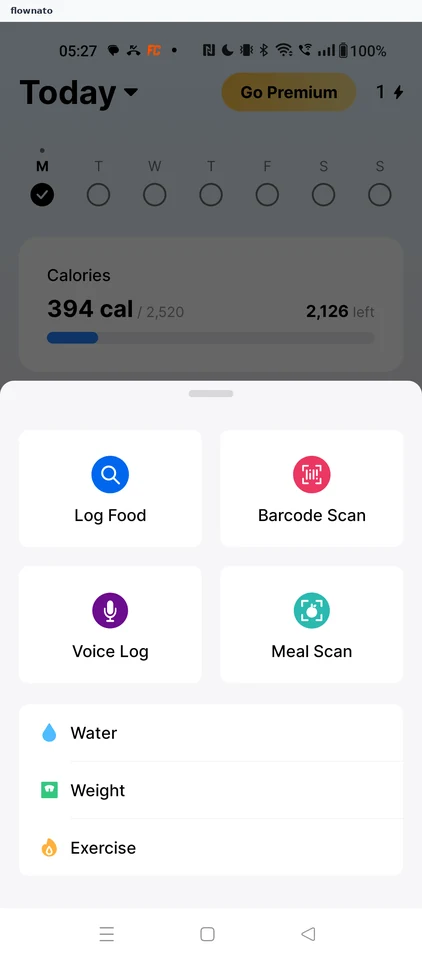
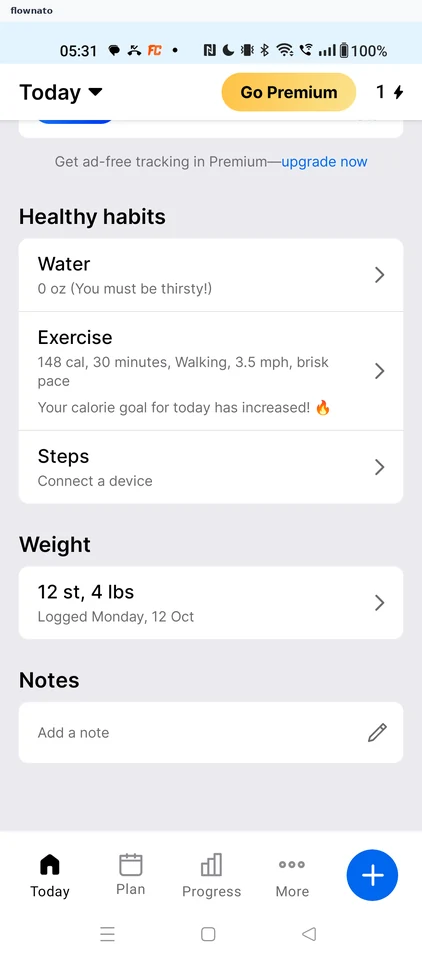
    MyFitnessPal: Today dashboardMyFitnessPal: Choose WeightMyFitnessPal: Log weight form
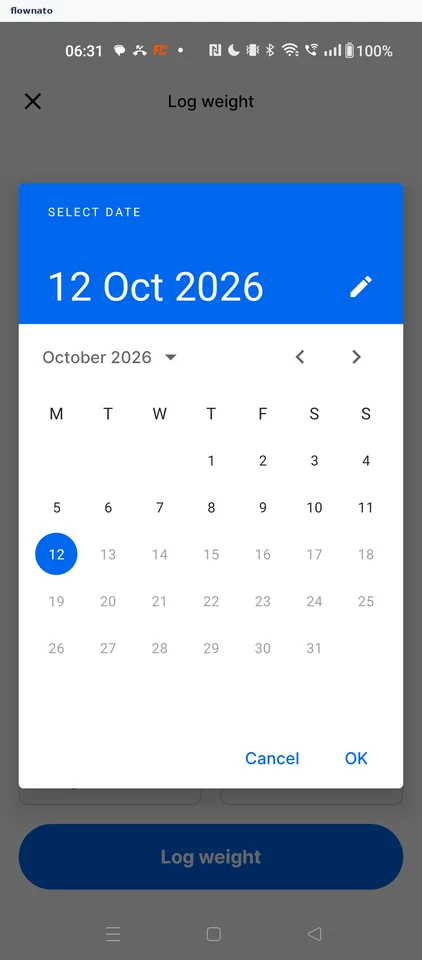
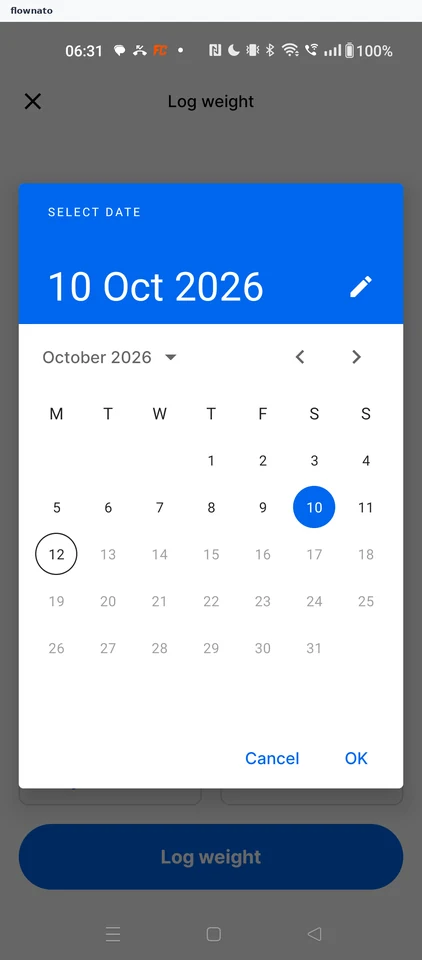
  7. Changing the entry date

    4 steps

    MyFitnessPal: Tap the Date cardMyFitnessPal: Select date calendarMyFitnessPal: Confirm 10 Oct
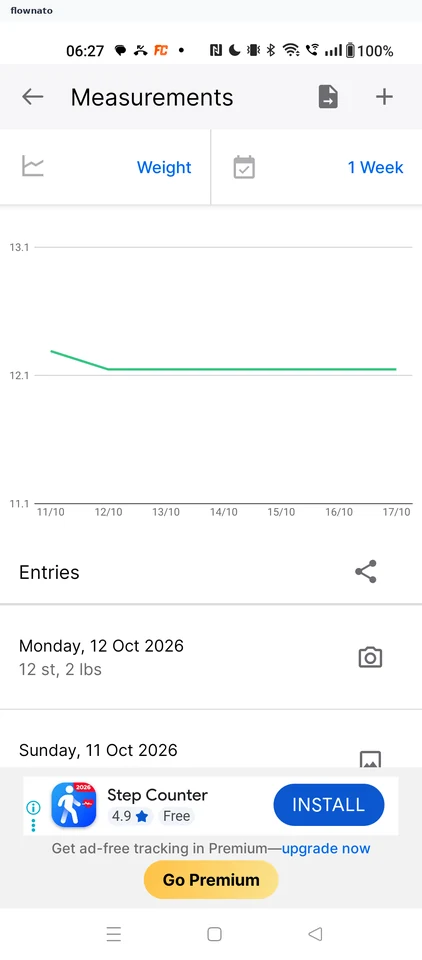
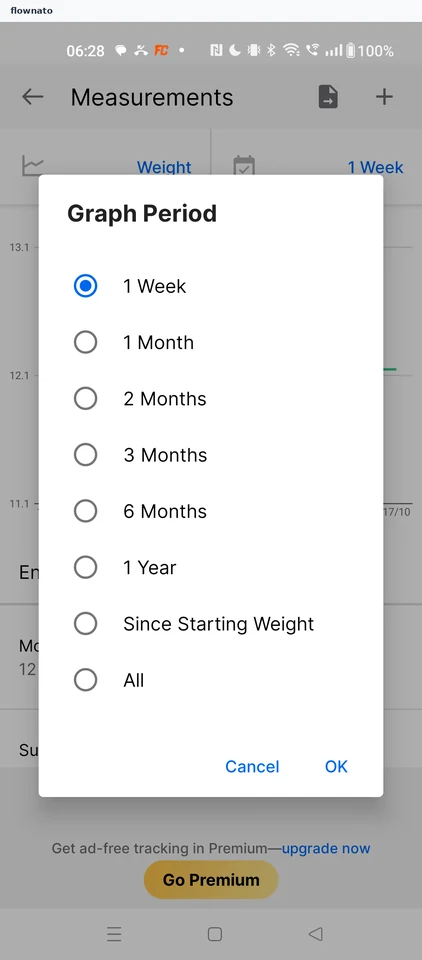
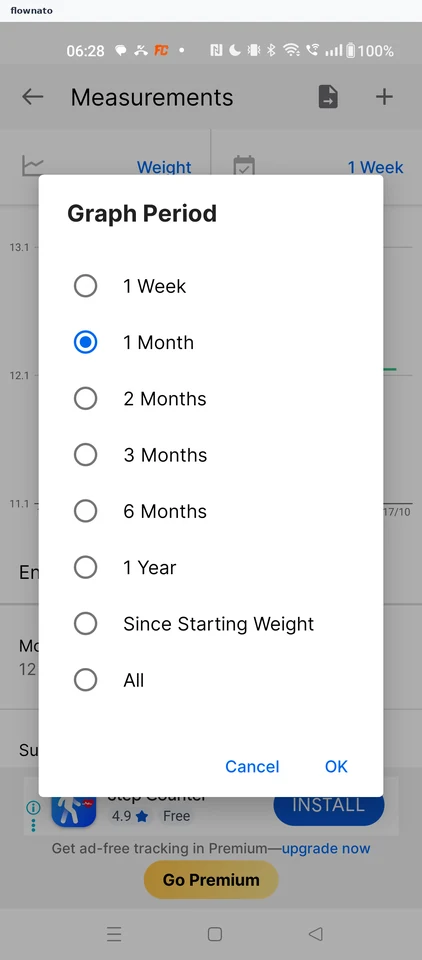
  8. Changing the chart range

    4 steps

    MyFitnessPal: Open the period selectorMyFitnessPal: Graph Period optionsMyFitnessPal: Confirm 1 Month
  9. Onboarding

    45 steps · complete with a free account
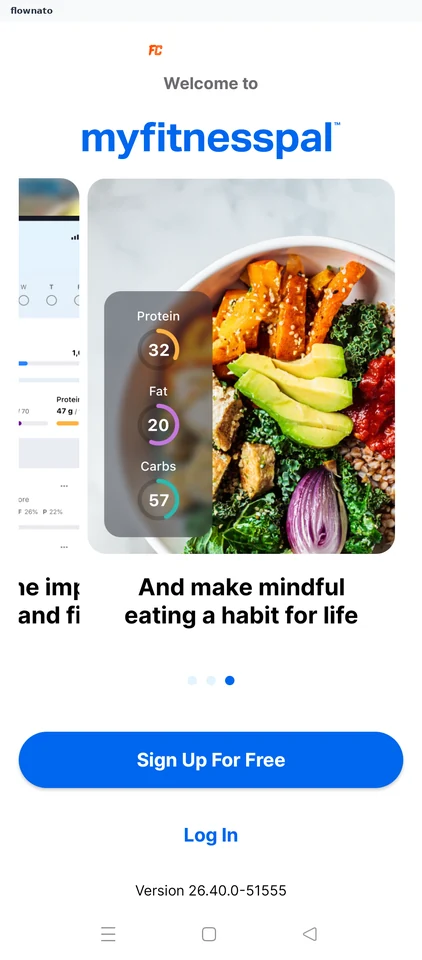
    MyFitnessPal: Launch splashMyFitnessPal: Welcome carouselMyFitnessPal: Last carousel page
  10. Logging an exercise

    10 steps

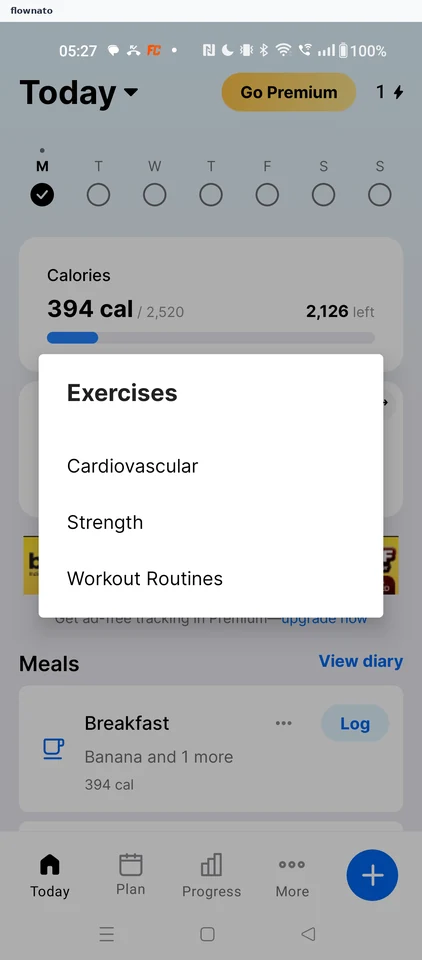
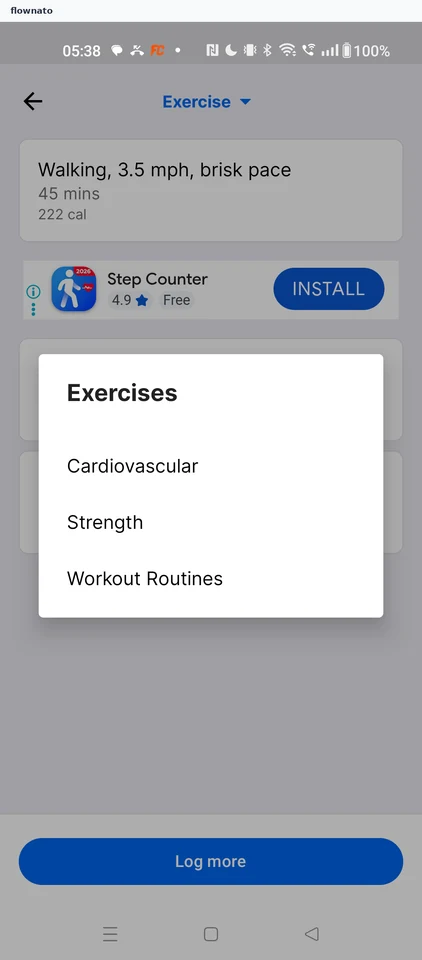
    MyFitnessPal: Start on TodayMyFitnessPal: Choose ExerciseMyFitnessPal: Pick the exercise type
  11. Browsing all cardio exercises

    2 steps
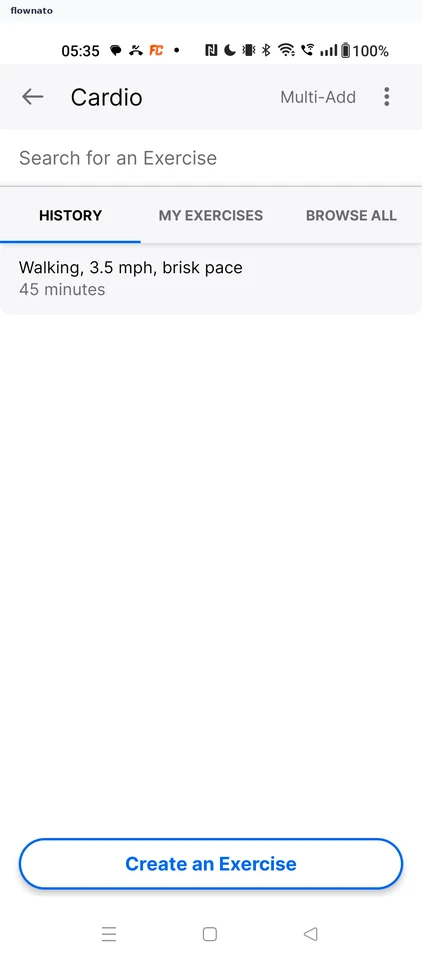
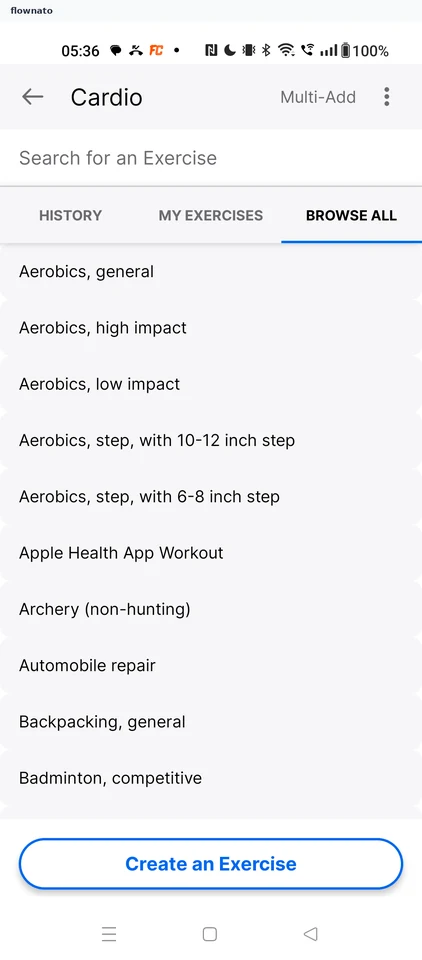
    MyFitnessPal: Cardio search historyMyFitnessPal: Full cardio catalogue
  12. Adding several exercises

    7 steps

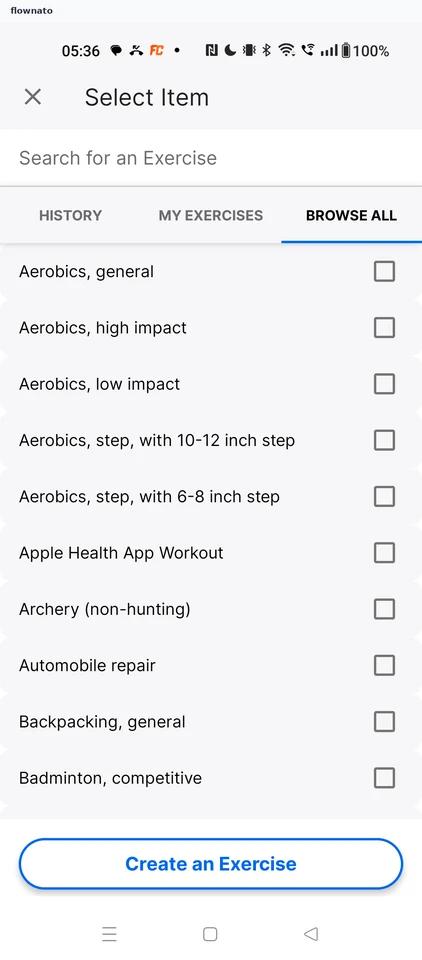
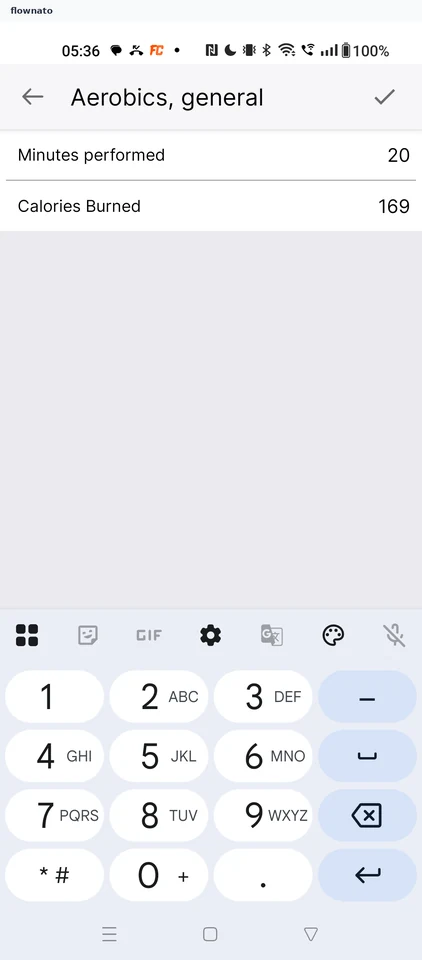
    MyFitnessPal: Start Multi-AddMyFitnessPal: Selection modeMyFitnessPal: Set the first duration
  13. Logging a strength exercise

    5 steps
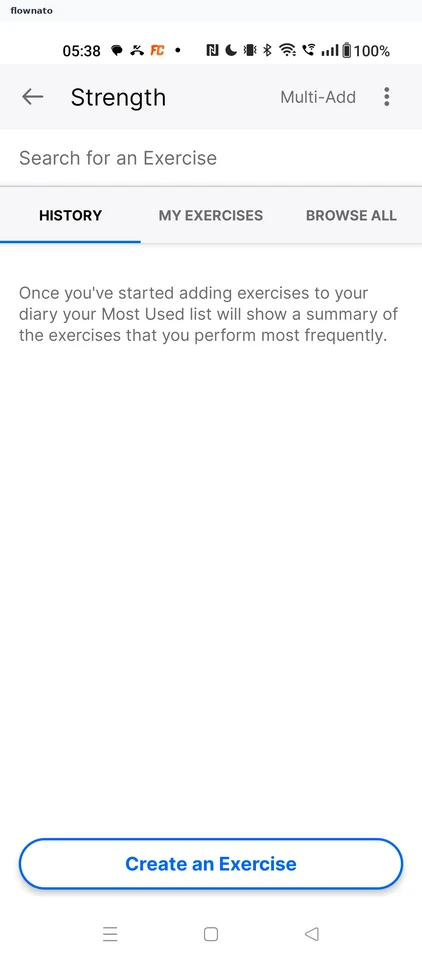
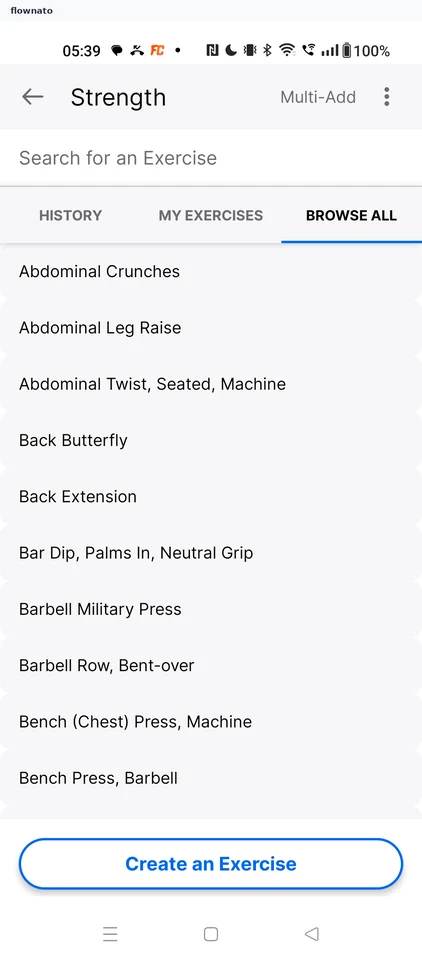
    MyFitnessPal: Choose StrengthMyFitnessPal: Strength searchMyFitnessPal: Pick Bench Press
  14. Editing an exercise

    5 steps

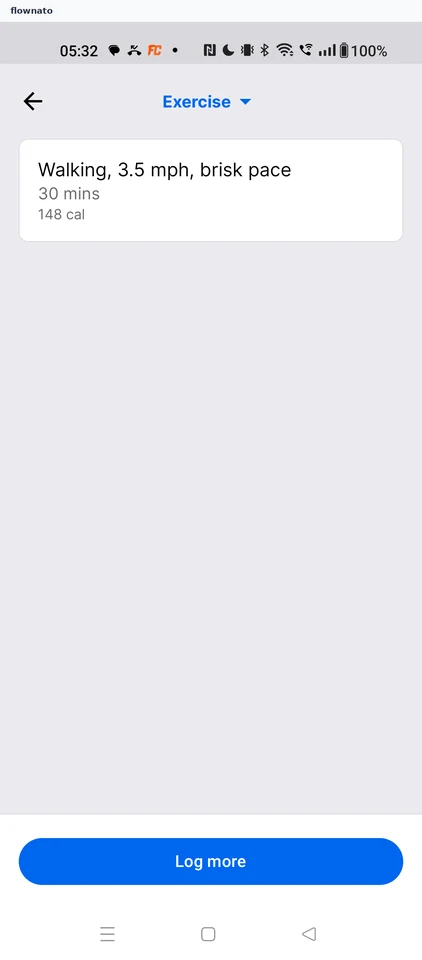
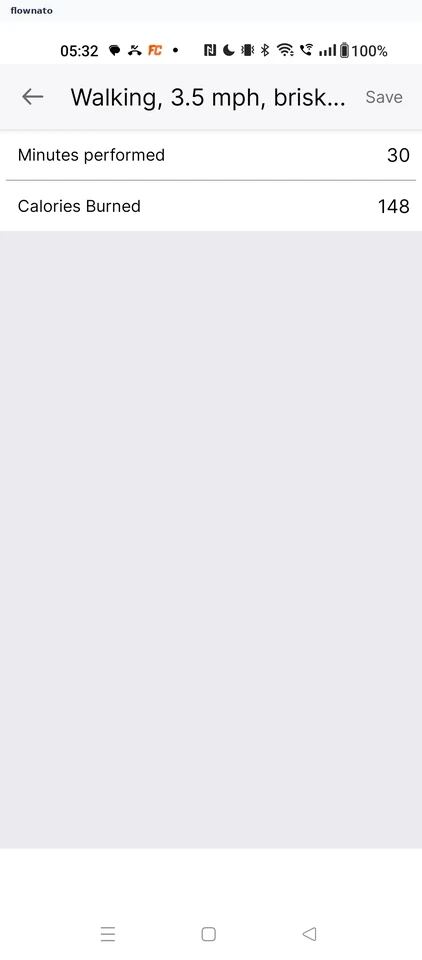
    MyFitnessPal: Open the logged exerciseMyFitnessPal: Today's exercise listMyFitnessPal: Edit form opens

Screen patterns in MyFitnessPal