Changing the entry date — MyFitnessPal UX flow

Changing the entry date in MyFitnessPal.

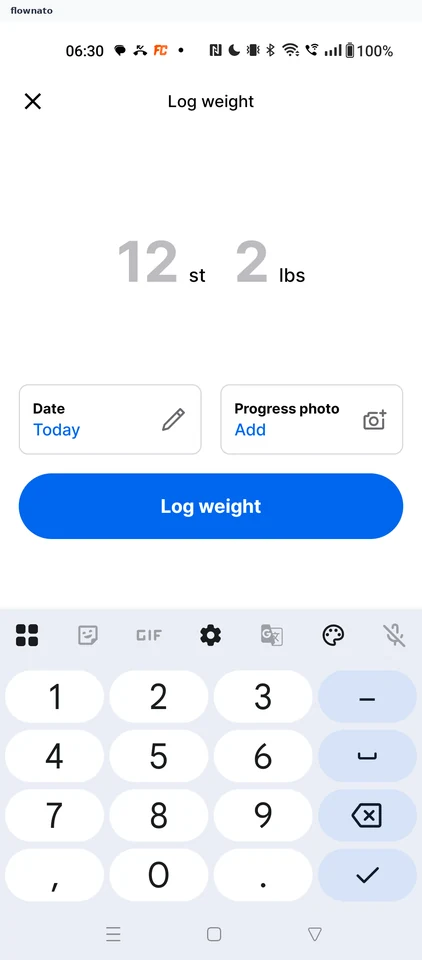
  1. Step 1: Tap the Date card

    MyFitnessPal Tap the Date card screen

    Keyboard, Button, Card

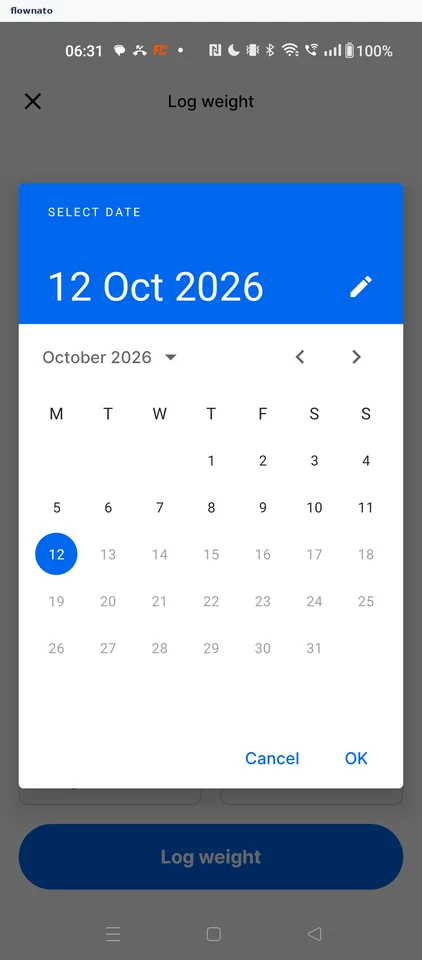
  2. Step 2: Select date calendar

    MyFitnessPal Select date calendar screen

    Date selection · Date picker, Text link, Button

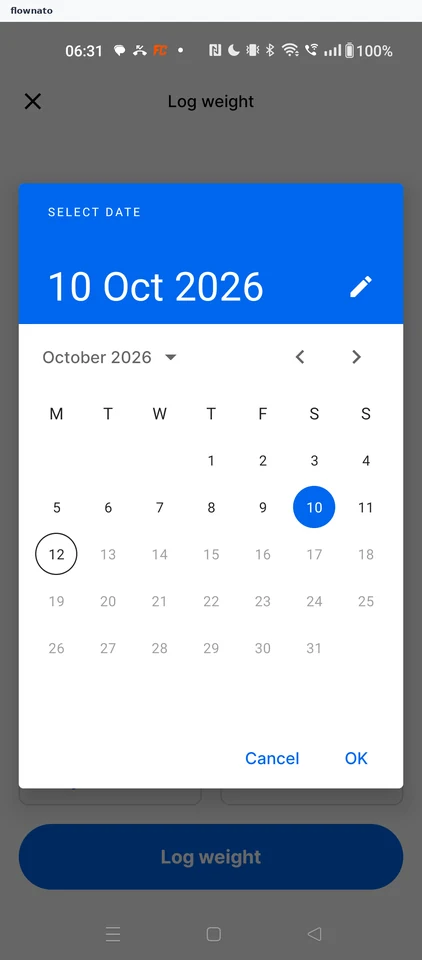
  3. Step 3: Confirm 10 Oct

    MyFitnessPal Confirm 10 Oct screen

    Date selection · Date picker, Text link

  4. Step 4: Date set to 10 Oct

Sign up to see every step

More MyFitnessPal journeys