Changing the chart range — MyFitnessPal UX flow

Changing the chart range in MyFitnessPal.

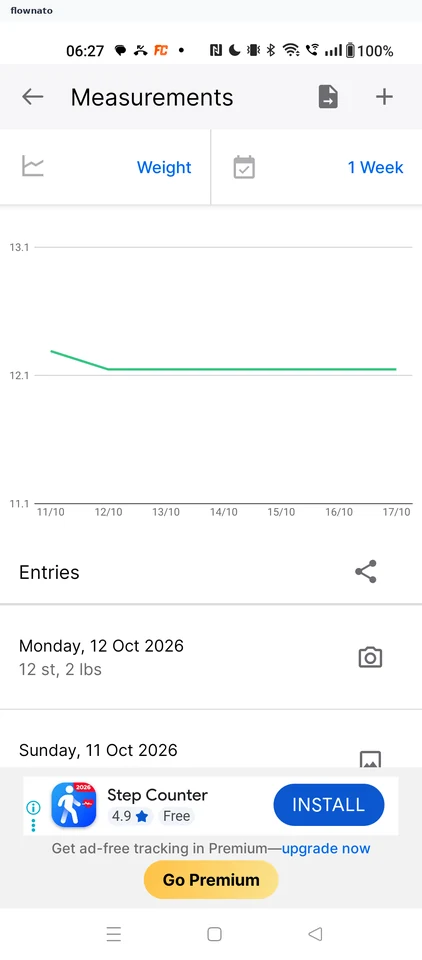
  1. Step 1: Open the period selector

    MyFitnessPal Open the period selector screen

    Statistics · Chart, Select, List, Promo banner

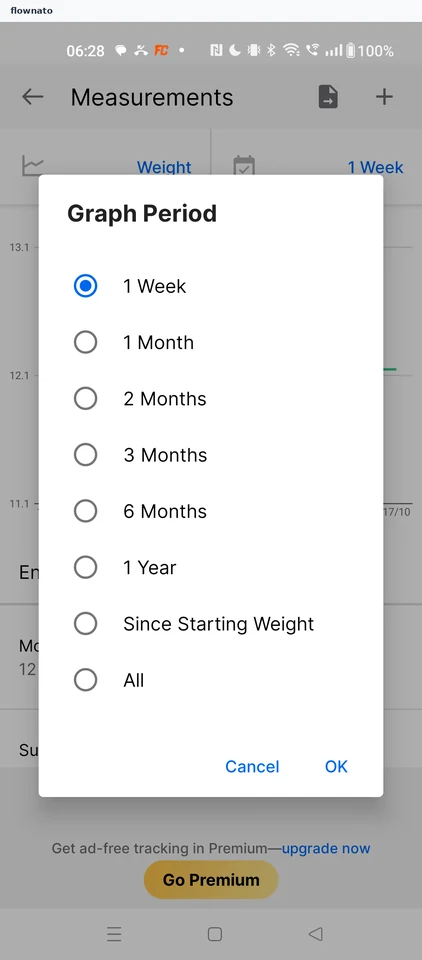
  2. Step 2: Graph Period options

    MyFitnessPal Graph Period options screen

    Statistics · Dialog, Radio button, Text link, Top bar

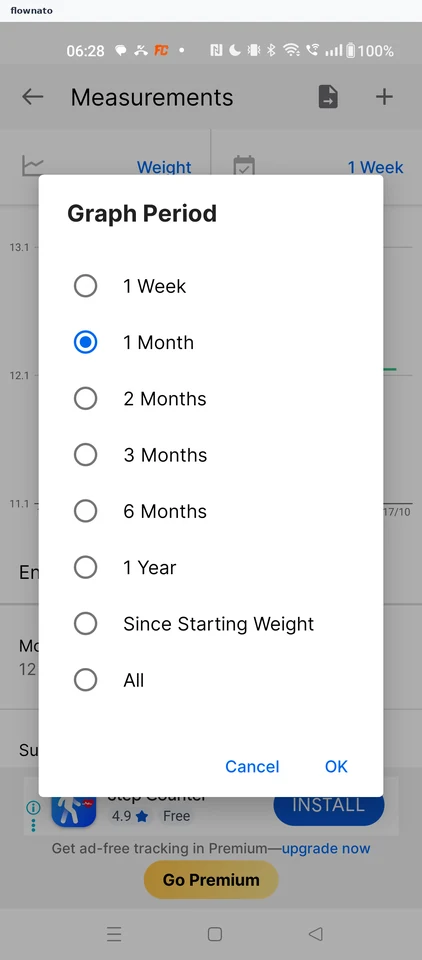
  3. Step 3: Confirm 1 Month

    MyFitnessPal Confirm 1 Month screen

    Statistics · Dialog, Radio button

  4. Step 4: Chart on 1 Month

Sign up to see every step

More MyFitnessPal journeys