Adding several exercises — MyFitnessPal UX flow
Adding several exercises in MyFitnessPal.
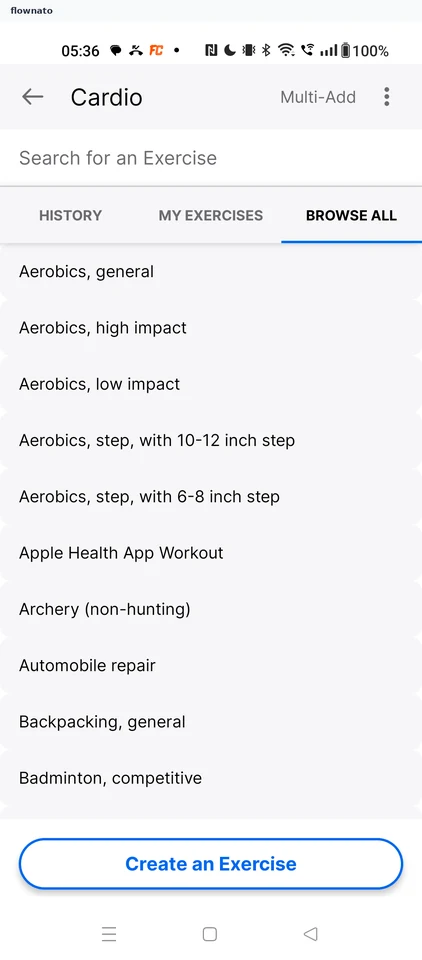
Step 1: Start Multi-Add
Step 2: Selection mode
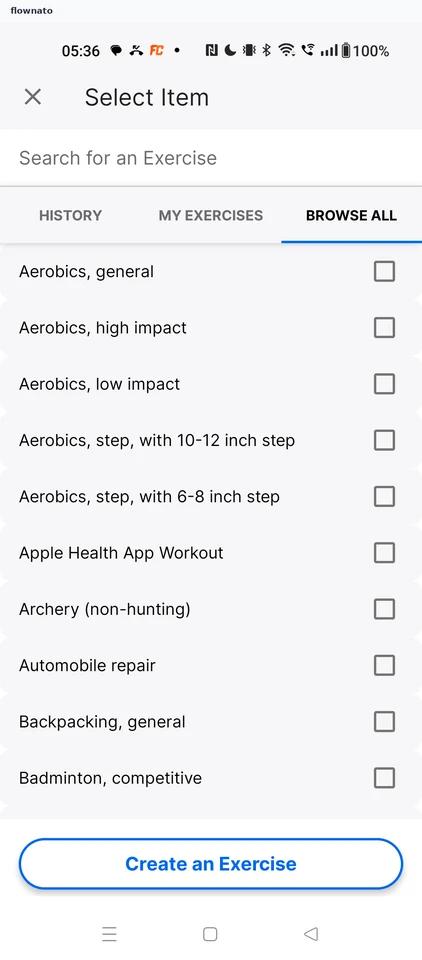
Search · Checkbox, Search bar, Tabs
Step 3: Set the first duration
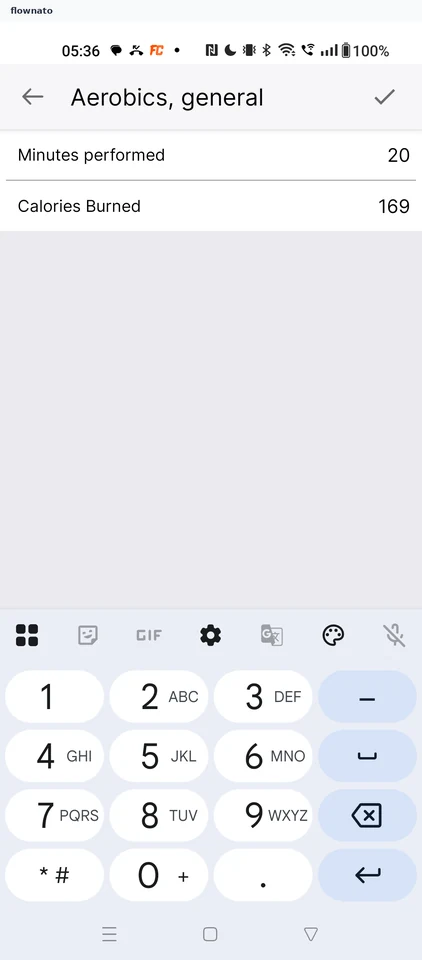
Step 4: One exercise selected
Step 5: Set the second duration
Step 6: Add both exercises
Step 7: Both exercises logged