Logging an exercise — MyFitnessPal UX flow
Logging an exercise in MyFitnessPal.
Step 1: Start on Today
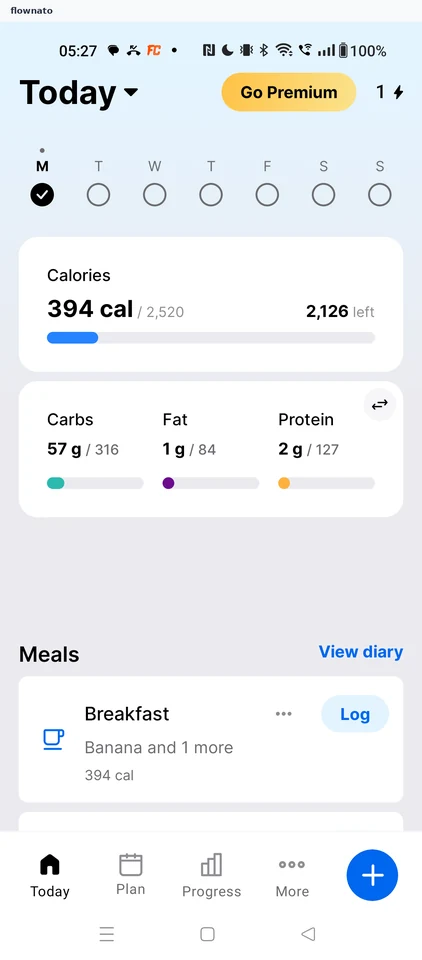
Home · Bottom navigation, Floating action button, Progress indicator
Step 2: Choose Exercise
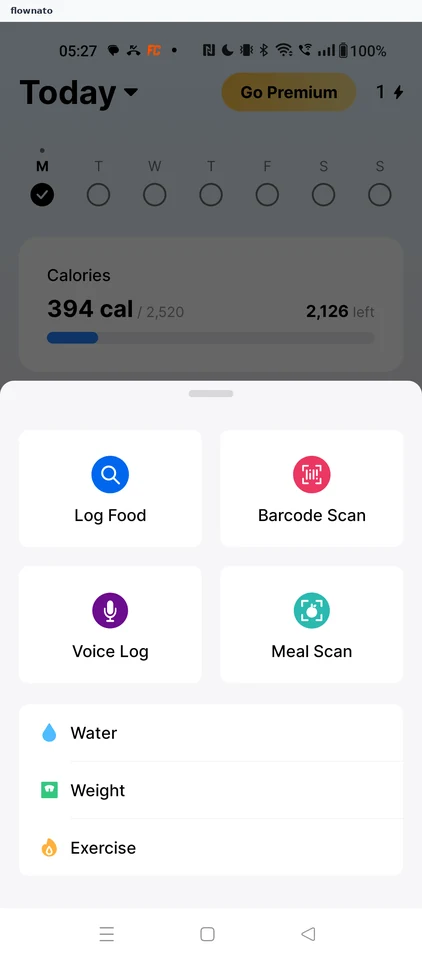
Home · Action sheet, Card, List
Step 3: Pick the exercise type
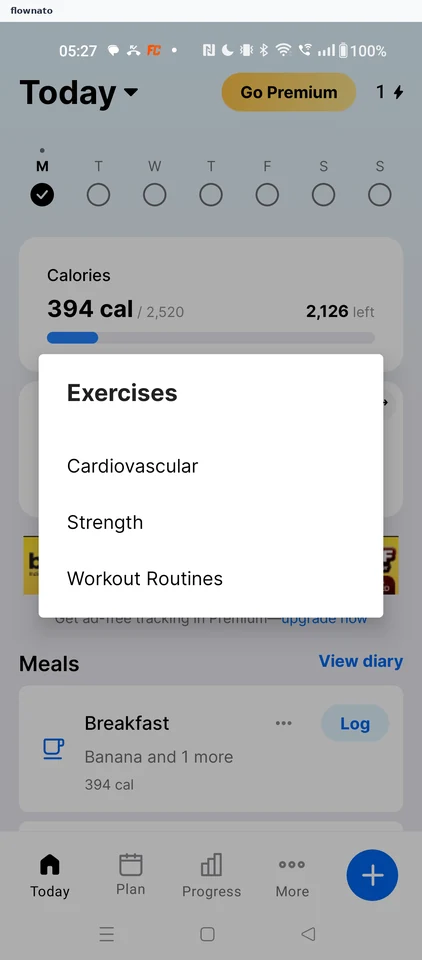
Home · Dialog, List, Bottom navigation, Floating action button
Step 4: Open the Cardio search
Step 5: Search for walking
Step 6: Pick a walking pace
Step 7: Enter the duration
Step 8: Calorie goal rises
Step 9: Check the food diary
Step 10: Exercise appears on Today