Logging a food — MyFitnessPal UX flow
Logging a food in MyFitnessPal.
Step 1: Empty Today
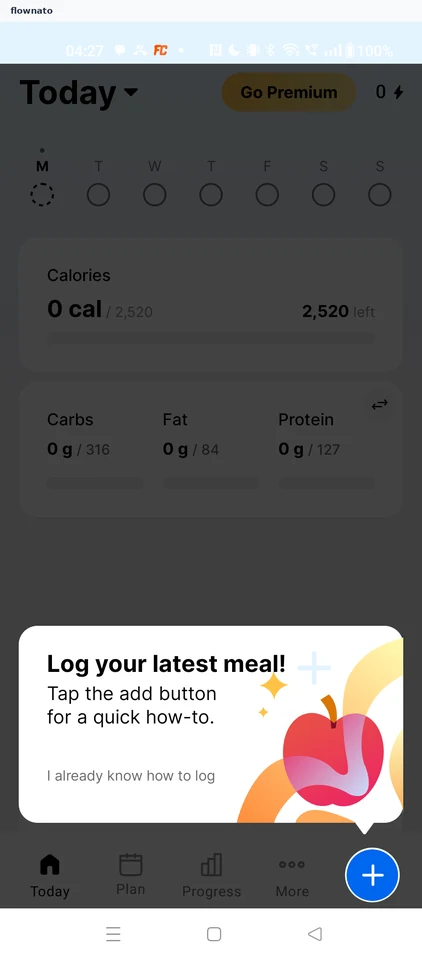
Home · Coach mark, Floating action button, Bottom navigation, Progress indicator, Button, Card
Step 2: Add menu
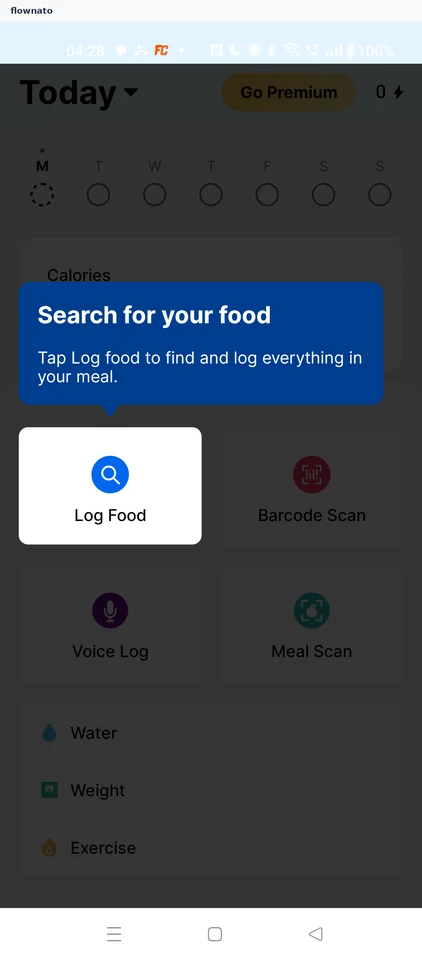
Step 3: Search for a food
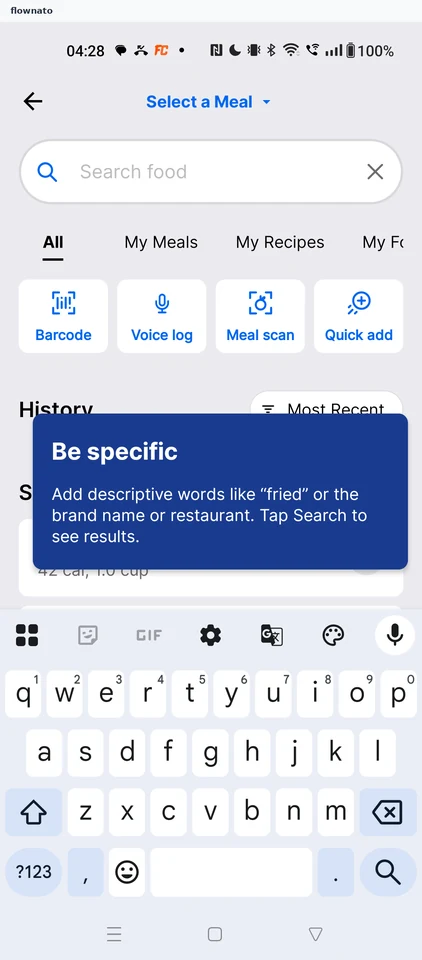
Search · Search bar, Tabs, Card, Coach mark, Keyboard
Step 4: Search results tip
Step 5: Choose a food
Step 6: Food detail tip
Step 7: Food details
Step 8: Pick a meal
Step 9: Save the entry
Step 10: Food logged
Step 11: Streak tip
Step 12: Updated Today