Logging your weight — MyFitnessPal UX flow
Logging your weight in MyFitnessPal.
Step 1: Today dashboard
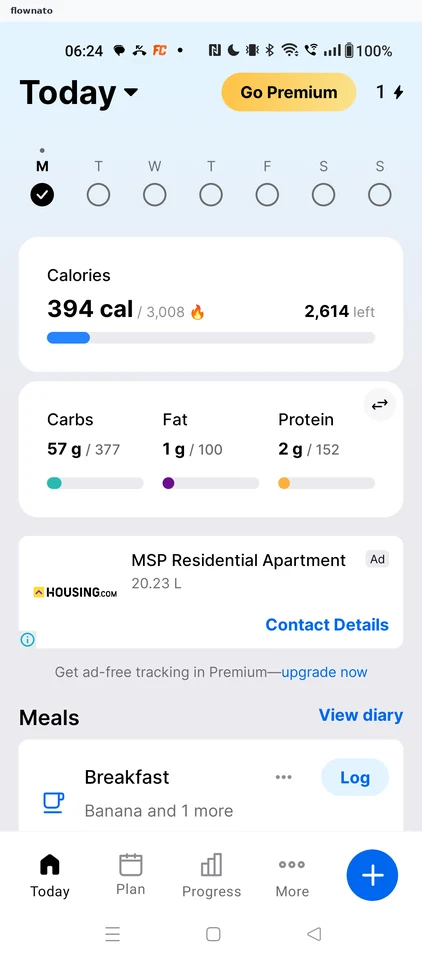
Home · Bottom navigation, Floating action button, Progress indicator, Promo banner, Button, Section header
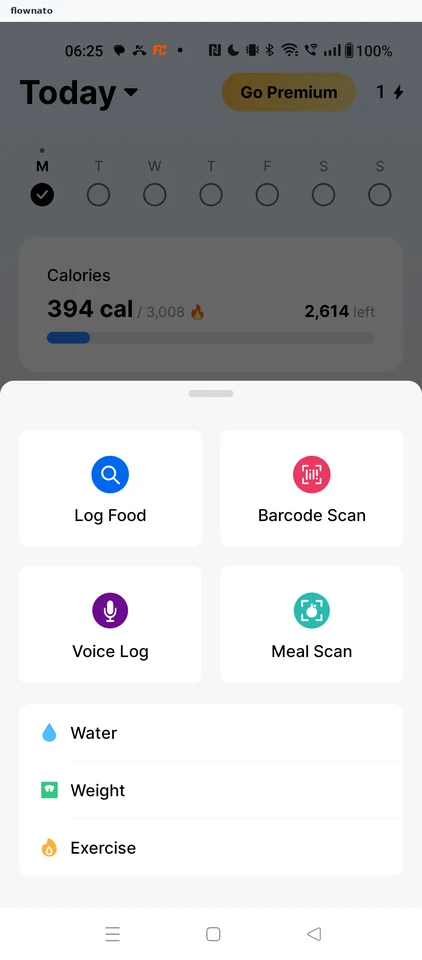
Step 2: Choose Weight
Step 3: Log weight form
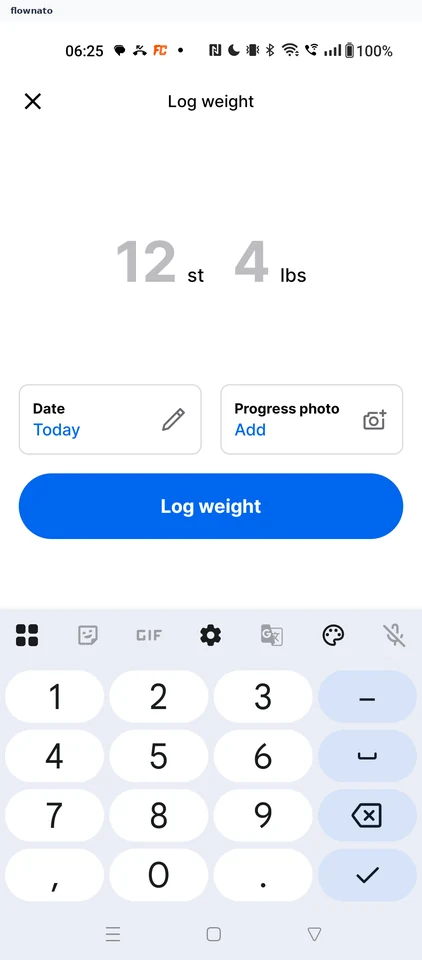
Step 4: Enter 12 st 2 lbs
Step 5: Weight logged
Step 6: New entry on Measurements