Editing a food's servings — MyFitnessPal UX flow
Editing a food's servings in MyFitnessPal.
Step 1: Logged Banana on Today
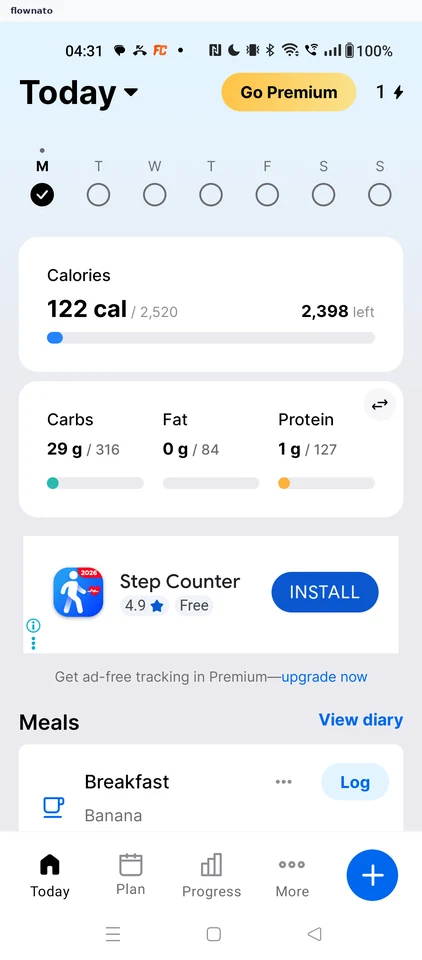
Home · Bottom navigation, Floating action button, Promo banner
Step 2: Diary for Today
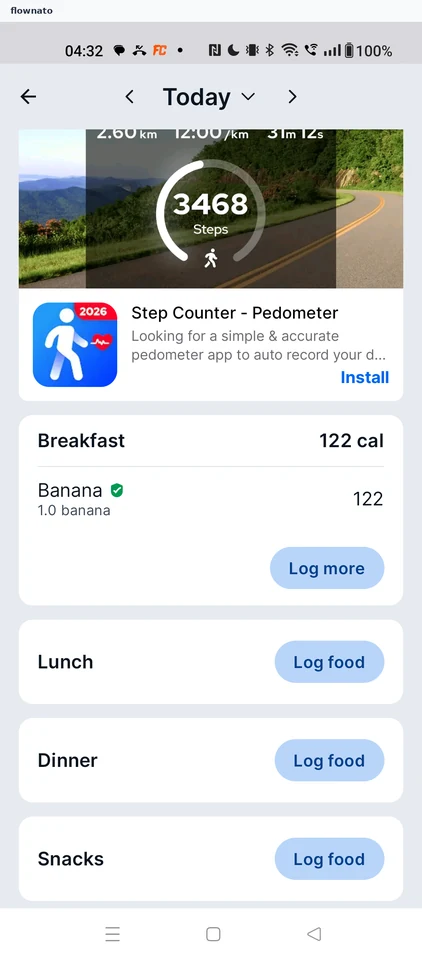
Step 3: Premium timestamp prompt
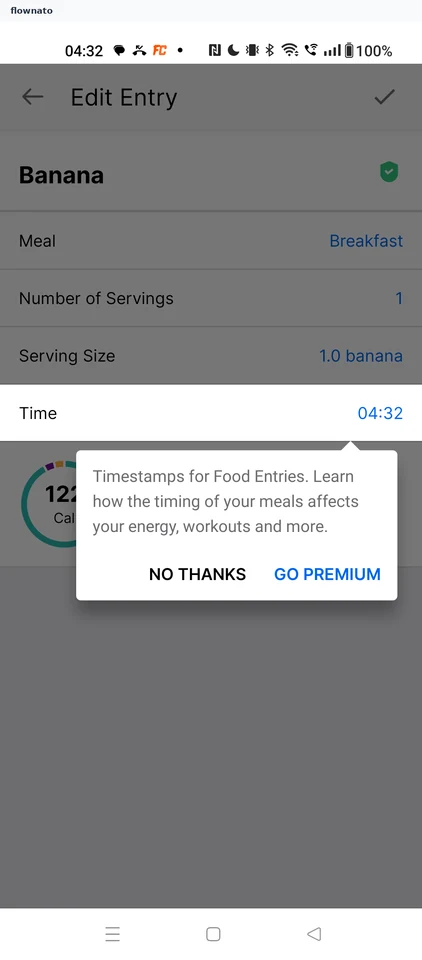
Step 4: Edit Entry
Step 5: Change servings
Step 6: Save the edit
Step 7: Updated diary