Gaana

Gaana app UI and user flows

App

About Gaana

Screens and user flows from the Gaana app.

Gaana is an Android app in the Music & audio category. Last recorded on 14 September 2026.

Explore the screens and product flows inside Gaana.

In the library
3 flows · 15 screens
Category and platform
Music & audio · Android
Updated
Sept 2026
FLOWNATO RATING
3.3Our rating · 15 UX criteria

Sign in with Google

Flow

About Gaana Sign in with Google

Choose a Google account in Gaana and review the requested access. Continue past optional offers and subscription plans to reach the music home.

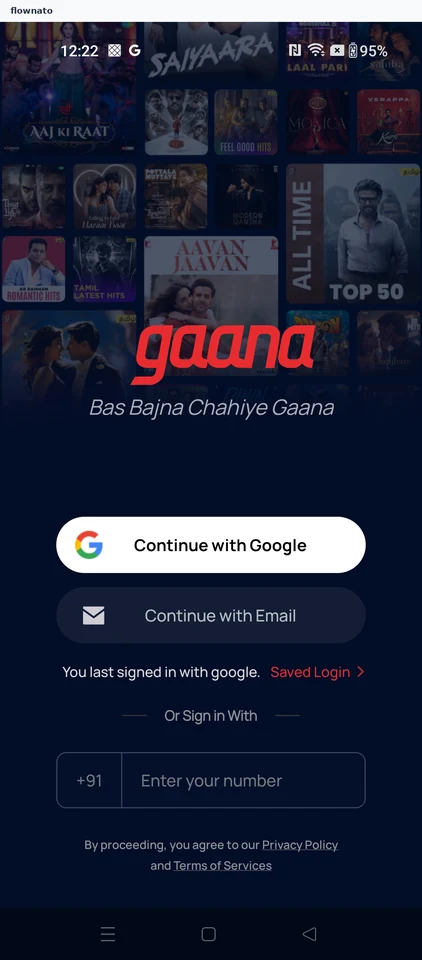
  1. Choose Google sign-in
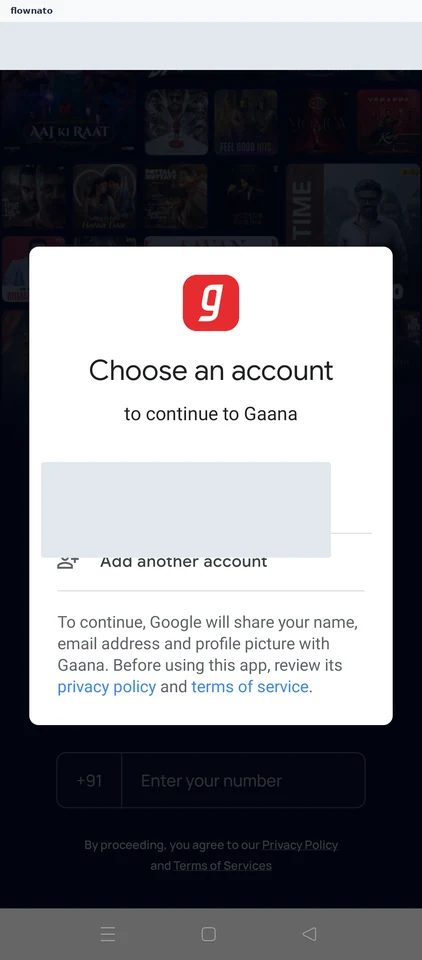
  2. Choose an account
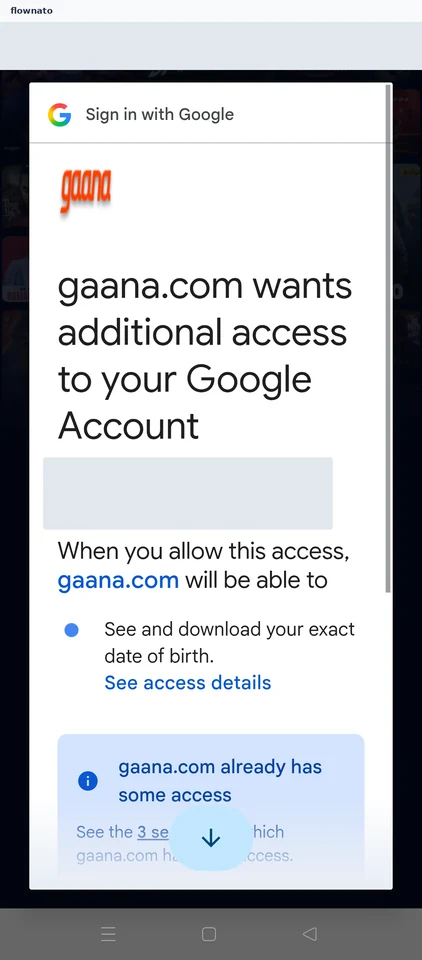
  3. Review requested access
  4. Decide whether to continue
  5. Review the partner offer
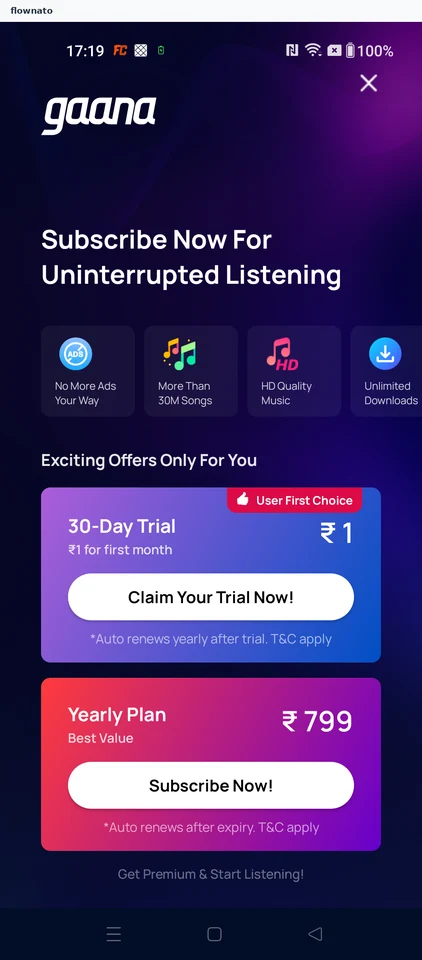
  6. Consider the introductory trial
  7. Compare premium plans
  8. Explore the music home

8 screensFree with sign up

View my account profile details

Flow

About Gaana View my account profile details

Dismiss Gaana’s launch offers and open the profile from the music home. View the account details stored in My Account.

  1. Open the music app
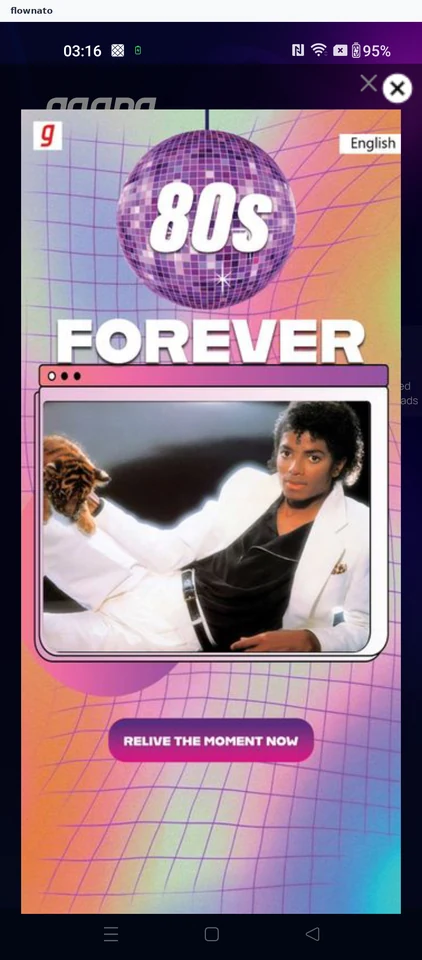
  2. Decide on the launch premium offer
  3. Skip the subscription plans
  4. Start from the music home
  5. Choose an account task
  6. Read the stored account details

6 screensFree with sign up

Play a song from a chart

Flow

About Gaana Play a song from a chart

Dismiss Gaana’s subscription offers, open the Hindi Top 50 chart and start a song. Follow playback into the full player, including subscription interruptions and a changing queue.

  1. Open the music app
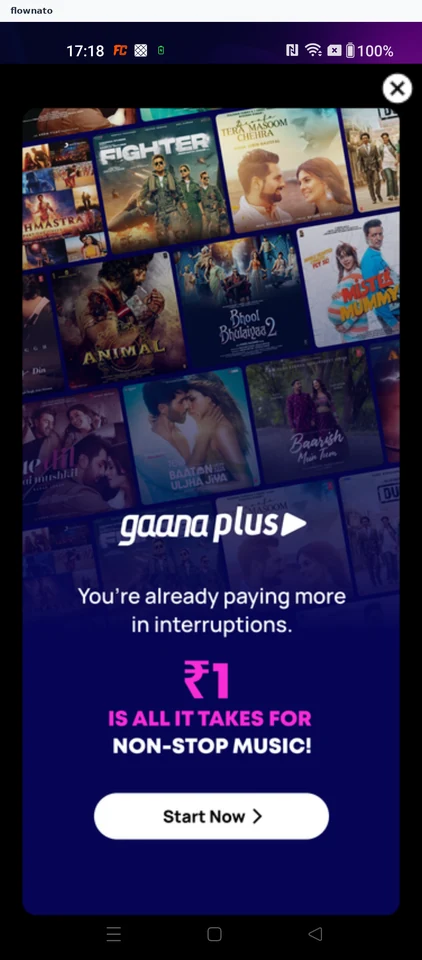
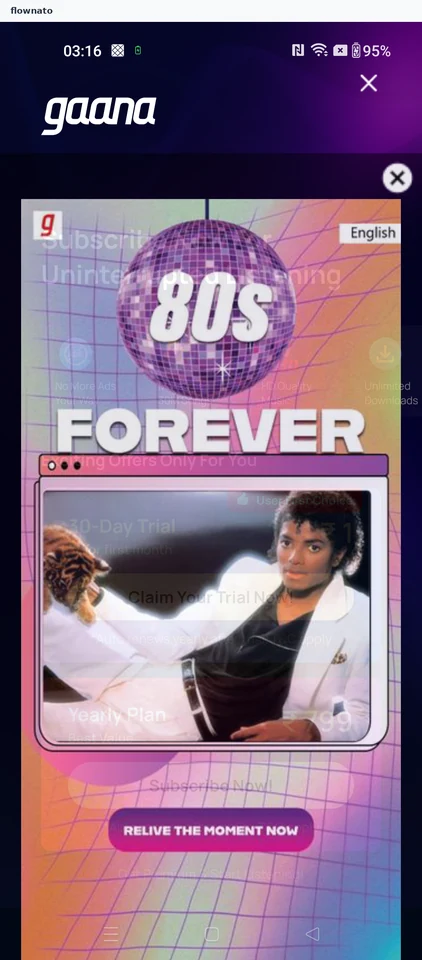
  2. Launch promotion appears
  3. Subscription page opens by itself
  4. Skip the subscription plans
  5. Pick a chart from the music home
  6. Choose a song from the chart
  7. Chosen song starts playing
  8. Pause playback from the chart
  9. Open the full player
  10. Resume the track in the full player
  11. Track playing in the full player

11 screensFree with sign up