Hungama

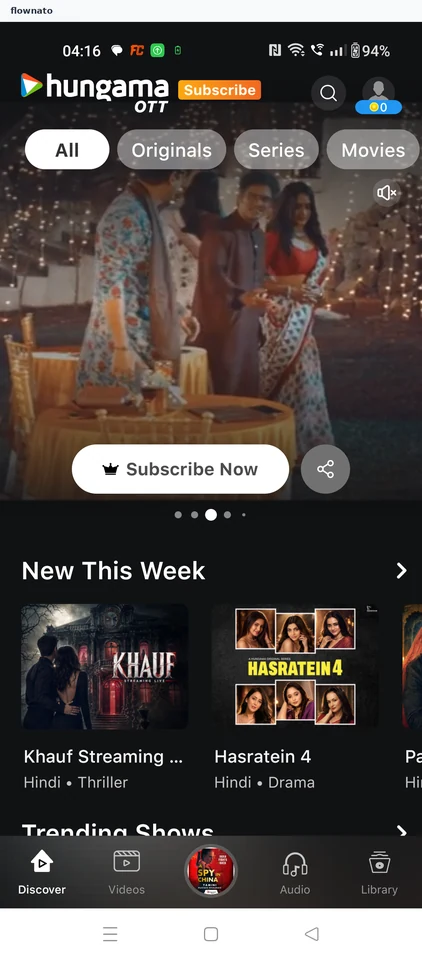
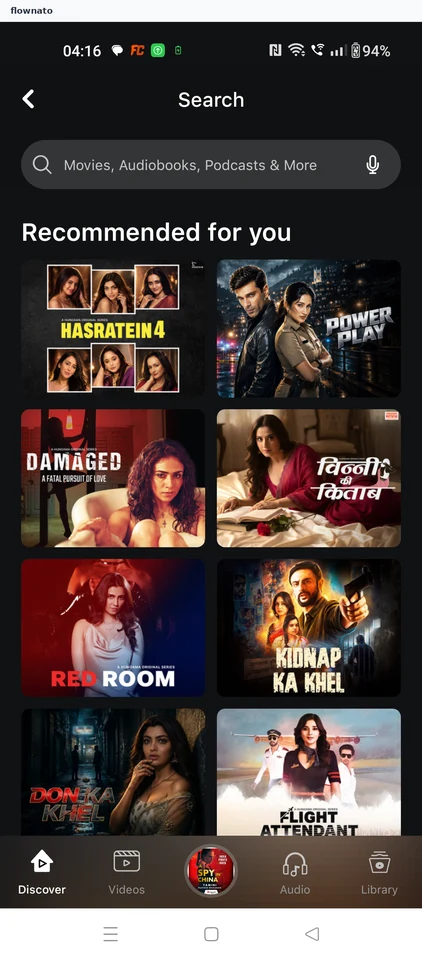
Hungama app UI and user flows

App

About Hungama

Screens and user flows from the Hungama app.

Hungama is an Android app in the Music & audio category. Last recorded on 17 October 2026.

Explore the screens and product flows inside Hungama.

In the library
5 flows · 16 screens
Category and platform
Music & audio · Android
Updated
Oct 2026
FLOWNATO RATING
3.3Our rating · 15 UX criteria

Play an episode

Flow

About Hungama Play an episode

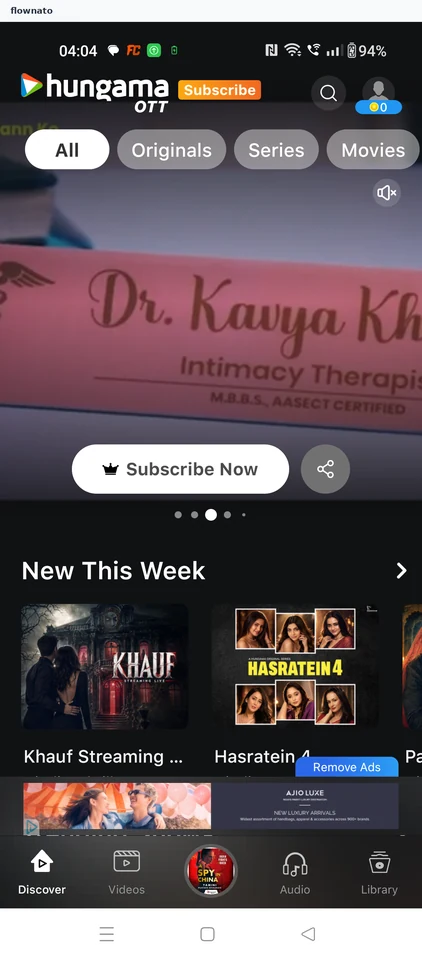
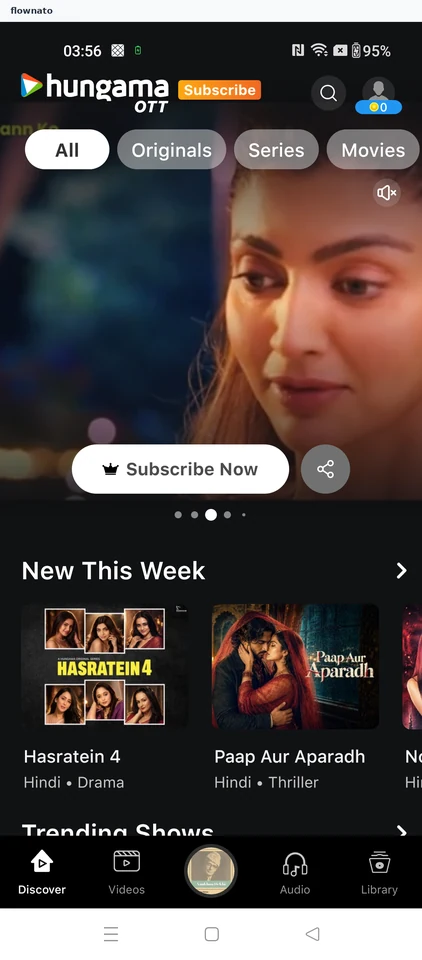
Choose a Hungama series and attempt to play its first episode. A subscription prompt leads to payment choices; the episode does not start during this flow.

  1. Open the app
  2. Start from Discover
  3. Choose the series
  4. Review the series
  5. Try the first episode
  6. Continue from the plan
  7. Stop at payment choice

7 screensFree with sign up

Save a show

Flow

About Hungama Save a show

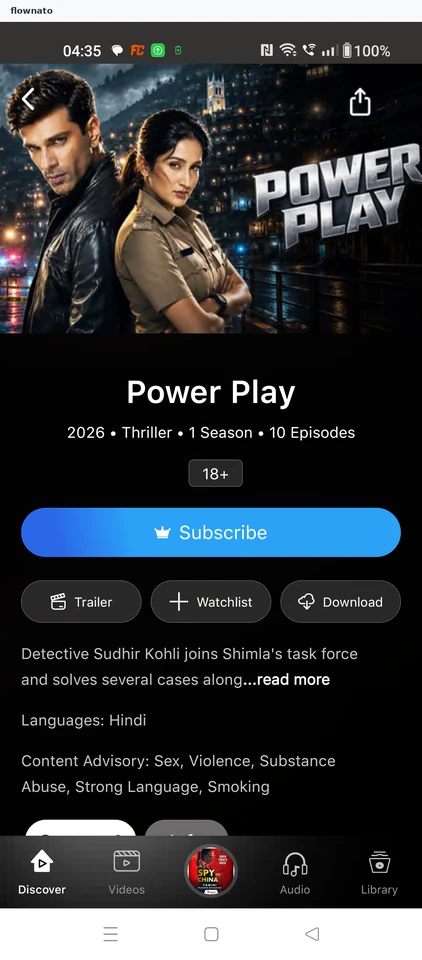
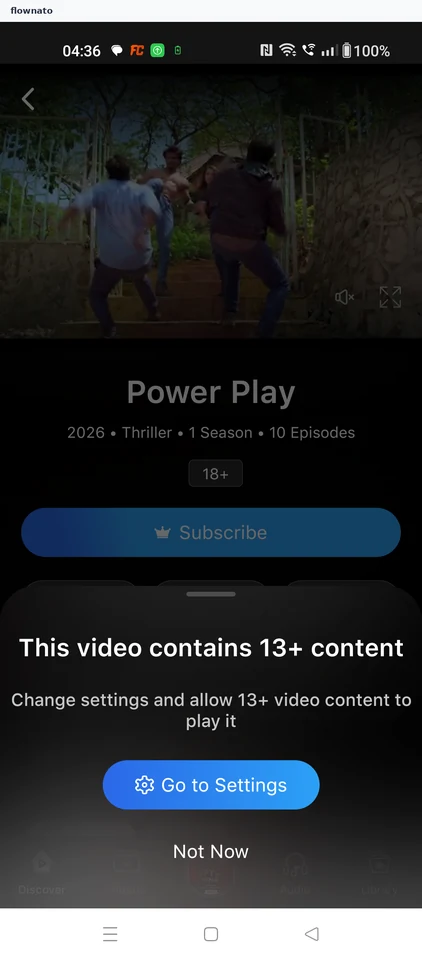
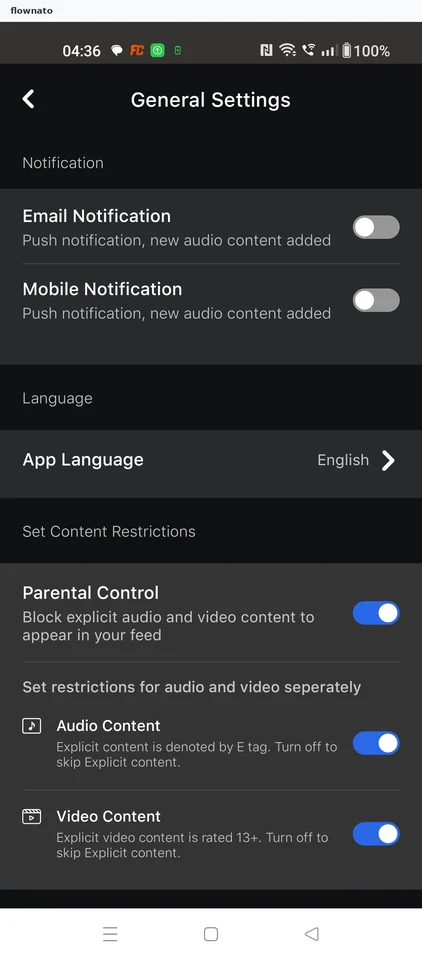
Review Hungama’s content settings, save a show and follow the confirmation. Open Library, Videos and Watchlist to find it under TV Shows.

  1. Choose Watchlist
  2. Open content settings
  3. Turn off parental control
  4. Confirm adult eligibility
  5. Review the final settings
  6. Use the app back arrow
  7. Save Power Play
  8. See the save confirmation
  9. Open saved videos
  10. Choose Watchlist
  11. Open TV Shows
  12. Verify the saved show

12 screensFree with sign up

Play a free podcast episode

Flow

About Hungama Play a free podcast episode

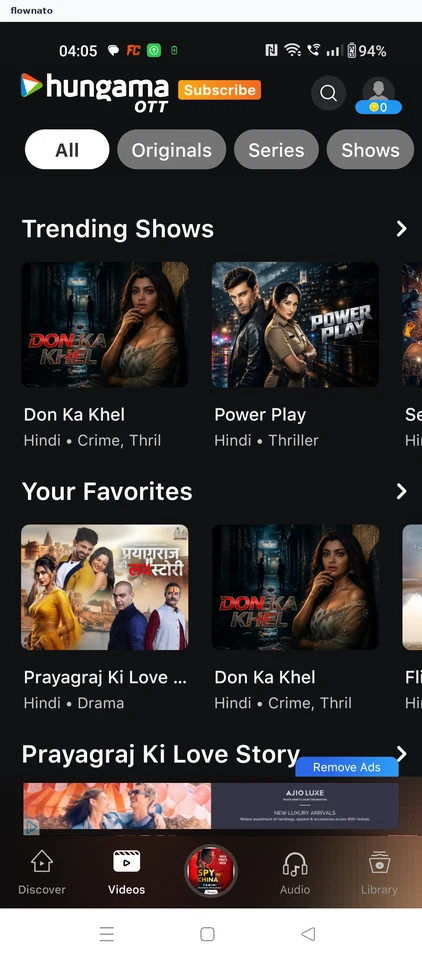
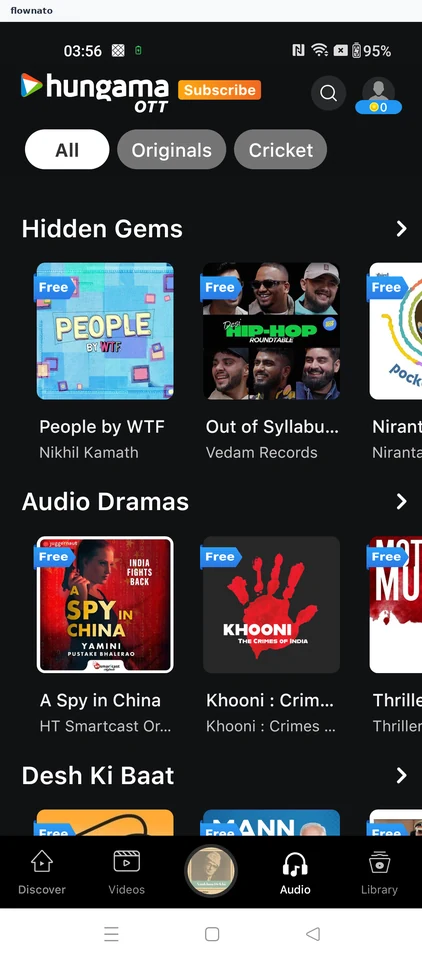
Open Audio in Hungama, choose a free podcast and start an episode. Follow playback from the show page into the full player.

  1. Open the Audio section
  2. Choose a free audio drama
  3. Start an episode from the show page
  4. Playback starts on the show page
  5. Episode playing in the full player

5 screensFree with sign up

Follow a show

Flow

About Hungama Follow a show

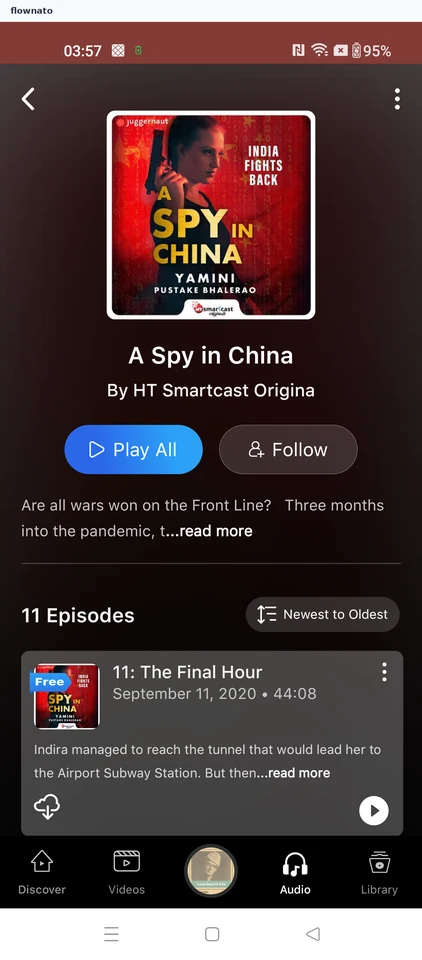
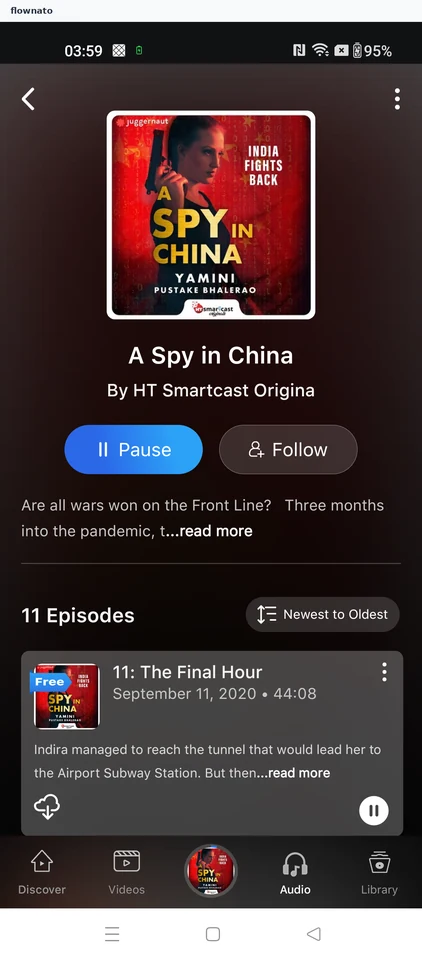
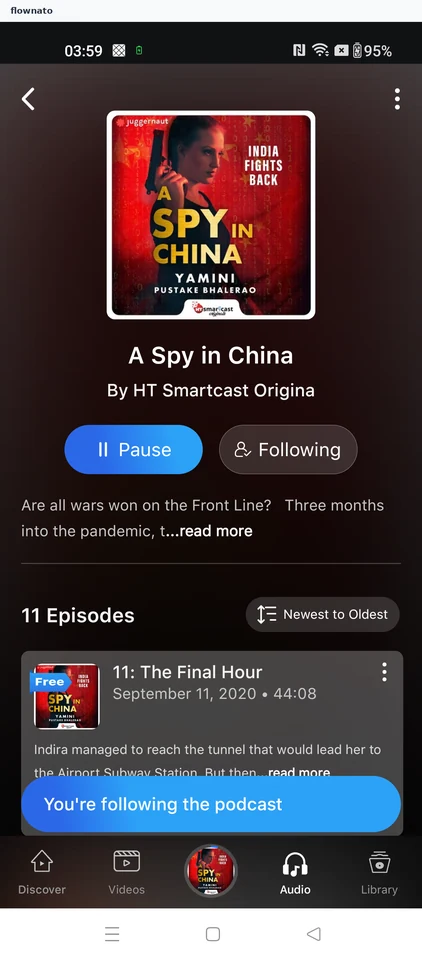
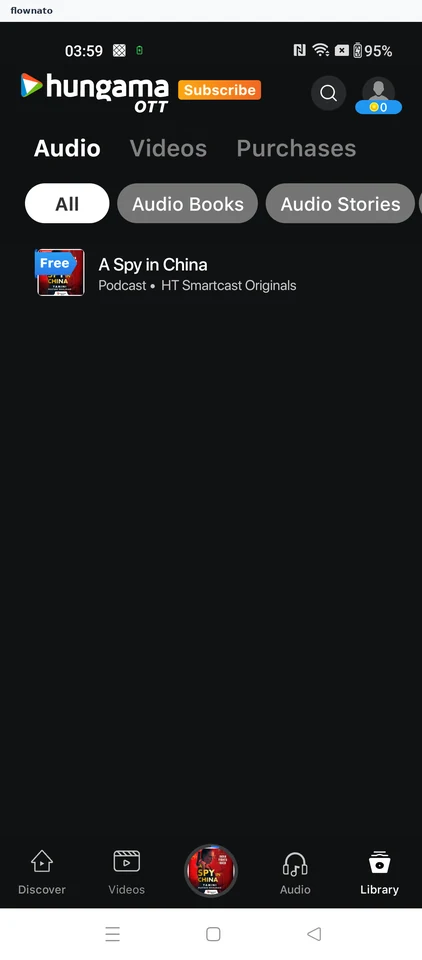
Follow a show in Hungama and confirm the saved state. Find the show again in the library.

  1. Follow the show
  2. Following confirmed
  3. Saved show in the library

3 screens