redBus

redBus app UI and user flows

App

About redBus

Screens and user flows from the redBus app.

redBus is an Android app in the Travel category. Last recorded on 14 September 2026.

Travel discovery, hotel checkout, offers and account setup.

In the library
5 flows · 25 screens
Category and platform
Travel · Android
Updated
Sept 2026
FLOWNATO RATING
3.6Our rating · 15 UX criteria

Onboarding

Flow

About redBus Onboarding

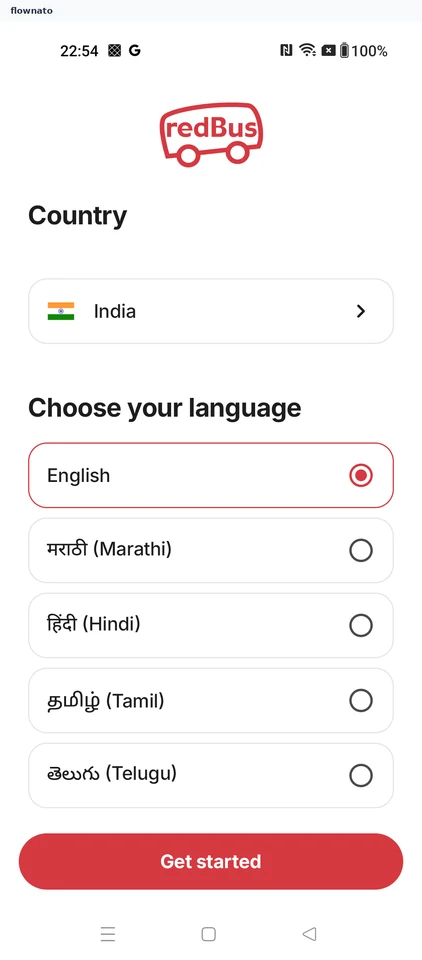
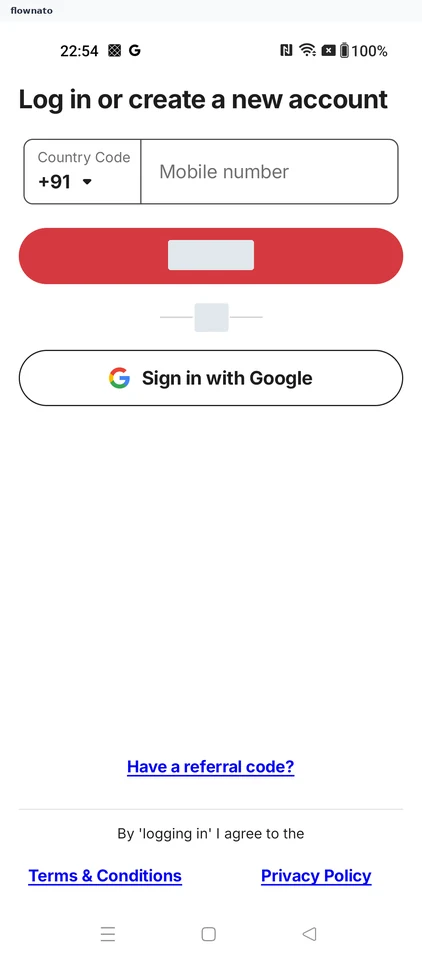
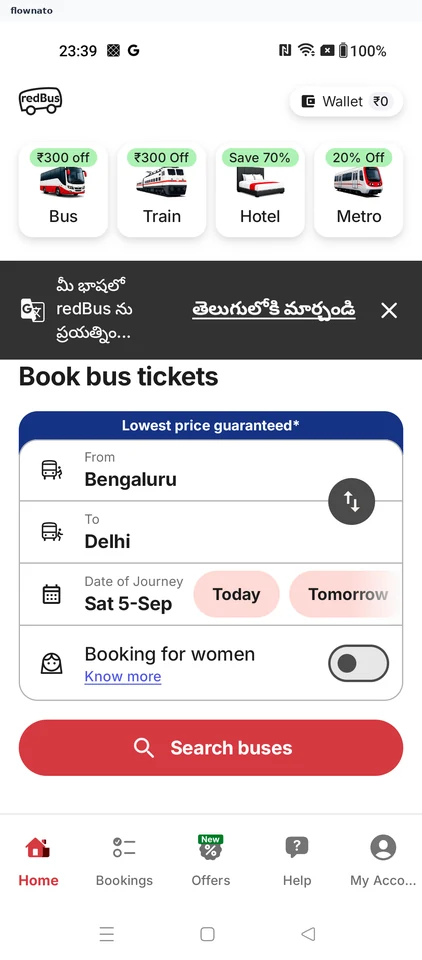
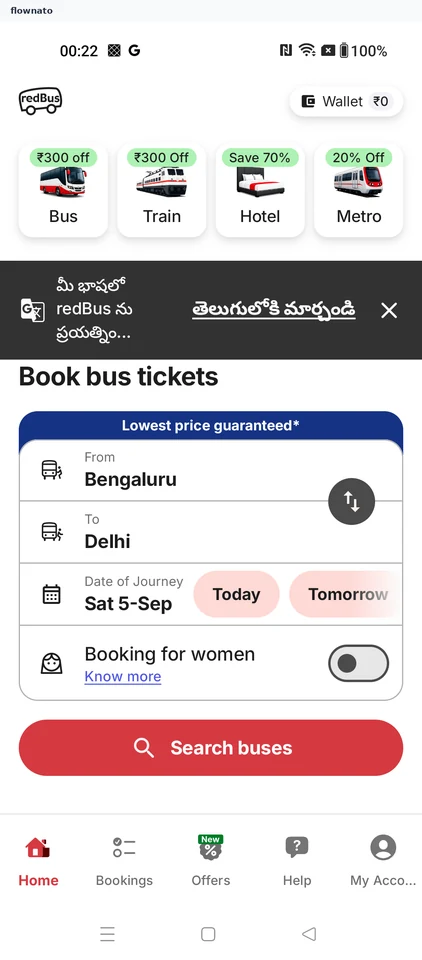
Choose country and language in redBus and sign in with Google. Set location and notification preferences before reaching the travel home.

  1. redBus opens
  2. Choose country and language
  3. Choose a sign-in method
  4. Confirm Google sign-in
  5. Choose location sharing
  6. Choose notification access
  7. Reach travel home

7 screensFree with sign up

Hotel checkout

Flow

About redBus Hotel checkout

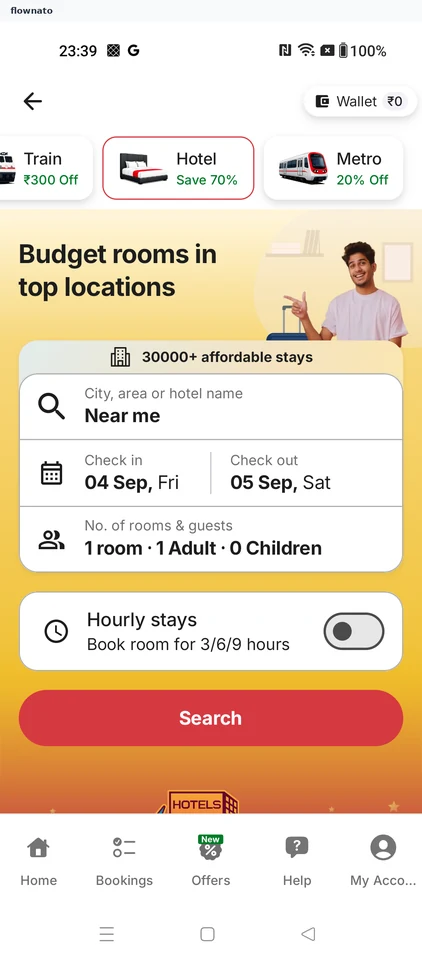
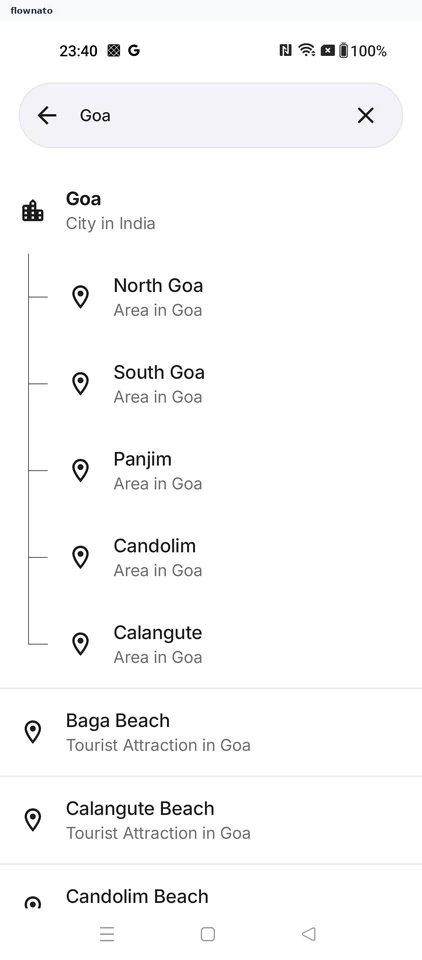
Search redBus hotel stays, choose a property and room, and review guest information. Continue to payment-method selection without completing the booking.

  1. Open hotel stays
  2. Start a hotel search
  3. Choose a destination
  4. Review the stay search
  5. Compare available properties
  6. Choose a room
  7. Review guest information
  8. Choose a payment method

8 screensFree with sign up

Find a train

Flow

About redBus Find a train

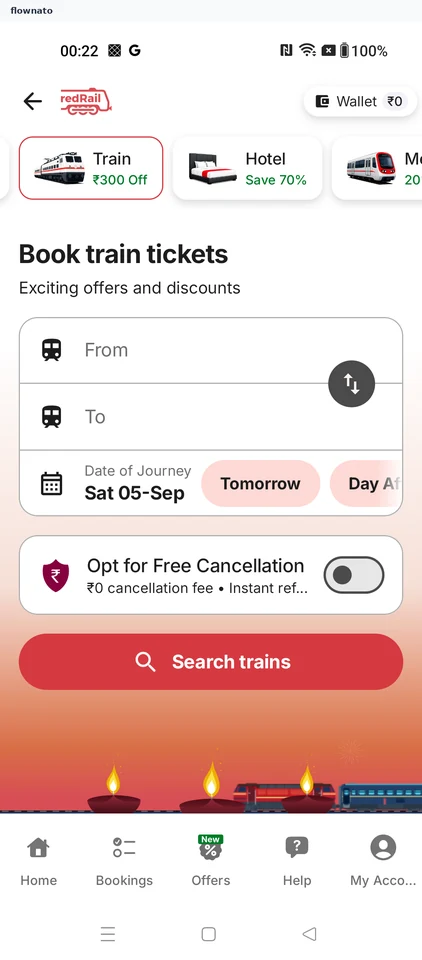
Set a rail route in redBus and compare trains and travel classes. The flow reaches the required IRCTC username entry before booking.

  1. redBus opens
  2. Open train booking
  3. Start a train search
  4. Choose the origin station
  5. Add the destination
  6. Choose the destination station
  7. Review the train search
  8. Compare trains and classes
  9. Enter an IRCTC username

9 screensFree with sign up

Choose a bus seat

Flow

About redBus Choose a bus seat

Search redBus services, choose a seat and stops, and assign a traveller. Review optional cover and the fare; passenger information remains incomplete before payment.

  1. App opens
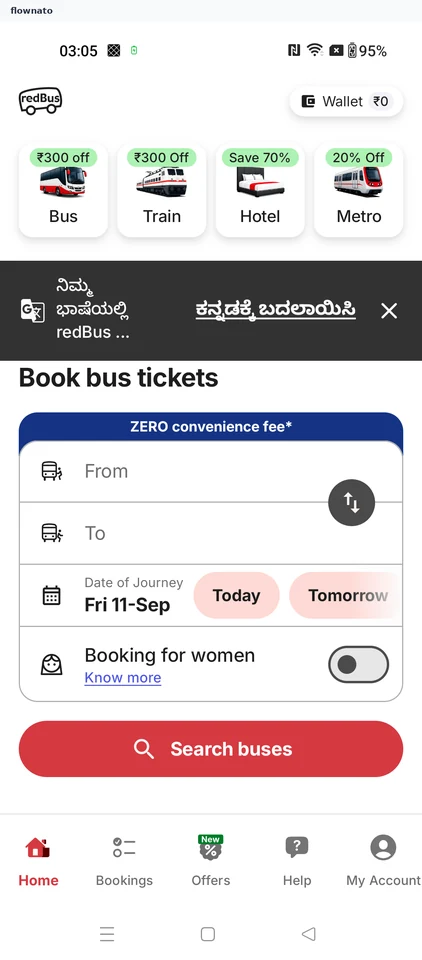
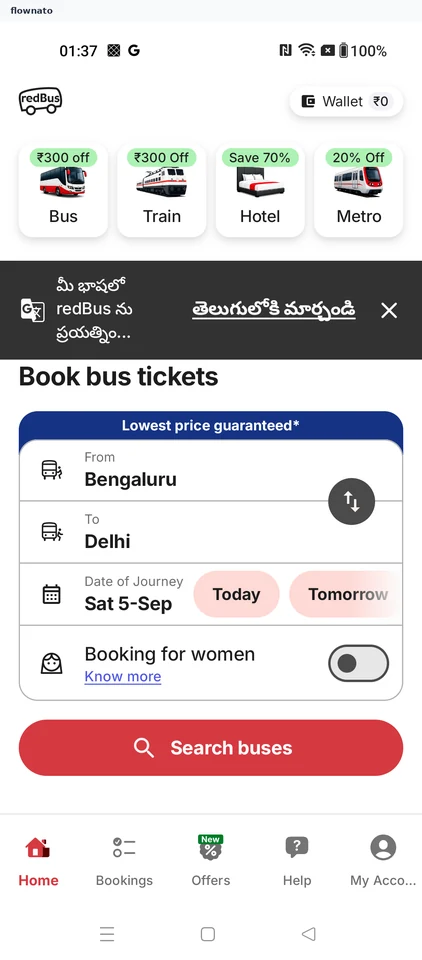
  2. Start a bus search
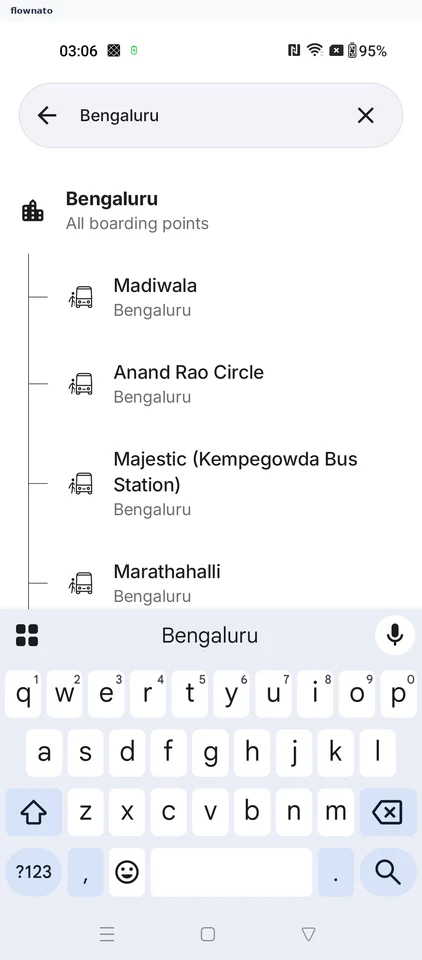
  3. Choose the origin city
  4. Set the destination
  5. Choose the destination city
  6. Pick the travel date
  7. Compare available buses
  8. Choose a seat
  9. Seat selected
  10. Choose a boarding point
  11. Choose a dropping point
  12. Assign a traveller
  13. Traveller assigned to the seat
  14. Decline the trip guarantee
  15. Decline travel insurance
  16. Review the fare before payment

16 screens

Copy an offer

Flow

About redBus Copy an offer

Browse travel offers in redBus, open an offer and read its terms before returning to browse.

  1. redBus opens
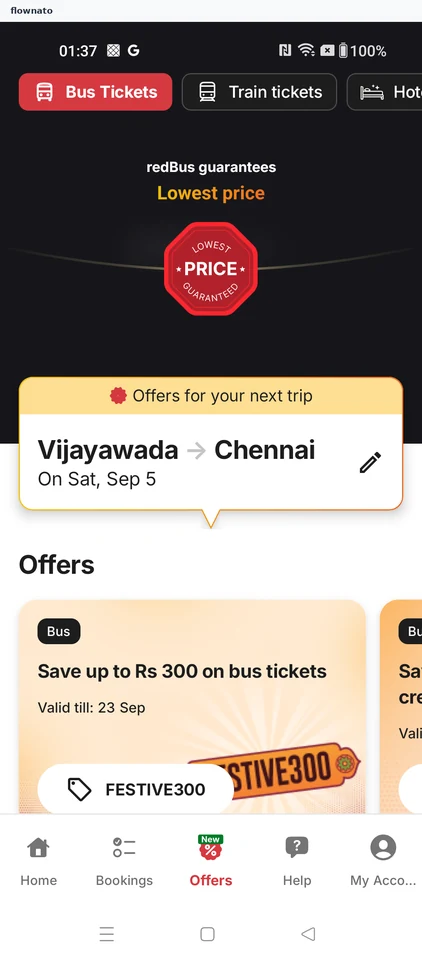
  2. Open travel offers
  3. Choose an offer
  4. Review the offer terms
  5. Continue browsing offers

5 screens