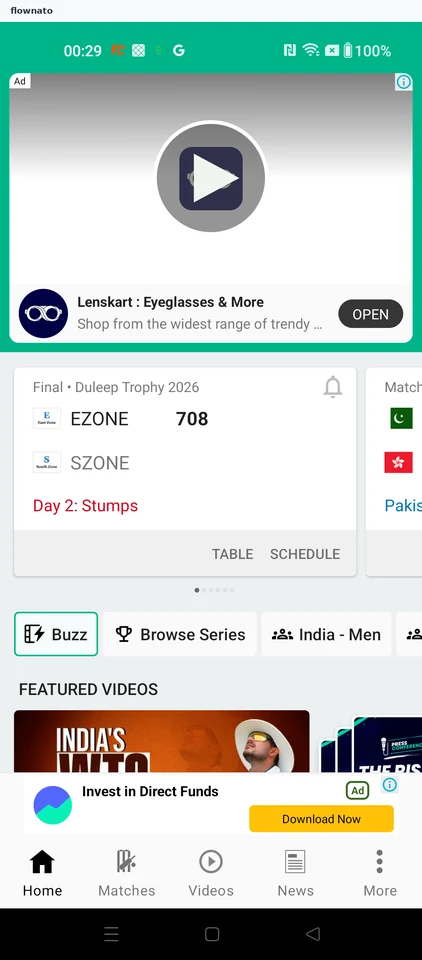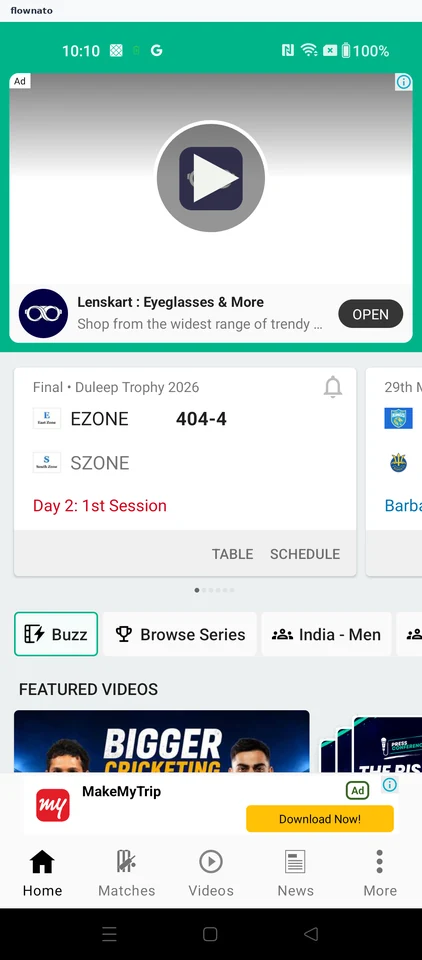
Cricbuzz

Cricbuzz app UI and user flows

App

About Cricbuzz

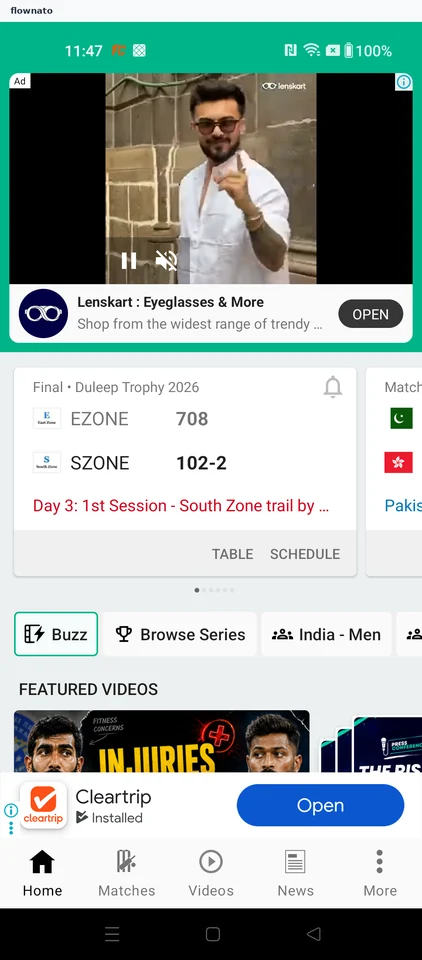
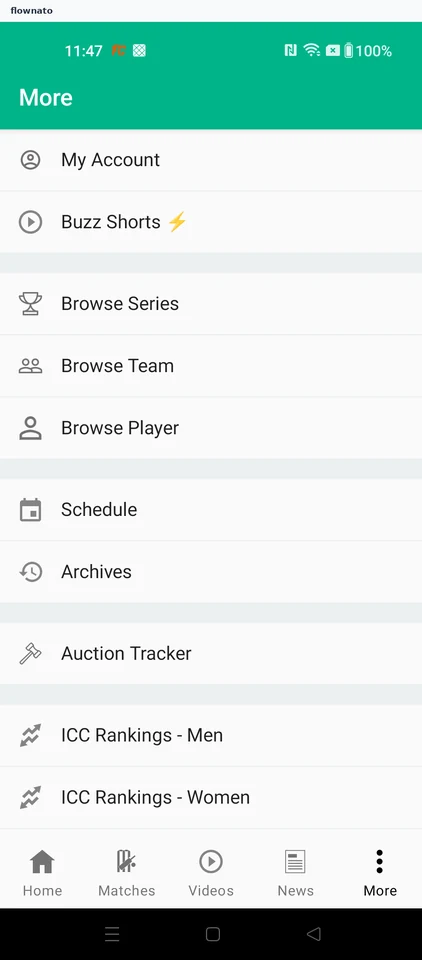
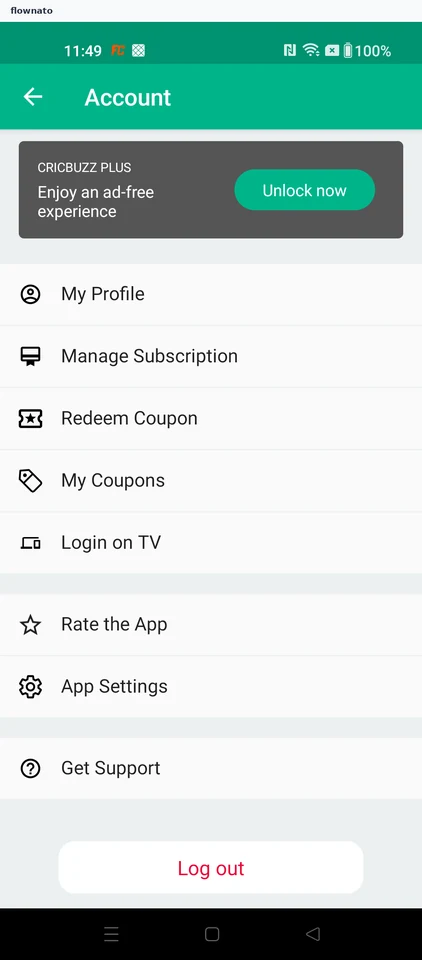
Screens and user flows from the Cricbuzz app.

Cricbuzz is an Android app in the Sports category. Last recorded on 14 September 2026.

Cricket news, videos, player statistics and tournament standings.

In the library
7 flows · 19 screens
Category and platform
Sports · Android
Updated
Sept 2026
FLOWNATO RATING
3.6Our rating · 15 UX criteria

Sign in

Flow

About Cricbuzz Sign in

Open account access in Cricbuzz, accept the required terms and continue with Google. Choose an account and authorize access to reach the signed-in Account page.

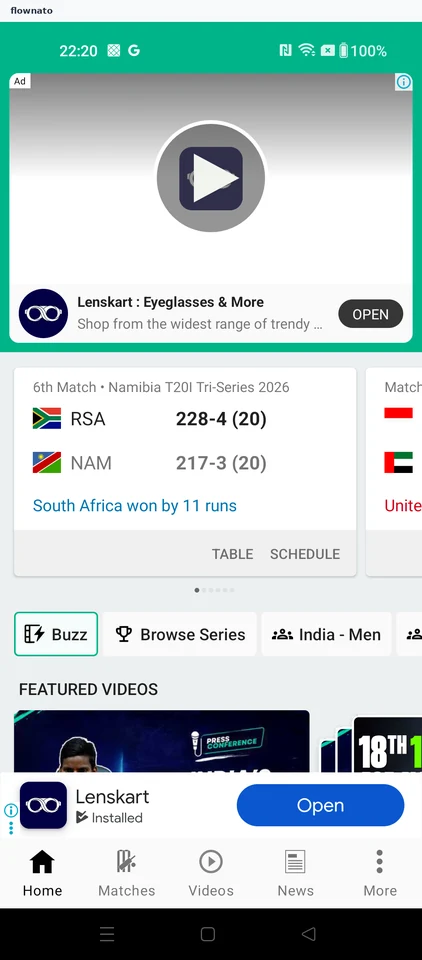
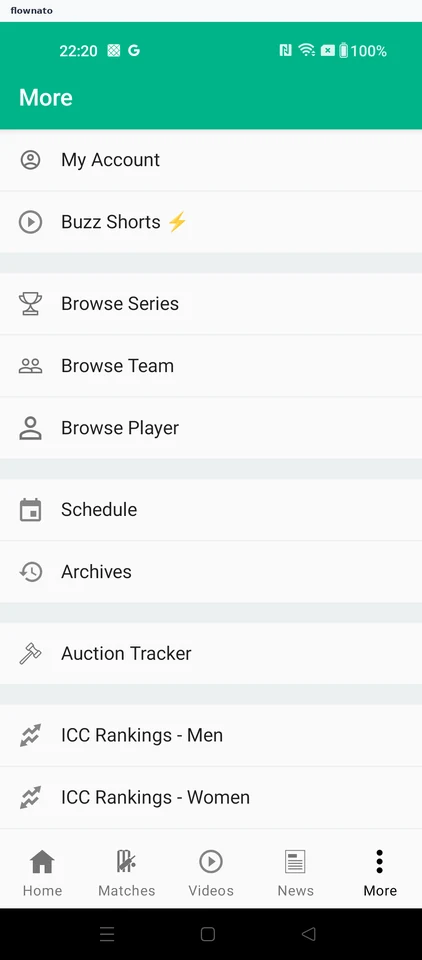
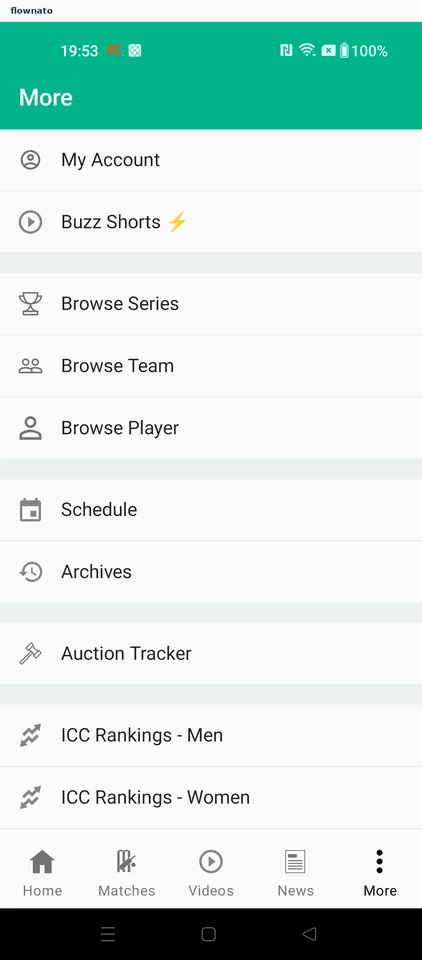
  1. Open More
  2. Open account access
  3. Choose Google sign-in
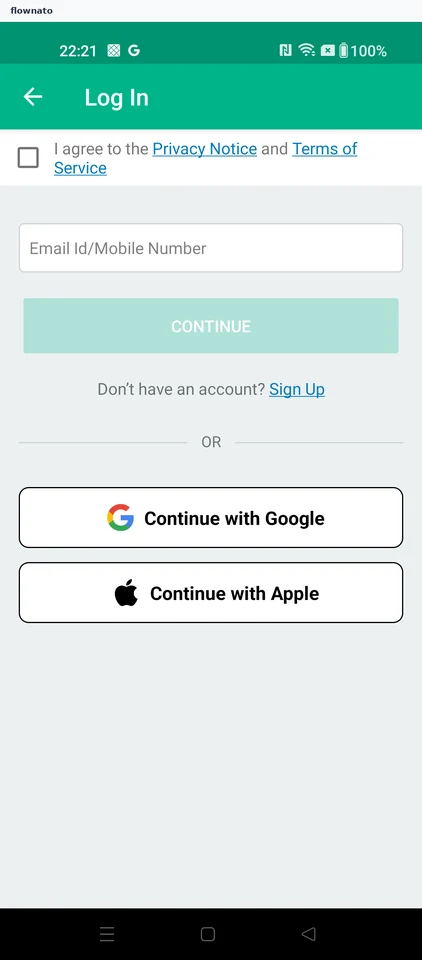
  4. Terms agreement required
  5. Accept the terms
  6. Continue with Google
  7. Choose a Google account
  8. Authorize account access
  9. Reach the Account hub

9 screensFree with sign up

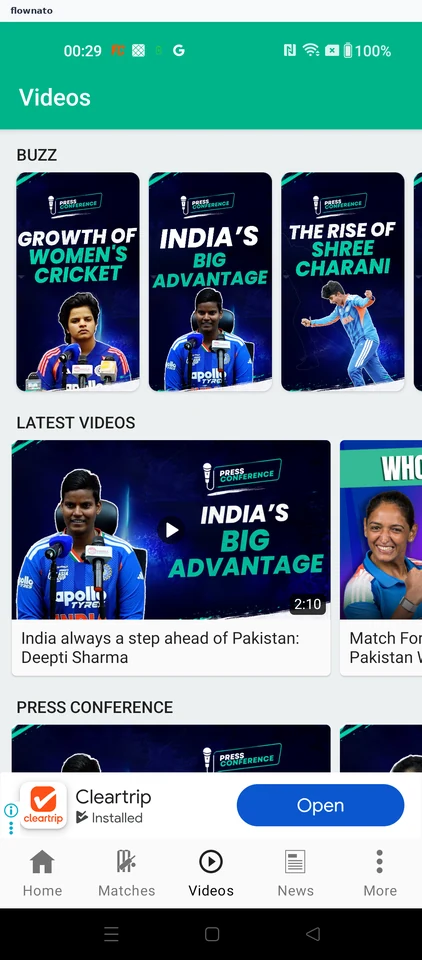
Watch a video

Flow

About Cricbuzz Watch a video

Browse the latest uploads in Cricbuzz’s Videos section. Select a video and open its playback page with the title and category.

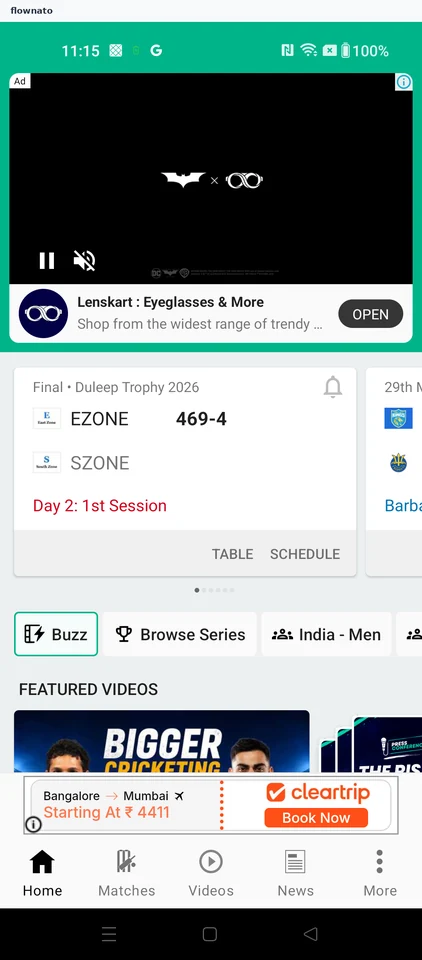
  1. Cricbuzz opens
  2. Open the videos section
  3. Choose a video to watch
  4. Watch the selected video

4 screensFree with sign up

Read cricket news

Flow

About Cricbuzz Read cricket news

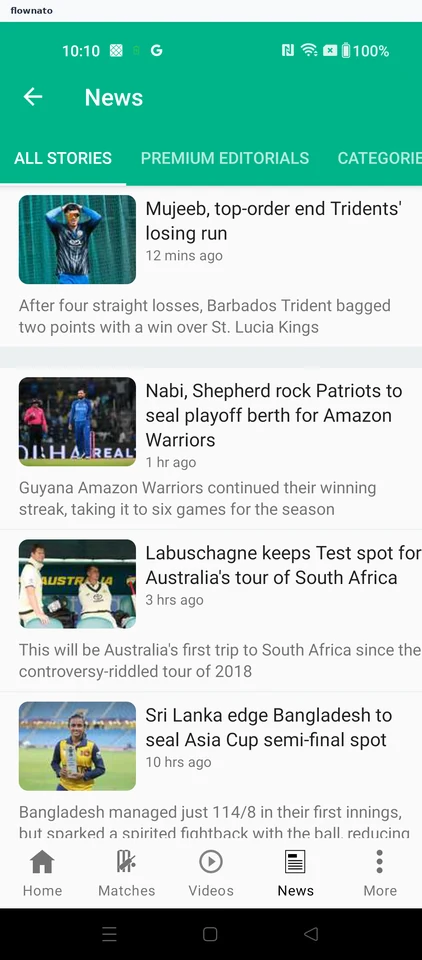
Open Cricbuzz News, choose a report and read the article. Follow the news feed into the headline, byline, lead image and story text.

  1. Cricbuzz opens
  2. Open cricket news
  3. Choose a report
  4. Read the match report

4 screensFree with sign up

Compare standings

Flow

About Cricbuzz Compare standings

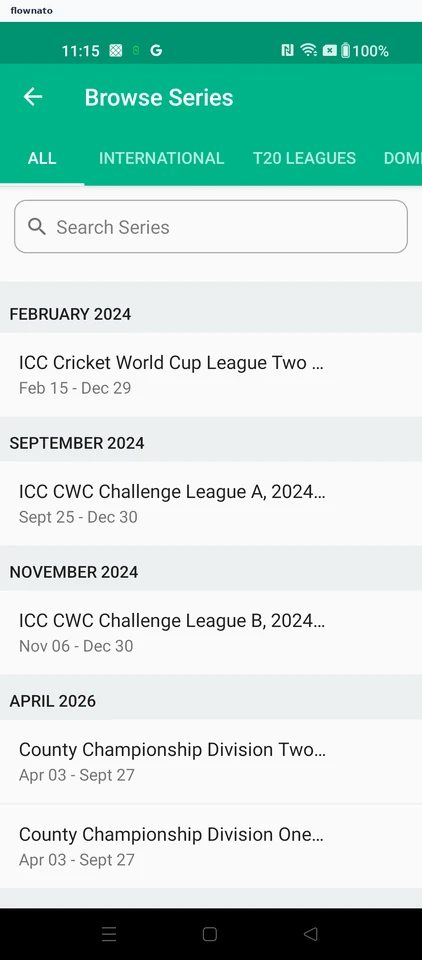
Browse a cricket series in Cricbuzz and review its fixtures and results. Open the standings table to compare the teams.

  1. Cricbuzz opens
  2. Open the series browser
  3. Choose a competition
  4. Review the series fixtures
  5. Compare the standings

5 screens

View player stats

Flow

About Cricbuzz View player stats

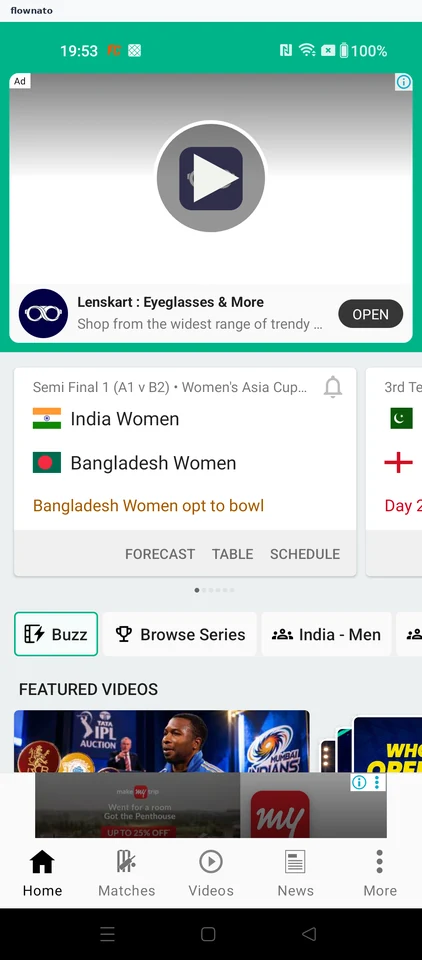
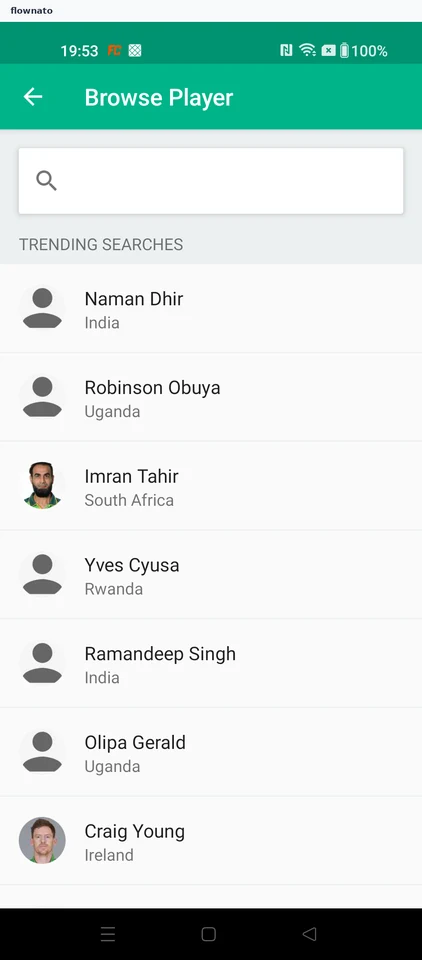
Search for a cricketer through Cricbuzz’s player browser. Open the player profile and compare career batting statistics across formats.

  1. Open the app's other sections
  2. Open the player browser
  3. Start a player search
  4. Pick the matched player
  5. Open the player profile
  6. Compare batting by format
  7. Read the rest of the record

7 screens

View profile

Flow

About Cricbuzz View profile

Open More in Cricbuzz, enter the account area and view the saved profile details.

  1. Cricbuzz opens
  2. Open the app's other sections
  3. Choose the account area
  4. Open the profile
  5. Read the account identity

5 screens

App preferences

Flow

About Cricbuzz App preferences

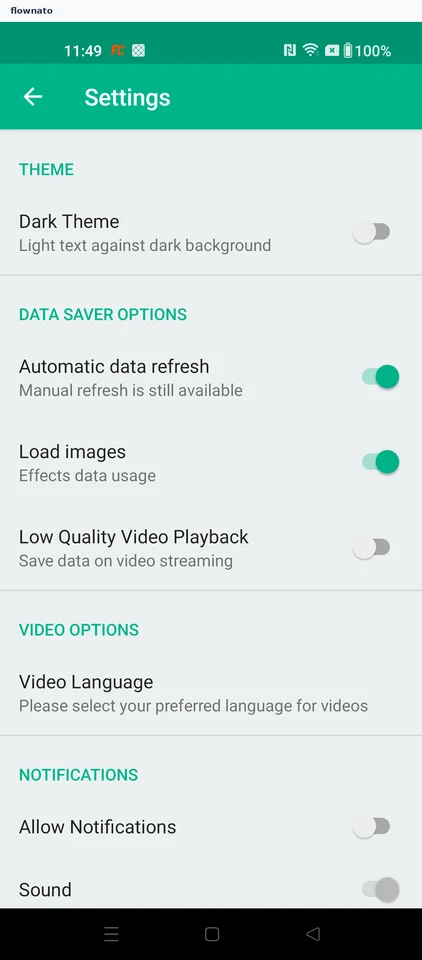
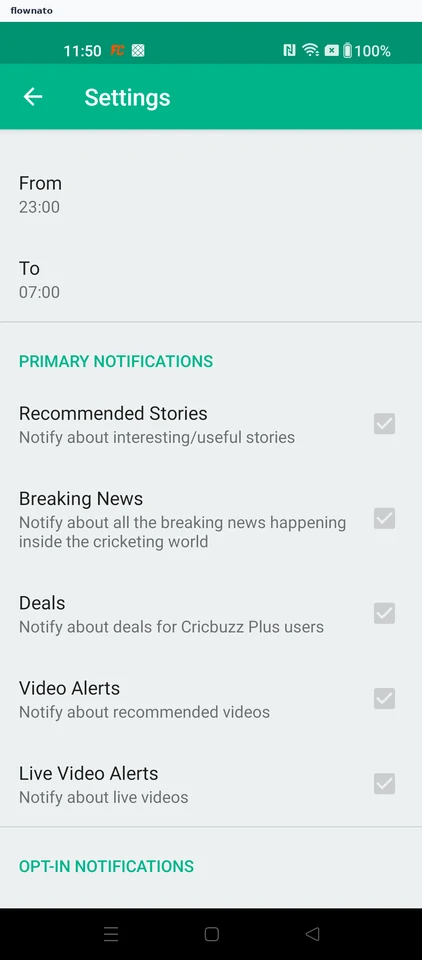
Open Cricbuzz settings to review theme, data and notification preferences.

  1. Open app settings
  2. Read theme and data preferences
  3. Check the notification detail

3 screens