AstroSage Kundli

AstroSage Kundli app UI and user flows

App

About AstroSage Kundli

Screens and user flows from the AstroSage Kundli app.

AstroSage Kundli is an Android app in the Lifestyle category. Last recorded on 18 October 2026.

Explore the screens and product flows inside AstroSage Kundli.

In the library
4 flows · 18 screens
Category and platform
Lifestyle · Android
Updated
Oct 2026
FLOWNATO RATING
3.2Our rating · 15 UX criteria

Enter mobile number

Flow

About AstroSage Kundli Enter mobile number

Open AstroSage’s Sign Up tab and choose a device phone number. The flow ends on a loading state after number selection, before verification or account access.

  1. App launch
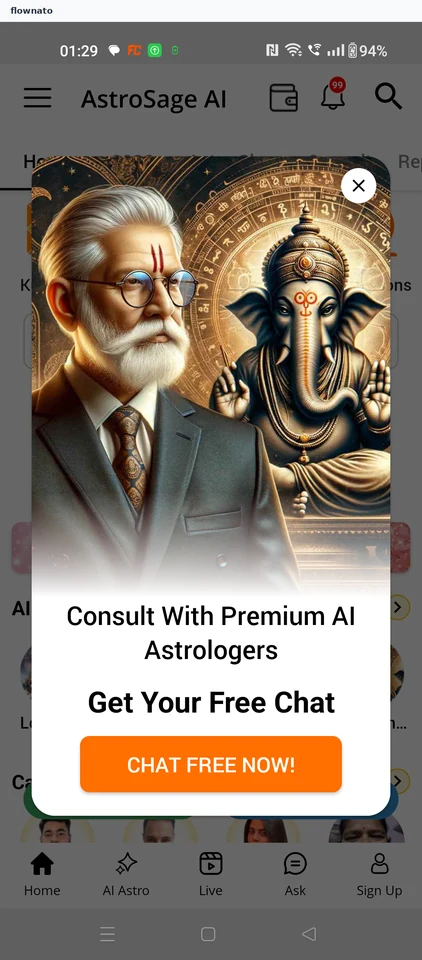
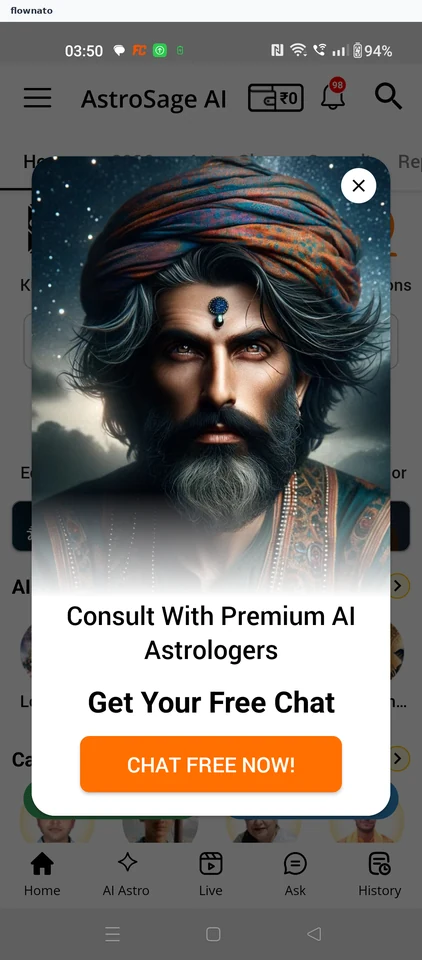
  2. Home opens behind a promotion
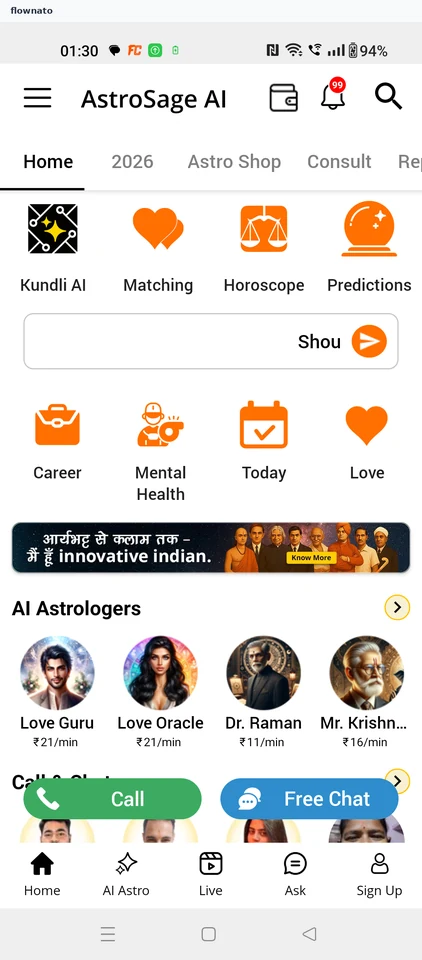
  3. Open Sign Up
  4. Mobile account options
  5. Choose the device number
  6. Loading after number selection

6 screensFree with sign up

Check account

Flow

About AstroSage Kundli Check account

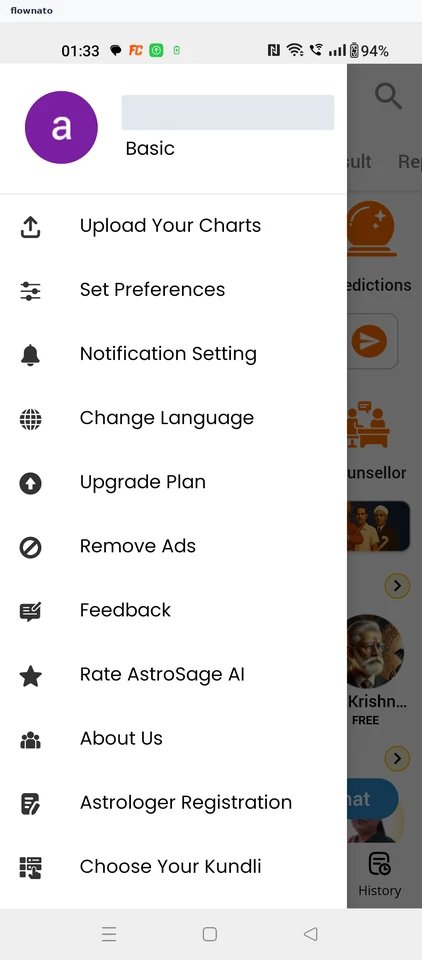
Open the main menu in AstroSage Kundli and review the destinations available in the account panel.

  1. Open the main menu
  2. Account panel and destinations

2 screens

Create birth chart

Flow

About AstroSage Kundli Create birth chart

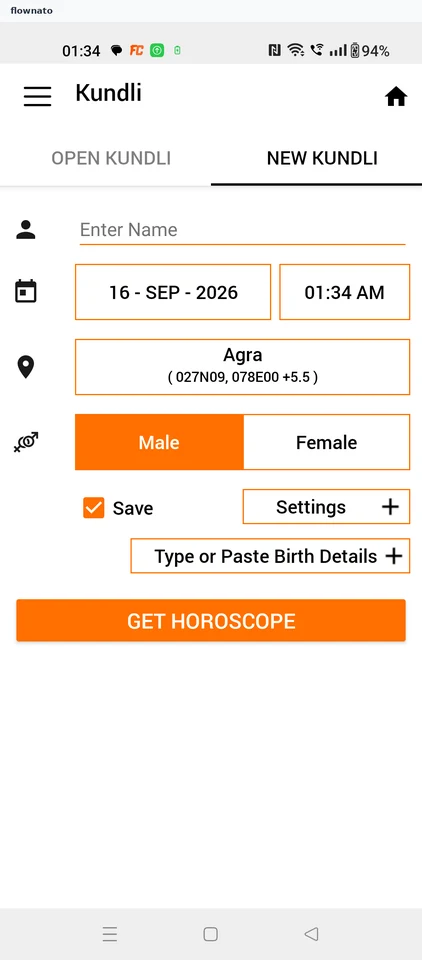
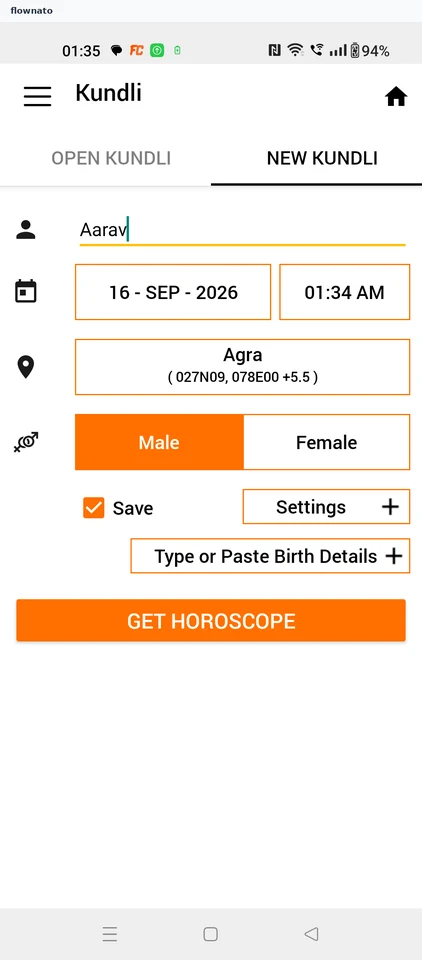
Enter a name and birth date in AstroSage’s New Kundli form, then generate a horoscope. Explore the Lagna chart and the Birth Details section of the resulting report.

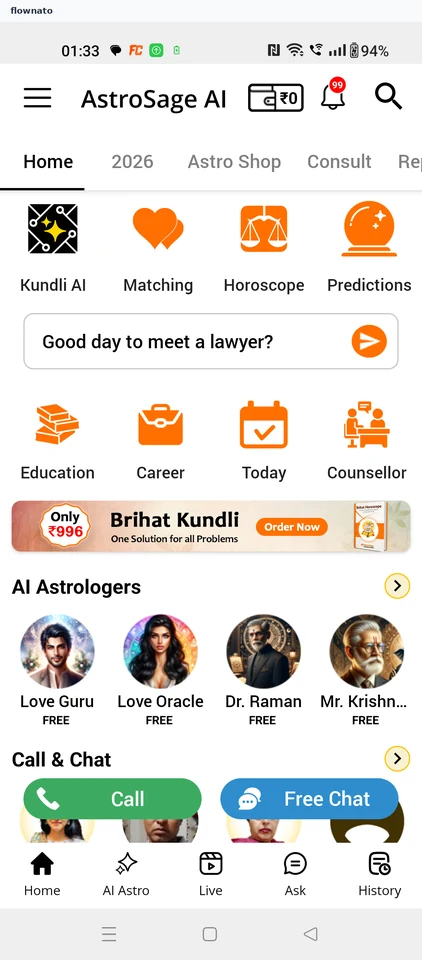
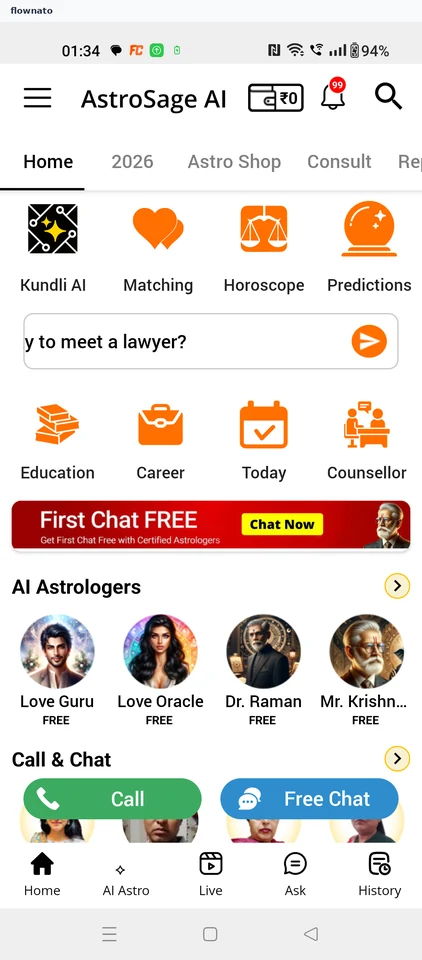
  1. Start at home
  2. New Kundli form
  3. Name entered, date still today
  4. Choose the birth date
  5. Submit the completed form
  6. Report arrives behind a promotion
  7. Read the Lagna chart
  8. Sections of the report
  9. Birth details and readings

9 screensFree with sign up

Match horoscopes

Flow

About AstroSage Kundli Match horoscopes

Enter two people’s birth details in AstroSage’s Matching form. Generate a compatibility report and open Details to see its eight-category score breakdown.

  1. Launch AstroSage AI
  2. Clear the startup promotion
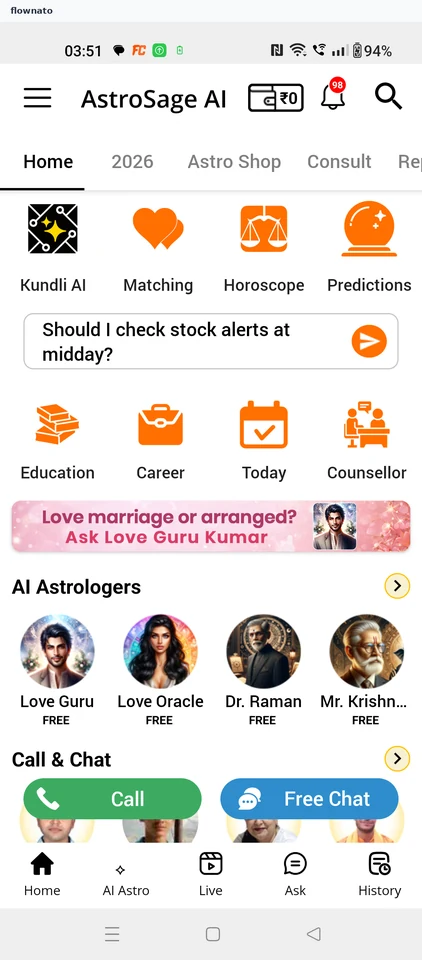
  3. Start from Home
  4. Review the blank match form
  5. Enter the first name
  6. Complete both names
  7. Choose the first birth date
  8. Apply the first date
  9. Choose the second birth date
  10. Generate the match
  11. Dismiss the result promotion
  12. Read the compatibility result
  13. See the score breakdown

13 screensFree with sign up