Squareyards

Squareyards app UI and user flows

App

About Squareyards

Screens and user flows from the Squareyards app.

Squareyards is an Android app in the Real estate category. Last recorded on 8 November 2026.

Explore the screens and product flows inside Squareyards.

In the library
26 flows · 24 screens
Category and platform
Real estate · Android
Updated
Nov 2026
FLOWNATO RATING
—Rating pending

Onboarding

Flow

About Squareyards Onboarding

  1. Splash
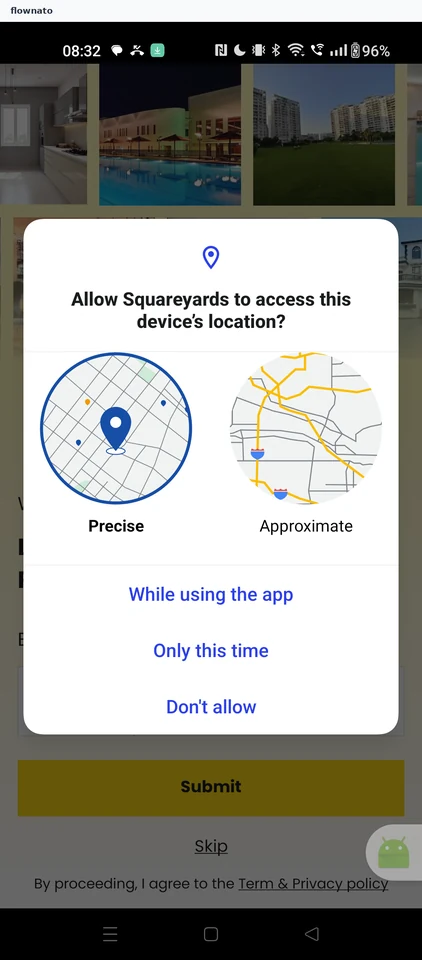
  2. Location permission
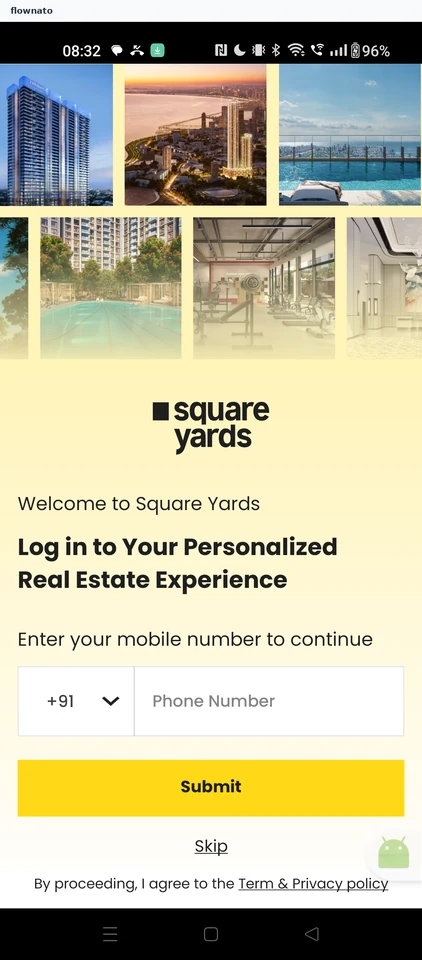
  3. Welcome and mobile login
  4. Login
  5. Number entered
  6. OTP verification
  7. OTP verification
  8. Code verification
  9. OTP verification
  10. OTP verification
  11. OTP verification
  12. Still no code
  13. Skip sign-in
  14. Notification permission
  15. Smart Recommendations intro
  16. Home as a guest

16 screens

Home

Flow

About Squareyards Home

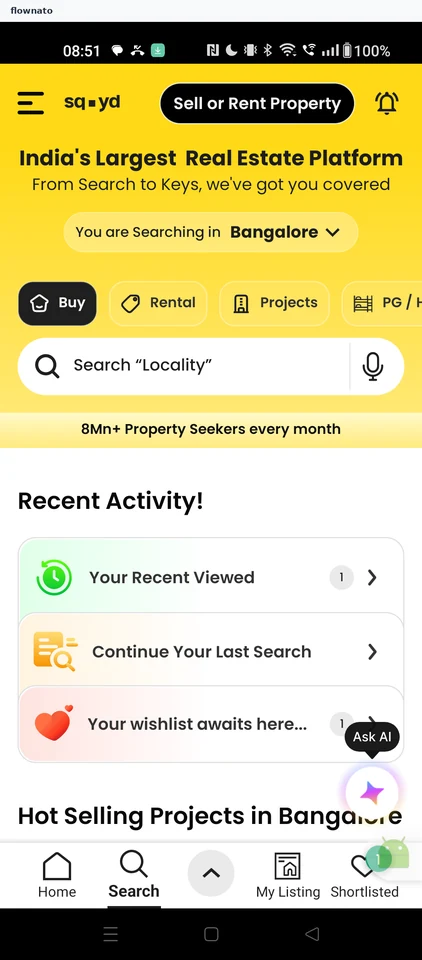
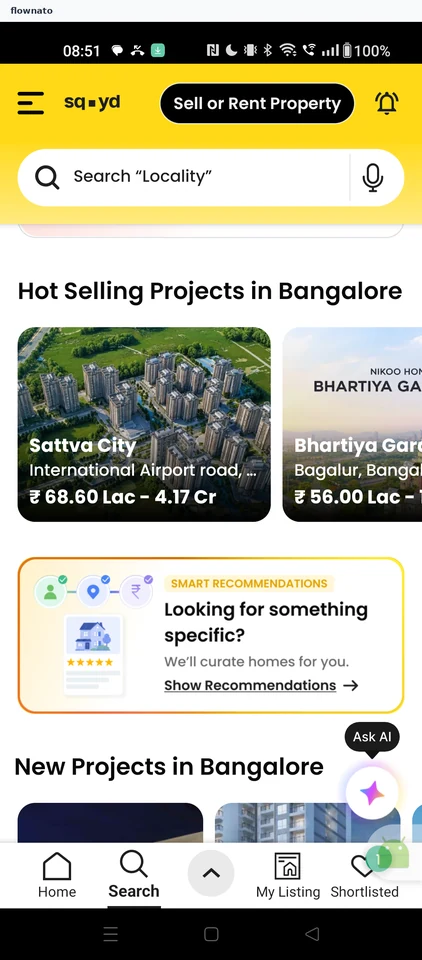
  1. Home
  2. Home

2 screens

Searching for projects

Flow

About Squareyards Searching for projects

  1. Home
  2. Projects filters
  3. Locality search
  4. Search a locality
  5. Locality added
  6. Set a budget
  7. Budget applied
  8. Project results

8 screens

Searching nearby properties

Flow

About Squareyards Searching nearby properties

  1. Home
  2. Buy search
  3. Properties near you

3 screens

Searching for rentals

Flow

About Squareyards Searching for rentals

  1. Rental search filters
  2. Locality search
  3. Locality chosen
  4. Budget options
  5. Budget set
  6. Rental results

6 screens

Listing detail (rental)

Flow

About Squareyards Listing detail (rental)

  1. Listing overview
  2. Highlights and property information

2 screens

Entering contact details (rental)

Flow

About Squareyards Entering contact details (rental)

  1. Highlights and property information
  2. Contact form
  3. Listing contact enquiry form
  4. Listing contact enquiry form
  5. Listing contact enquiry form
  6. Form filled

6 screens

Price insights (rental)

Flow

About Squareyards Price insights (rental)

  1. Listing overview
  2. Price insights

2 screens

Filtering results (rental)

Flow

About Squareyards Filtering results (rental)

  1. Rental results
  2. Filter panel
  3. Unit types
  4. 2 BHK selected
  5. Furnishing options
  6. Semi furnished selected
  7. Listing source
  8. No matches
  9. Filter undone
  10. Refined results

10 screens

Sorting results

Flow

About Squareyards Sorting results

  1. Refined results
  2. Sort options
  3. Sorted results

3 screens

Shortlisting a property (rental)

Flow

About Squareyards Shortlisting a property (rental)

  1. Sorted results
  2. Shortlisted

2 screens

Searching for properties

Flow

About Squareyards Searching for properties

  1. Home
  2. Search
  3. Search
  4. Filters
  5. Filters
  6. Search results

6 screens

Listing detail (buy)

Flow

About Squareyards Listing detail (buy)

  1. Listing detail
  2. Highlights and contact

2 screens

Entering contact details (buy)

Flow

About Squareyards Entering contact details (buy)

  1. Listing detail
  2. Listing contact enquiry form
  3. Listing contact enquiry form
  4. Listing contact enquiry form
  5. Listing contact enquiry form
  6. Listing contact enquiry form

6 screens

Photo gallery (buy)

Flow

About Squareyards Photo gallery (buy)

  1. Back on the listing
  2. Amenities and photos
  3. Floor plan gallery

3 screens

Filtering results (buy)

Flow

About Squareyards Filtering results (buy)

  1. Results list
  2. Sort options
  3. Sorted by price
  4. Apartment selected
  5. Refined results

5 screens

Shortlisting a property (buy)

Flow

About Squareyards Shortlisting a property (buy)

  1. Refined results
  2. Shortlisted

2 screens

Exploring nearby landmarks

Flow

About Squareyards Exploring nearby landmarks

  1. Results list
  2. Nearby schools
  3. Nearby hospitals

3 screens

Project detail

Flow

About Squareyards Project detail

  1. Project overview
  2. Highlights
  3. Floor plans and price
  4. Choose 2 BHK

4 screens

Entering contact details (project)

Flow

About Squareyards Entering contact details (project)

  1. Choose 2 BHK
  2. Enquiry form
  3. Listing contact enquiry form
  4. Listing contact enquiry form
  5. Listing contact enquiry form
  6. Details entered

6 screens

Government charges

Flow

About Squareyards Government charges

  1. Project detail
  2. 3 BHK floor plan
  3. Government charges

3 screens

3D floor plans

Flow

About Squareyards 3D floor plans

  1. Open the 3D plan
  2. 3D floor plan

2 screens

Price insights (project)

Flow

About Squareyards Price insights (project)

  1. Overview
  2. Price insights
  3. Price trend

3 screens

Photo gallery (project)

Flow

About Squareyards Photo gallery (project)

  1. Project detail
  2. Videos and photos
  3. Next photo
  4. Project video

4 screens

Filtering results (project)

Flow

About Squareyards Filtering results (project)

  1. Project results
  2. Sort options
  3. Sorted by price
  4. Status selected
  5. Project results
  6. Screen
  7. More filters
  8. 3 BHK selected
  9. Refined results

9 screens