Reading listing details — Squareyards UX flow

Reading listing details in Squareyards.

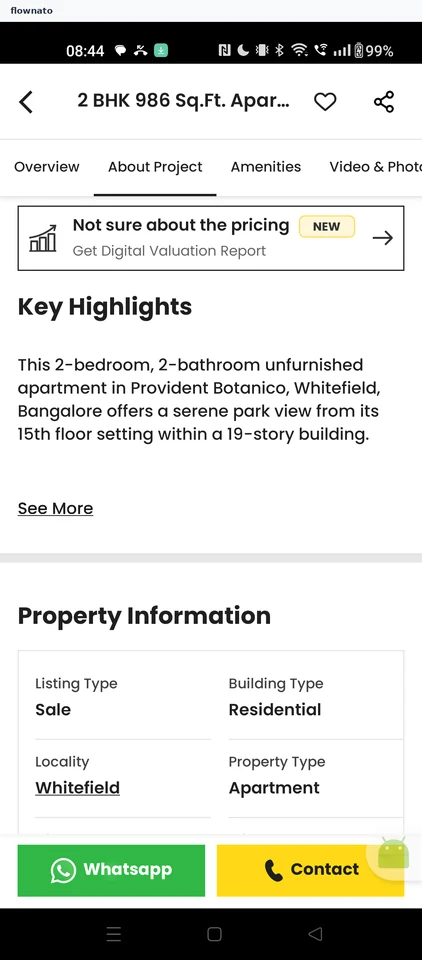
  1. Step 1: Listing highlights

    Squareyards Listing highlights screen

    Product details · Top bar, Tabs, Promo banner, Badge, Text link, Table

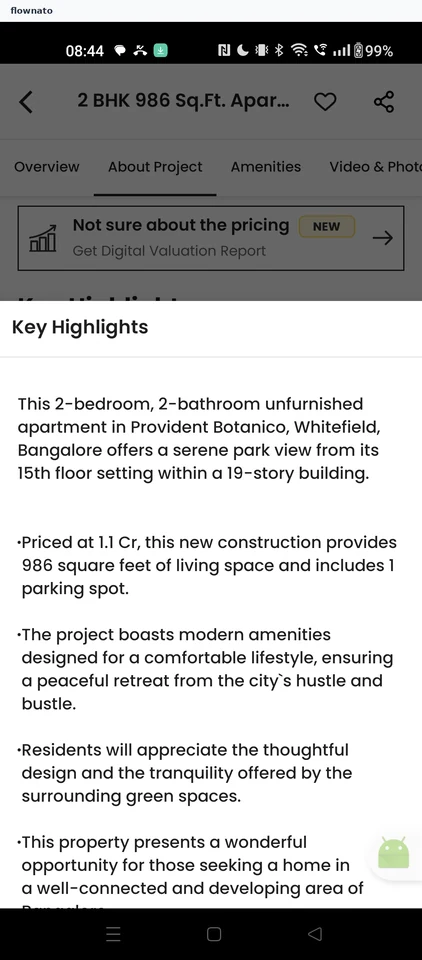
  2. Step 2: Full highlights

    Squareyards Full highlights screen

    Product details · Bottom sheet, Text

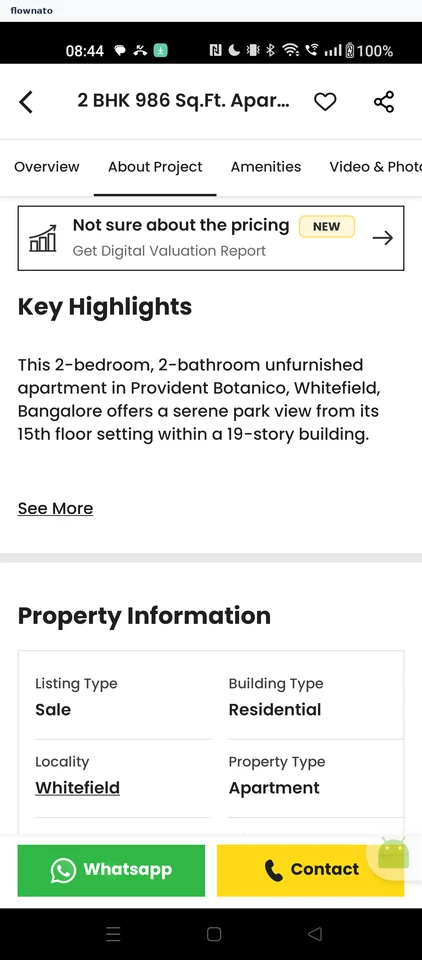
  3. Step 3: Back on the listing

    Squareyards Back on the listing screen

    Product details · Tabs, Promo banner, Sticky action bar

  4. Step 4: Amenities and photos

  5. Step 5: Floor plan gallery

Sign up to see every step

More Squareyards journeys