Filtering and sorting rentals — Squareyards UX flow
Filtering and sorting rentals in Squareyards.
Step 1: Rental results
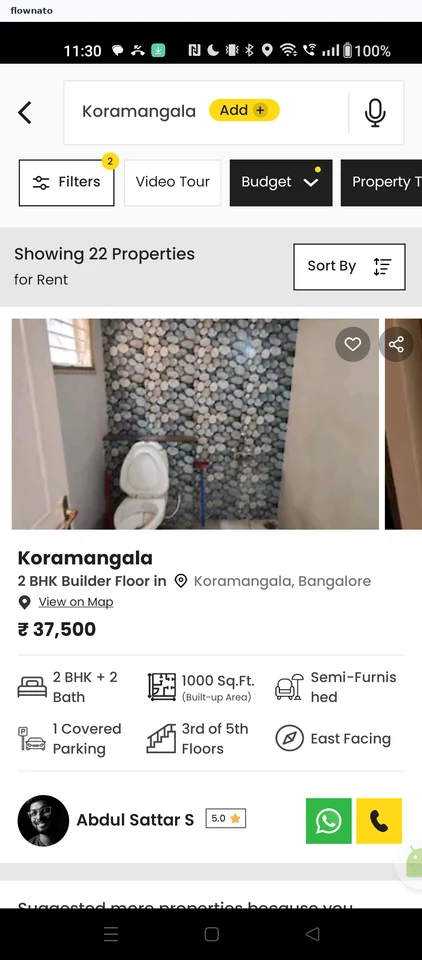
Search results · Search bar, Filter control, Image, Price, Avatar, Star rating
Step 2: Filter panel
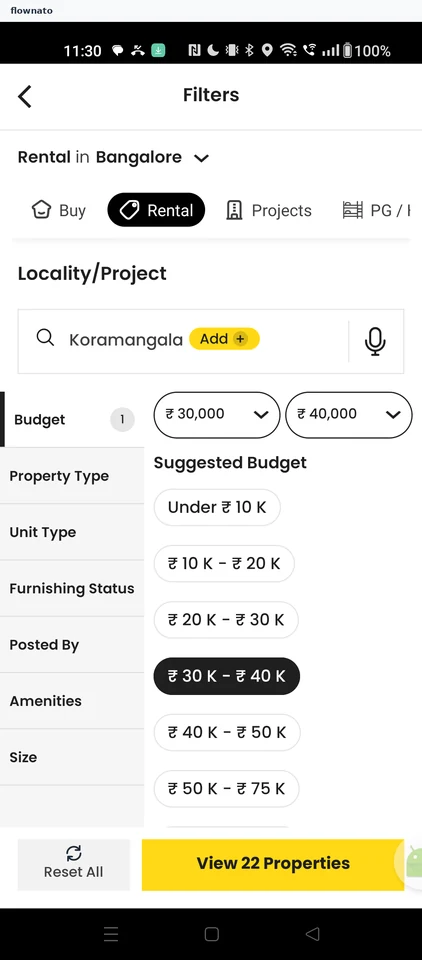
Filter and sort · Search bar, Select, Chip, List, Sticky action bar
Step 3: Unit types
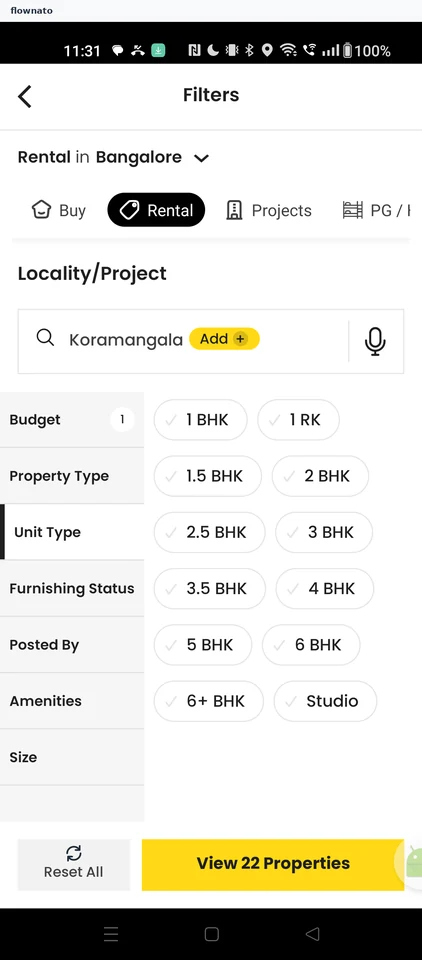
Step 4: 2 BHK selected
Step 5: Furnishing options
Step 6: Semi furnished selected
Step 7: Listing source
Step 8: No matches
Step 9: Filter undone
Step 10: Refined results
Step 11: Sort options
Step 12: Sorted results