Finding a home to rent — Squareyards UX flow
Finding a home to rent in Squareyards.
About this journey
Stops at the sign-in screen.
Step 1: Home
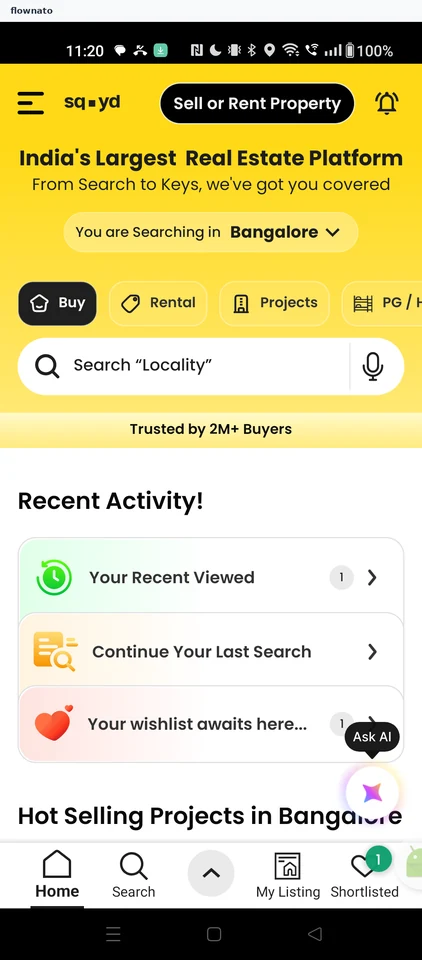
Step 2: Rental search filters
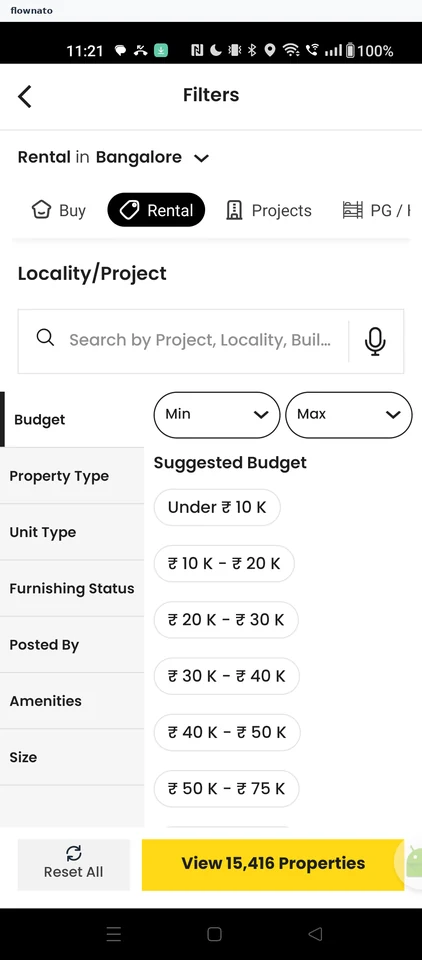
Filter and sort · Top bar, Chip, Search bar, List, Select, Button
Step 3: Locality search
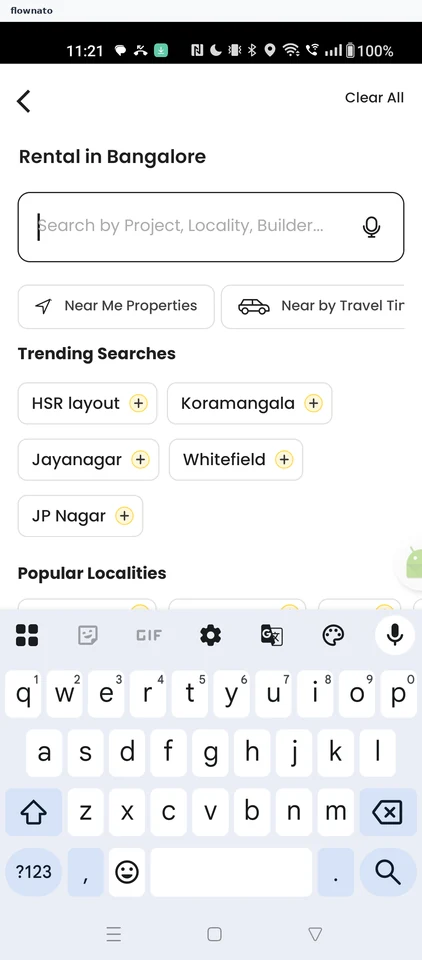
Search · Search bar, Chip, Keyboard
Step 4: Locality chosen
Step 5: Budget options
Step 6: Budget set
Step 7: Rental results
Step 8: Listing overview
Step 9: Highlights and property information
Step 10: Contact form
Step 11: Form filled
Step 12: Phone verification code