Viewing project photos — Squareyards UX flow
Viewing project photos in Squareyards.
Step 1: Videos and photos
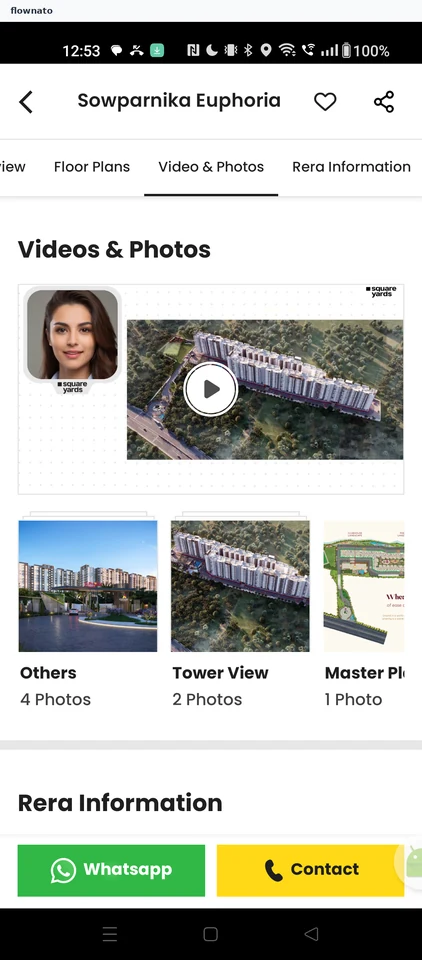
Product details · Tabs, Video, Carousel, Image, Sticky action bar
Step 2: Photo viewer
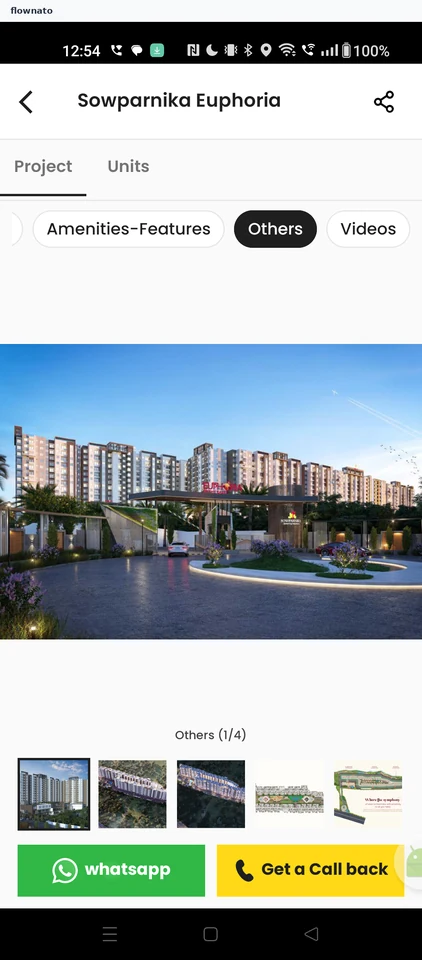
Step 3: Next photo
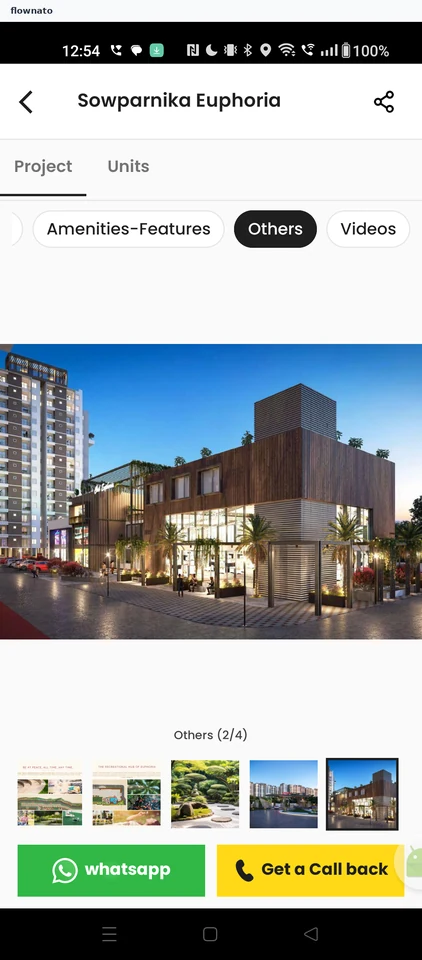
Product details · Top bar, Tabs, Chip, Image, Gallery, Sticky action bar
Step 4: Project video