Sorting and filtering results — Squareyards UX flow
Sorting and filtering results in Squareyards.
Step 1: Results list
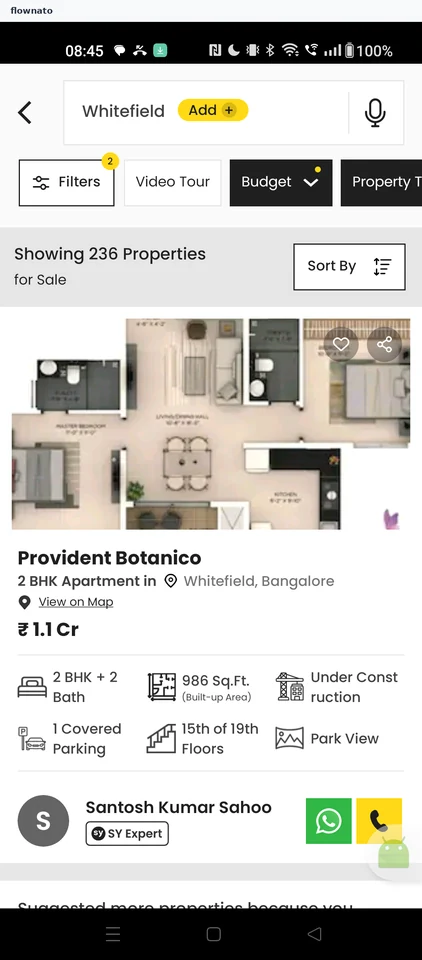
Search results · Search bar, Filter control, Image, Price, Avatar, Badge
Step 2: Sort options
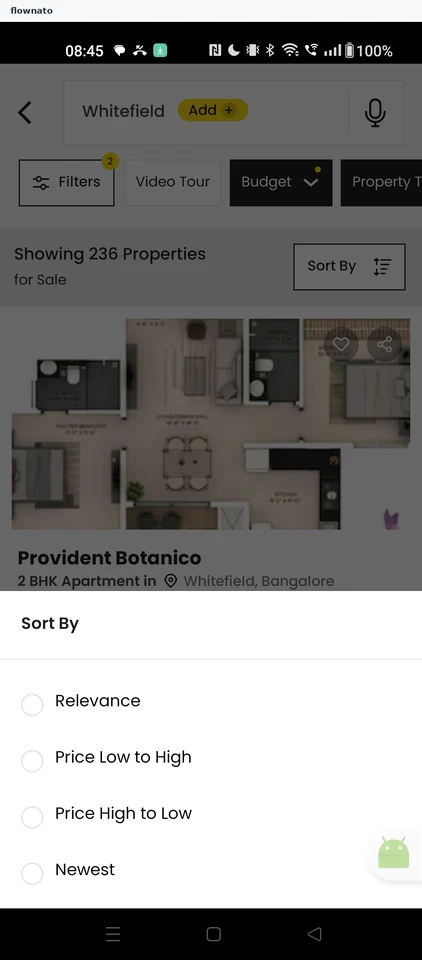
Step 3: Sorted by price
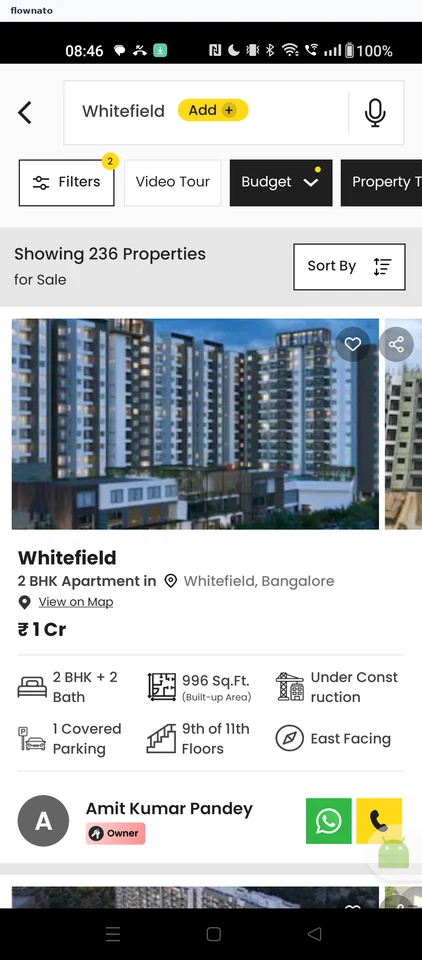
Search results · Search bar, Filter control, Image, Price, Avatar
Step 4: Property type options
Step 5: Apartment selected
Step 6: Refined results