YouTube Music app UI and user flows

About YouTube Music

Screens and user flows from the YouTube Music app.

YouTube Music is an Android app. Last recorded on 12 October 2026.

Android

YouTube Music journeys

  1. Playing a song

    5 steps · complete with a free account
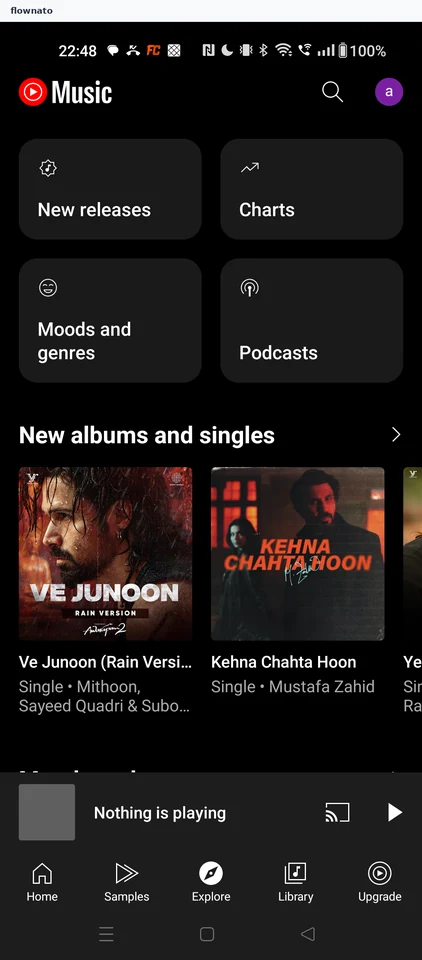
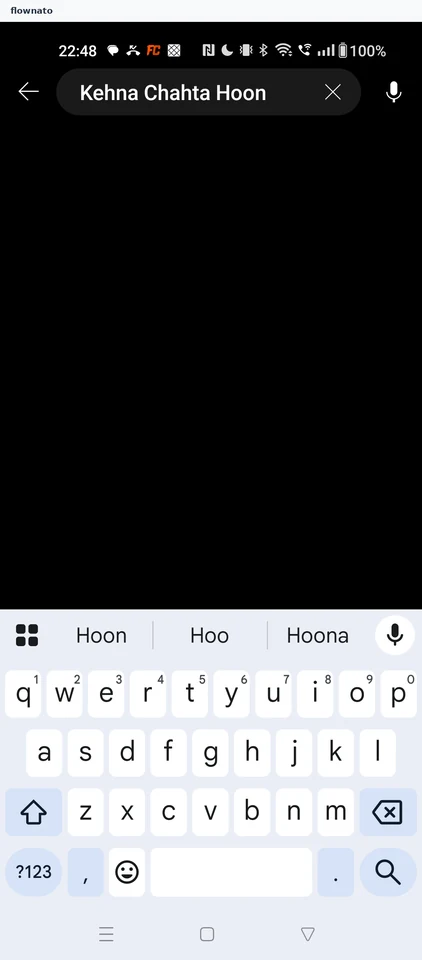
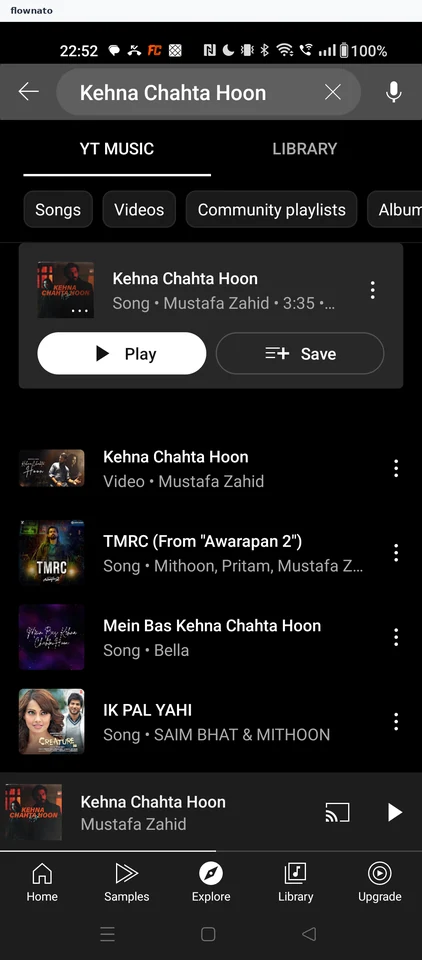
    YouTube Music: Explore tabYouTube Music: Type the song nameYouTube Music: Choose a result
  2. Filtering search results

    2 steps

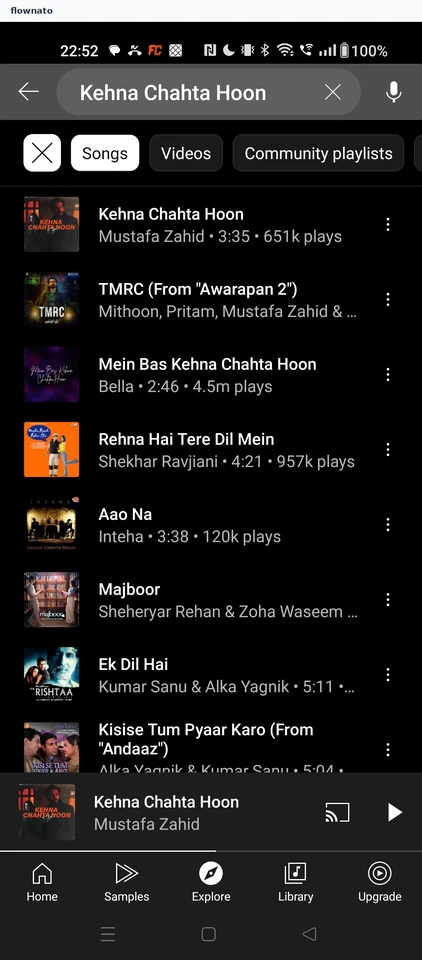
    YouTube Music: Results with filter chipsYouTube Music: Songs only
  3. Reading song lyrics

    2 steps · complete with a free account
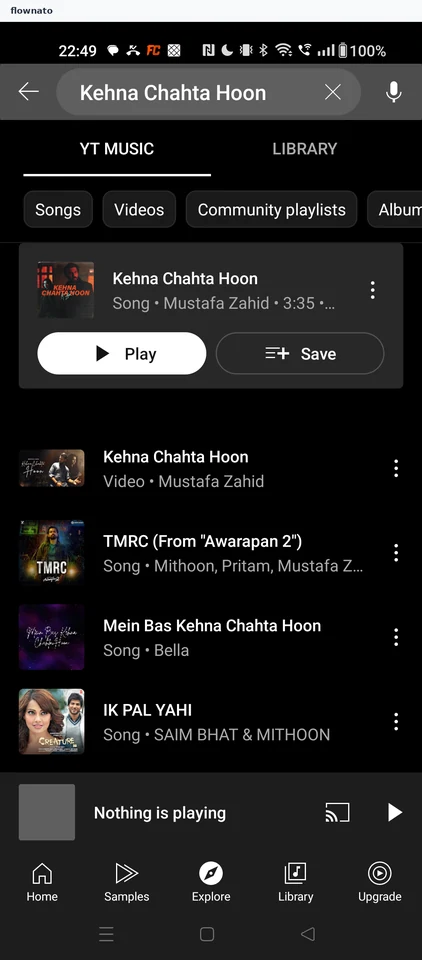
    YouTube Music: Full playerYouTube Music: Lyrics
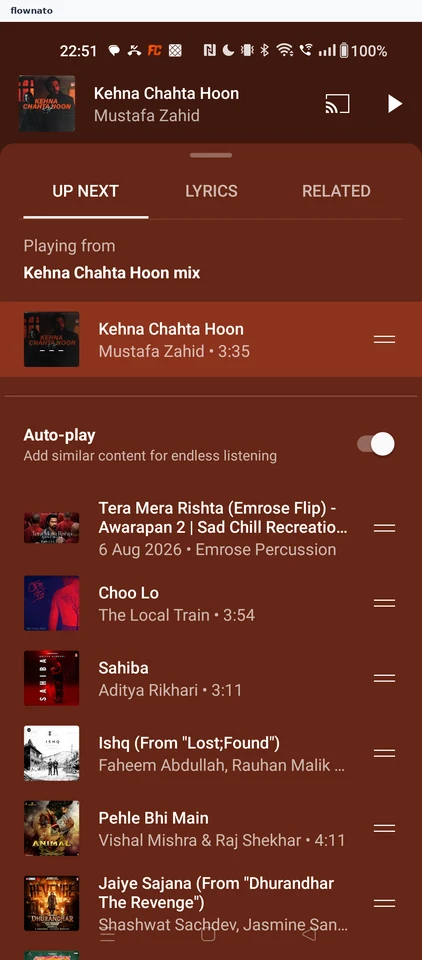
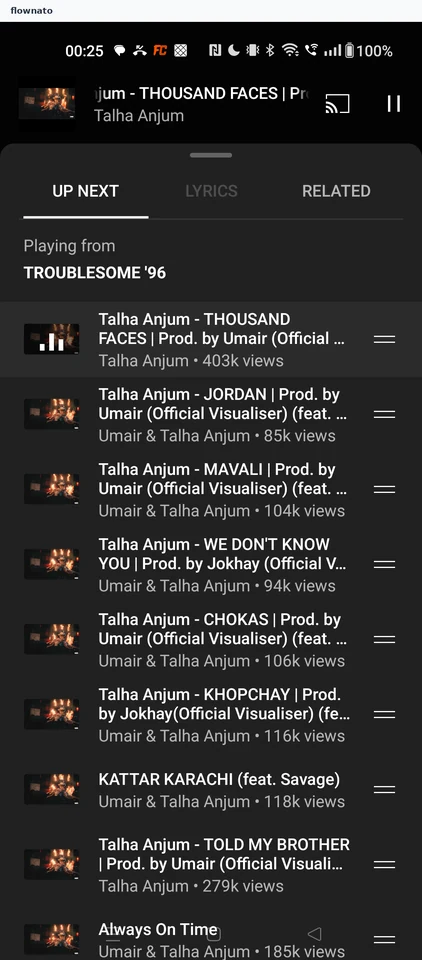
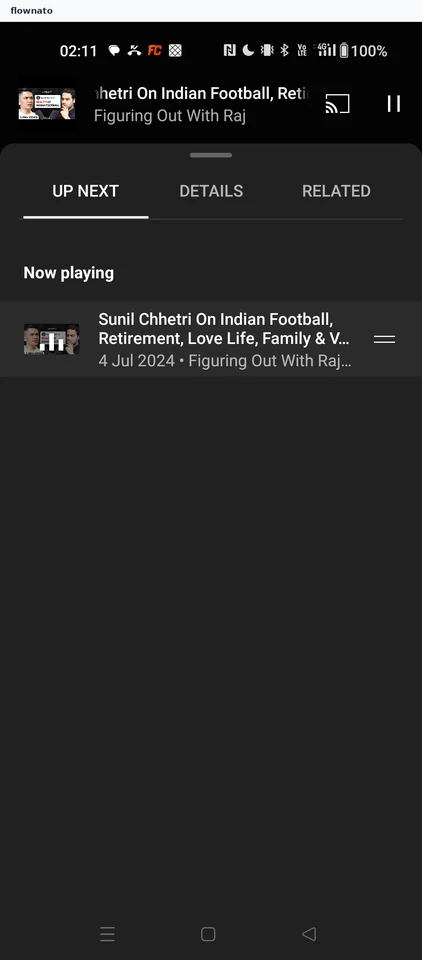
  4. Viewing the up-next queue

    2 steps · complete with a free account
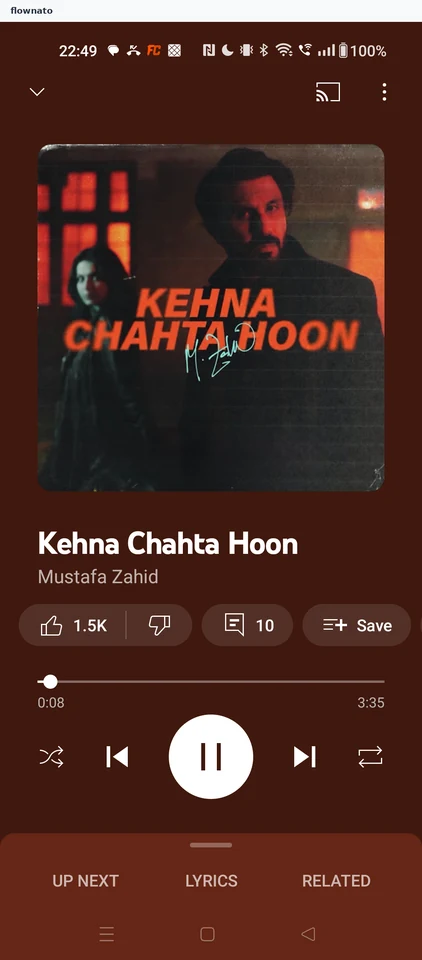
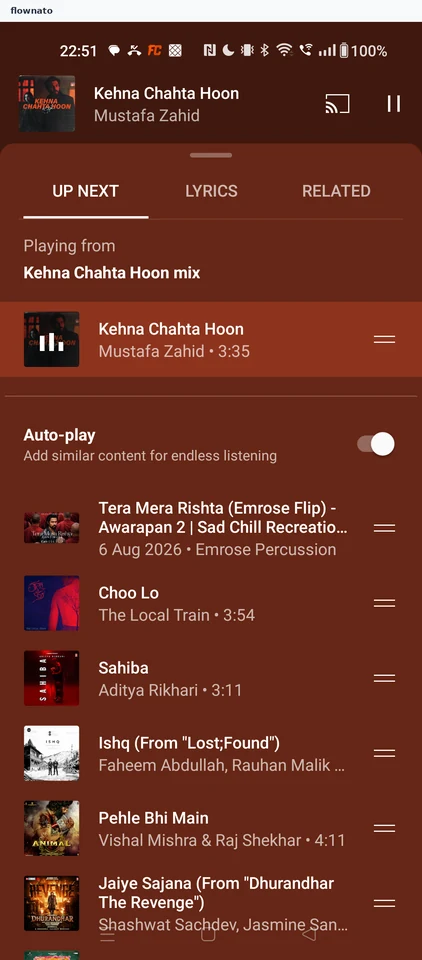
    YouTube Music: Lyrics sheetYouTube Music: Up next queue
  5. Pausing playback

    2 steps · complete with a free account
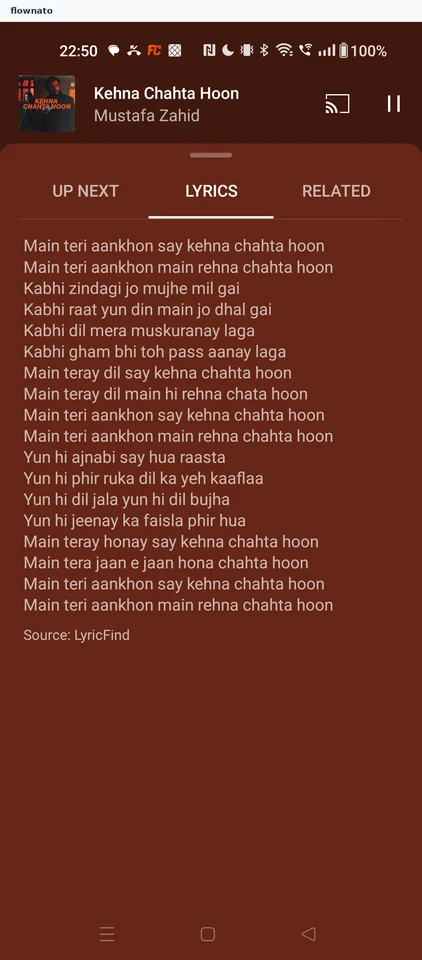
    YouTube Music: Song playingYouTube Music: Paused
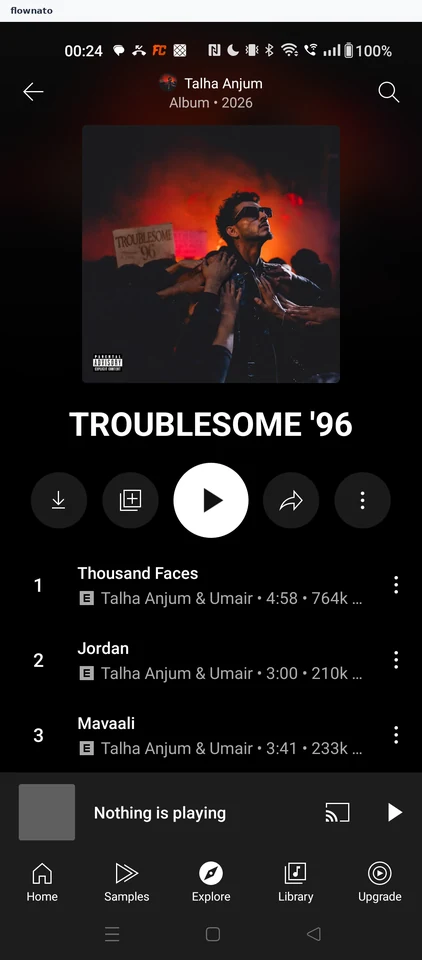
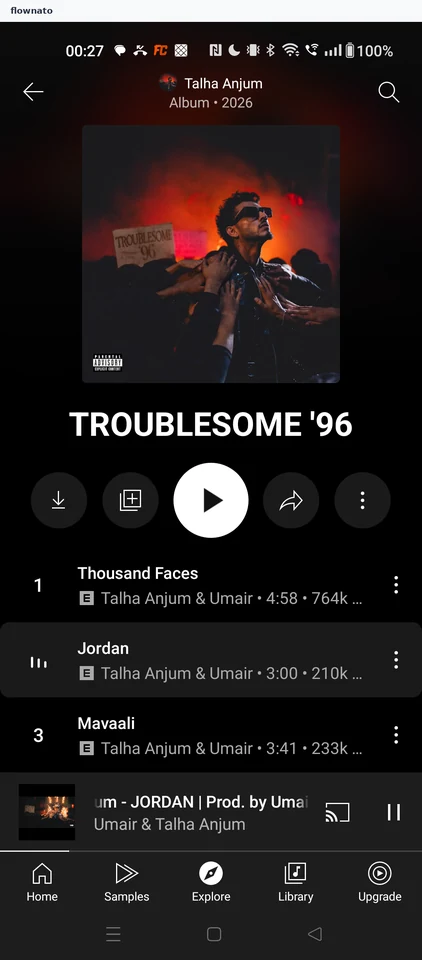
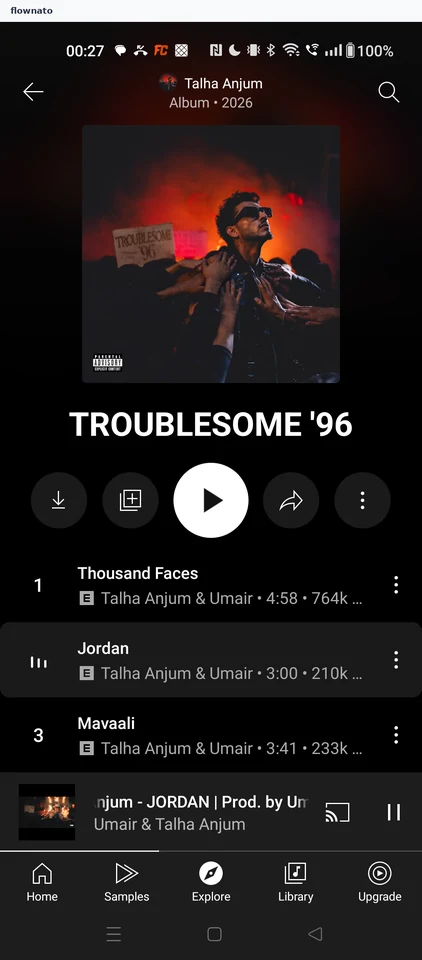
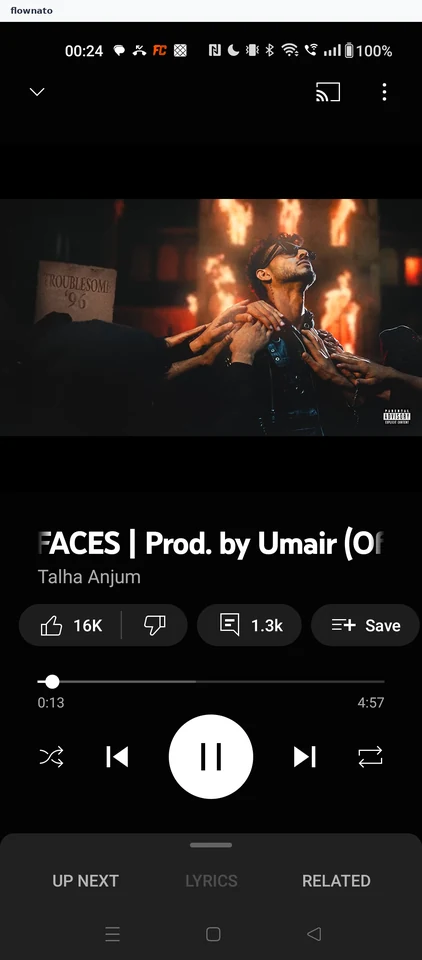
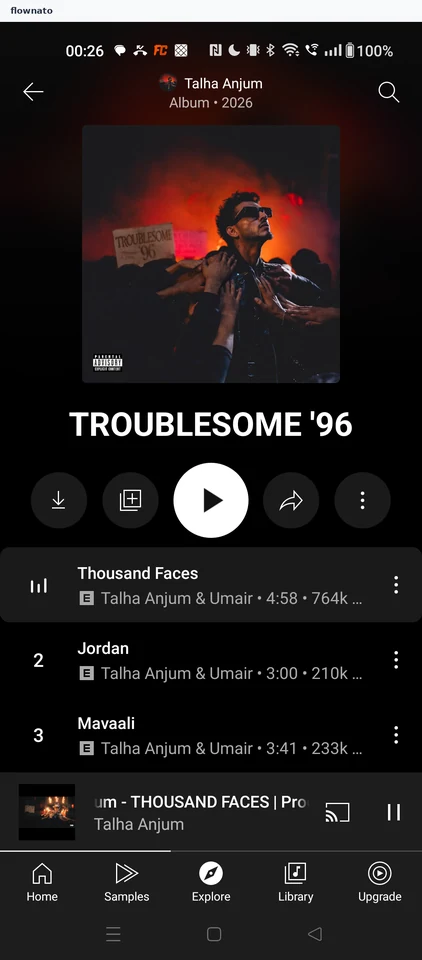
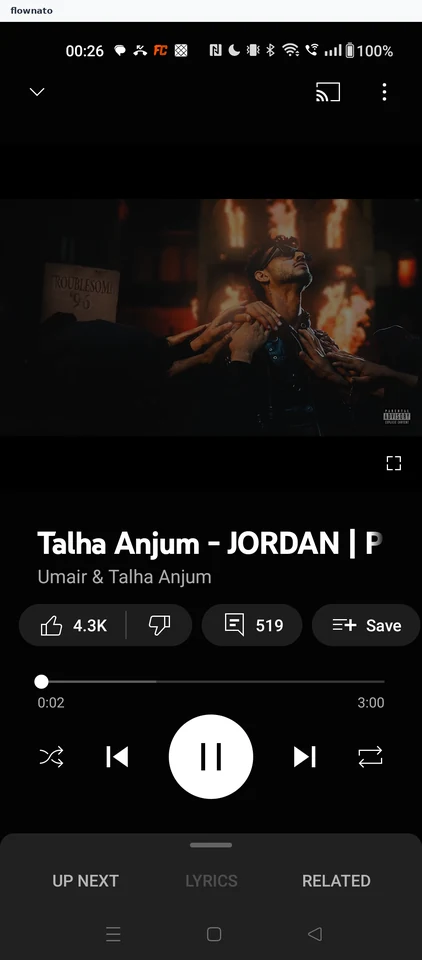
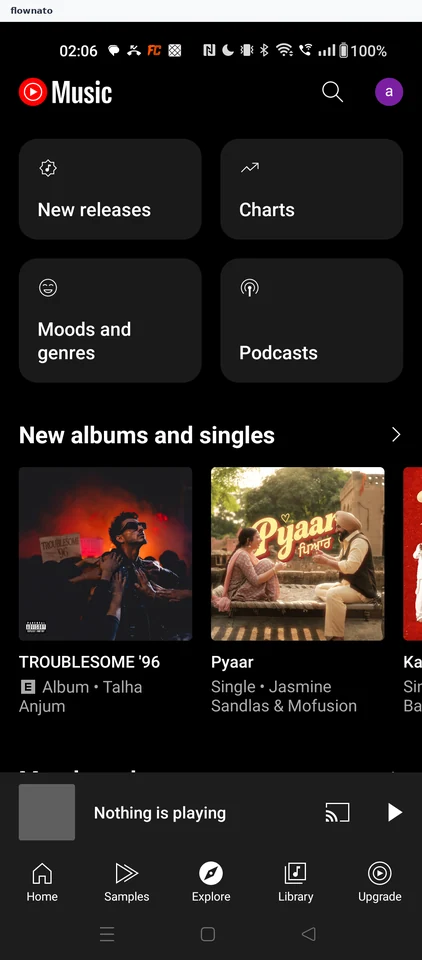
  6. Playing an album

    4 steps · complete with a free account
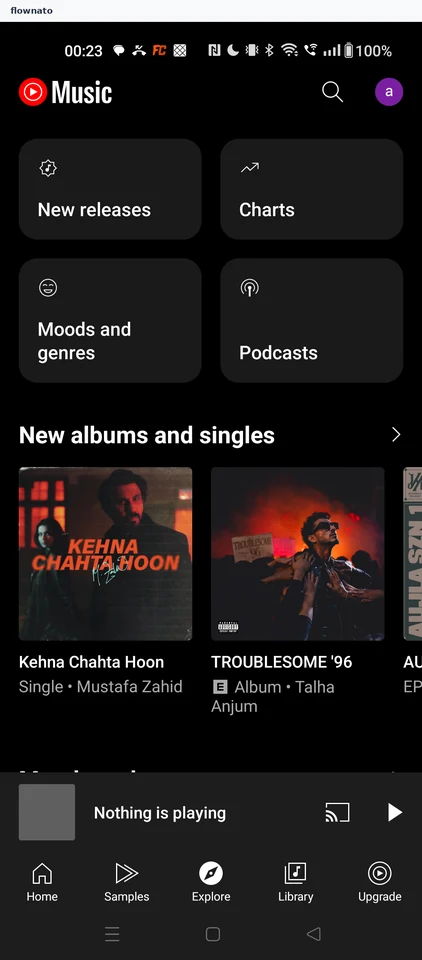
    YouTube Music: Explore new albumsYouTube Music: Review the albumYouTube Music: Player opens
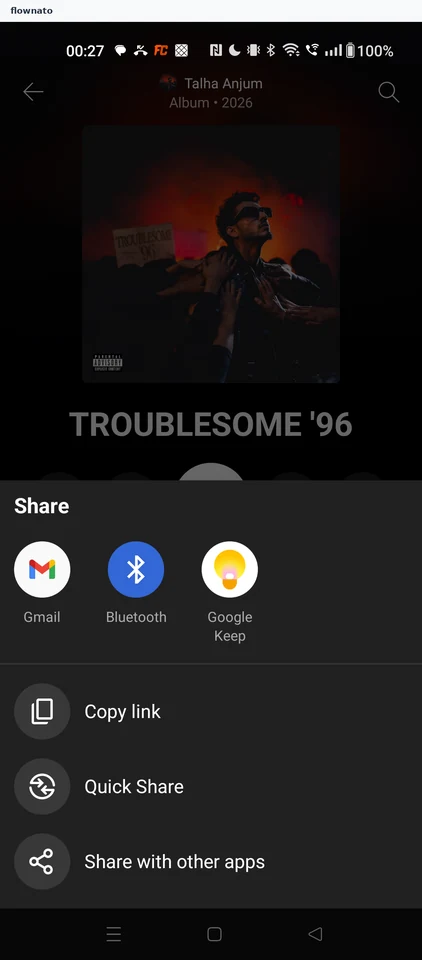
  7. Opening album share options

    2 steps

    YouTube Music: Tap ShareYouTube Music: Share sheet opens
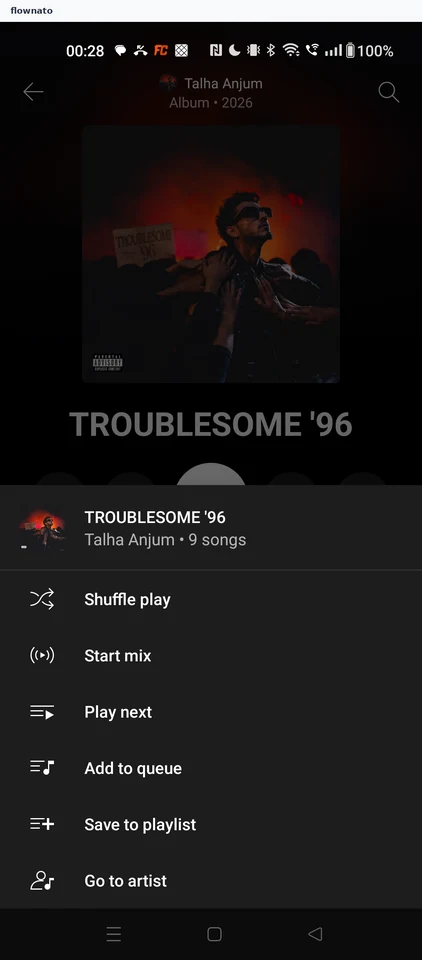
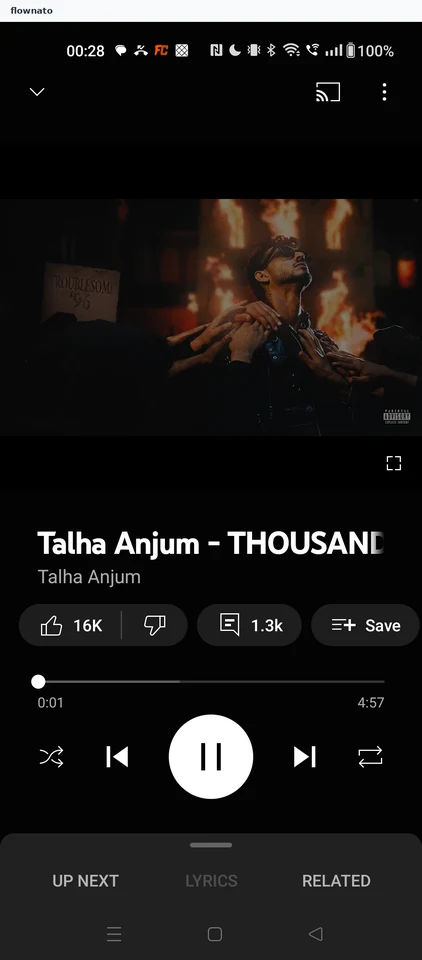
  8. Shuffle-playing an album

    4 steps

    YouTube Music: Open album optionsYouTube Music: Choose Shuffle playYouTube Music: Player restarts the album
  9. Viewing the album queue

    2 steps

    YouTube Music: Open Up nextYouTube Music: Album queue
  10. Playing a chosen track

    2 steps

    YouTube Music: Pick a trackYouTube Music: Chosen track plays
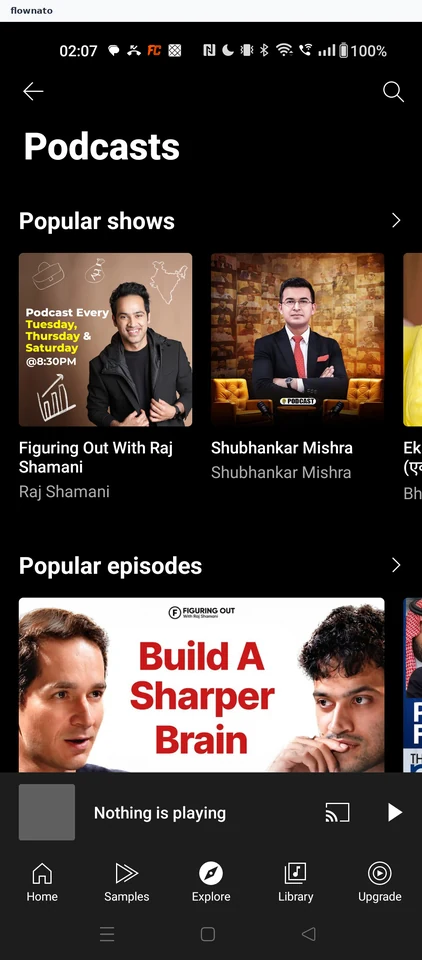
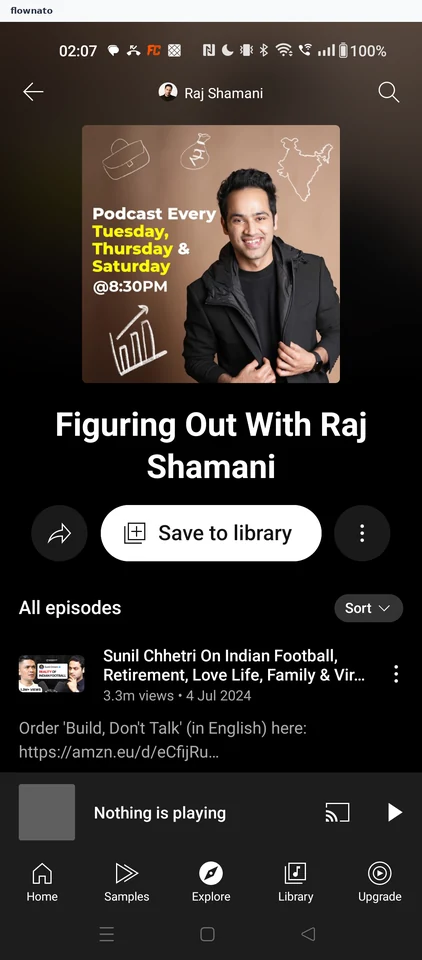
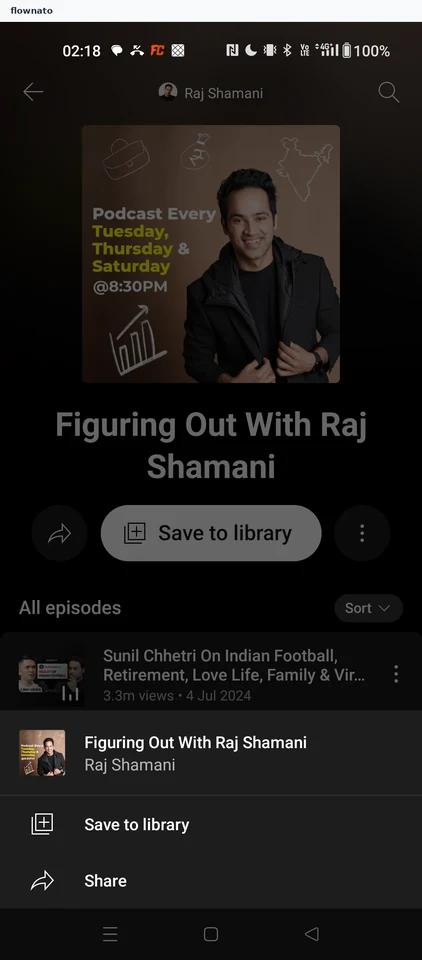
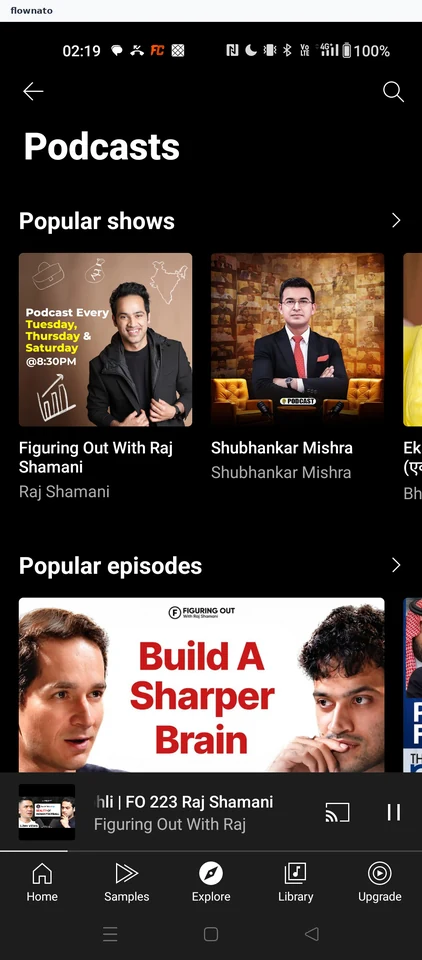
  11. Playing a podcast episode

    6 steps · complete with a free account
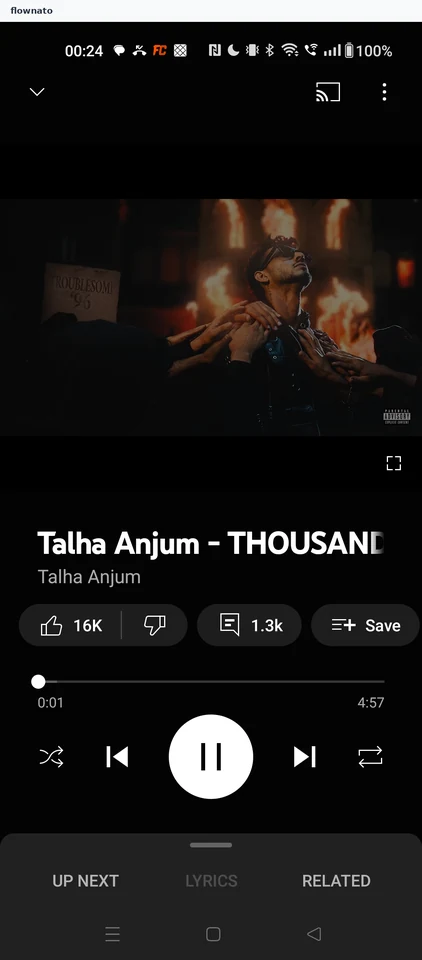
    YouTube Music: Explore tabYouTube Music: Podcasts hubYouTube Music: Show page
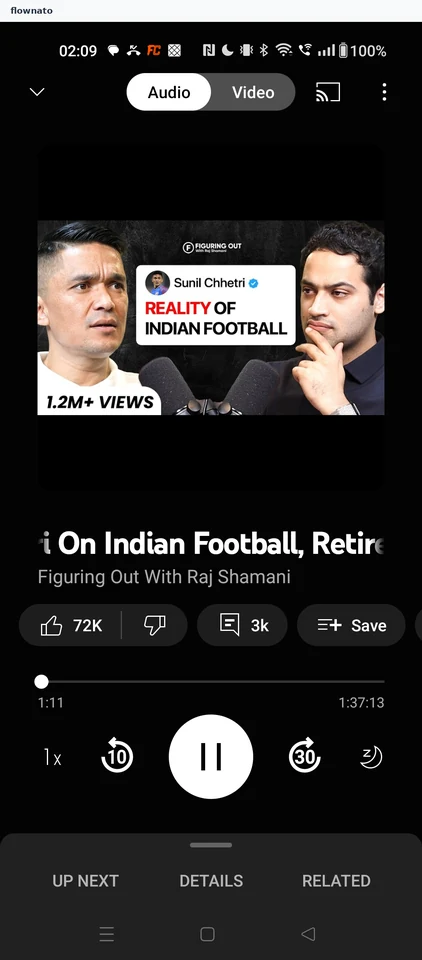
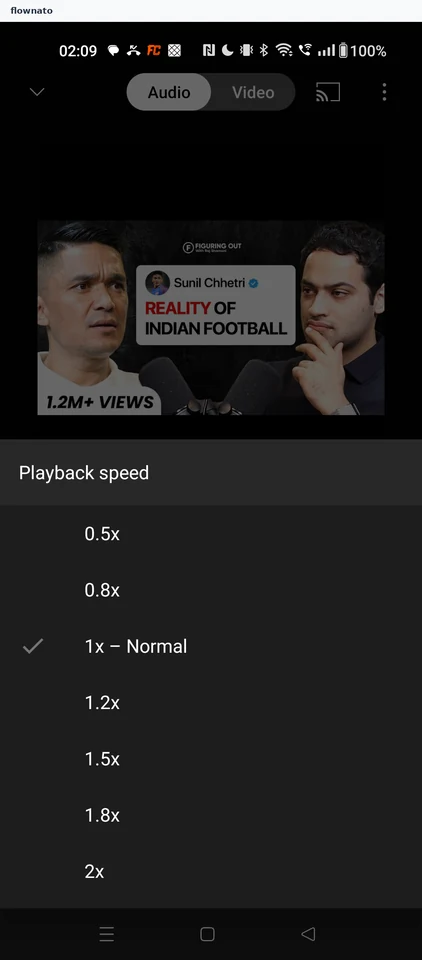
  12. Changing playback speed

    3 steps

    YouTube Music: Speed at 1xYouTube Music: Playback speed sheetYouTube Music: Playing at 1.5x
  13. Skipping forward 30 seconds

    2 steps
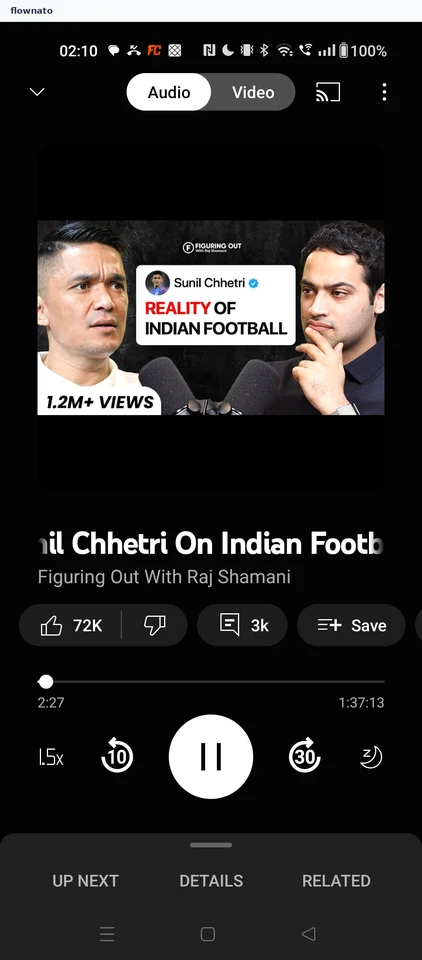
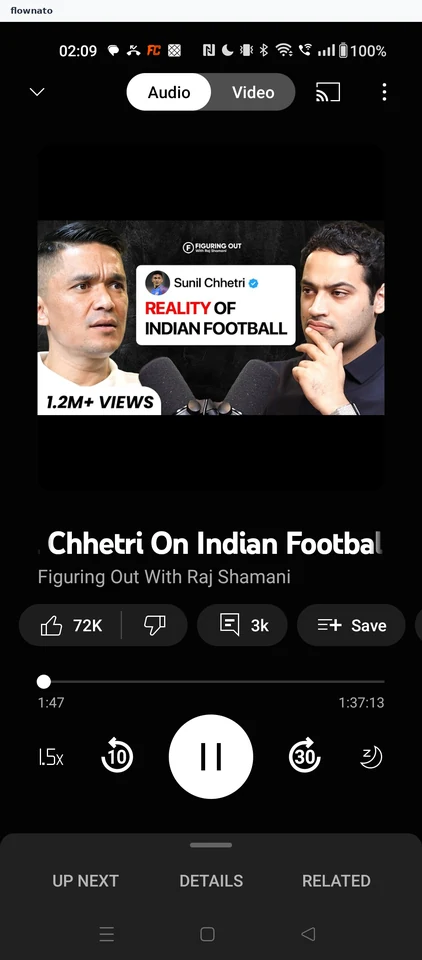
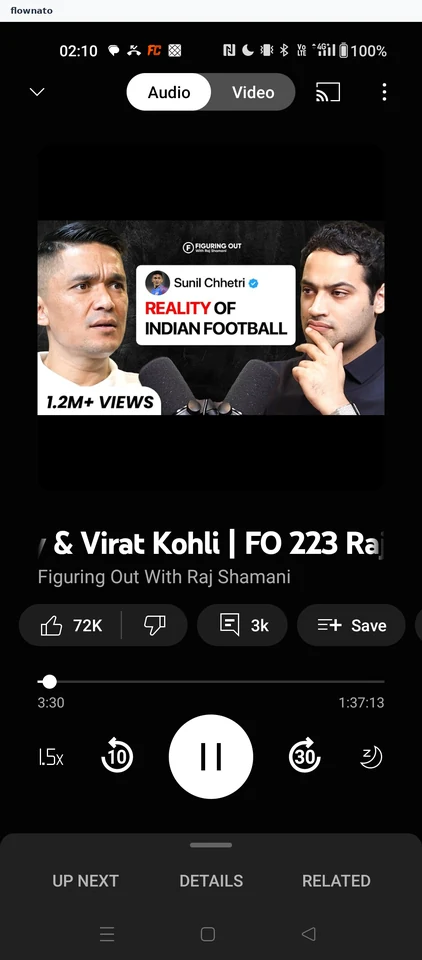
    YouTube Music: Episode at 2:27YouTube Music: Position advanced
  14. Setting a sleep timer

    3 steps

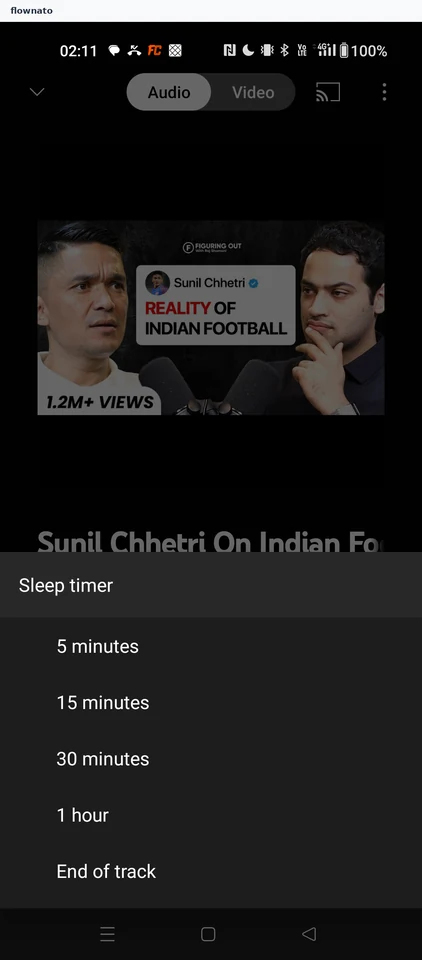
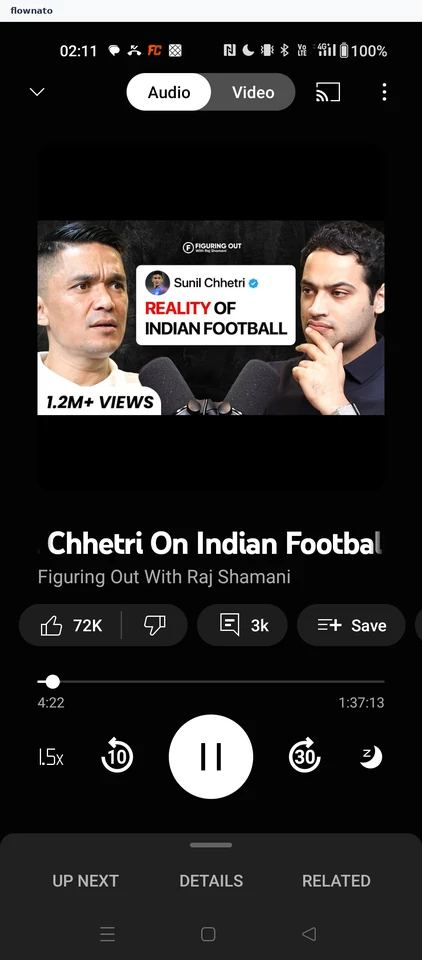
    YouTube Music: Sleep timer offYouTube Music: Sleep timer sheetYouTube Music: Timer set
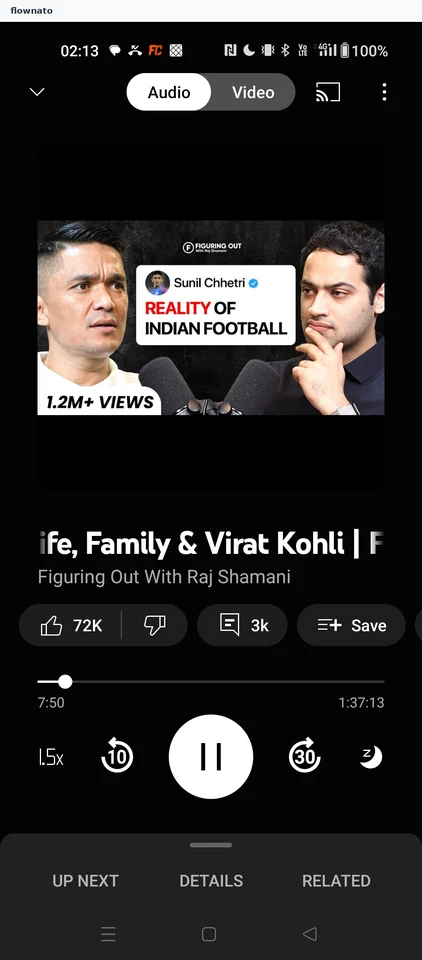
  15. Viewing the episode queue

    2 steps

    YouTube Music: Player tabsYouTube Music: Up next queue
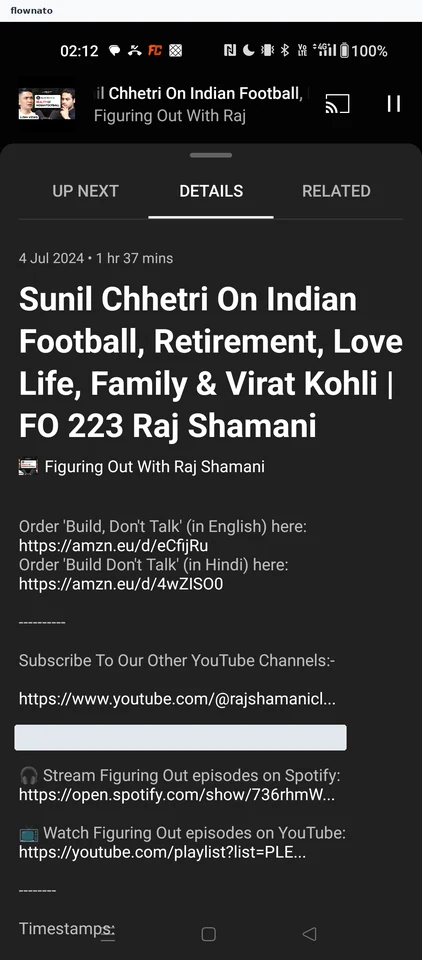
  16. Reading episode details

    2 steps

    YouTube Music: Up next tabYouTube Music: Episode details
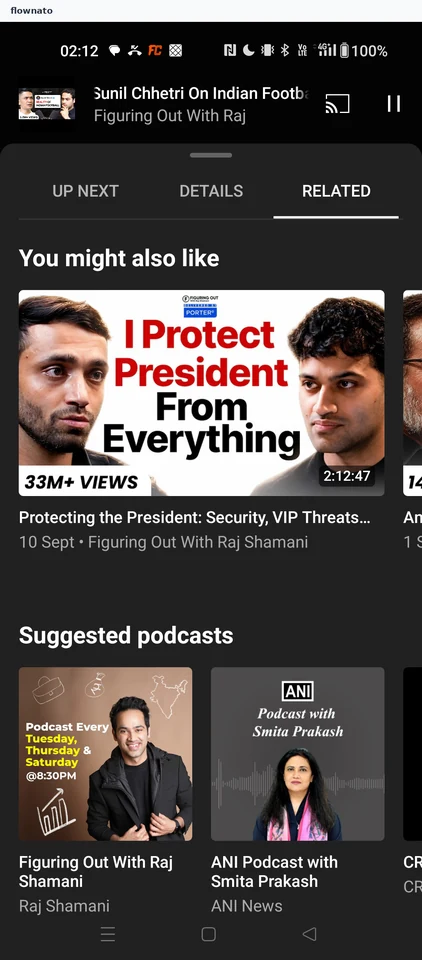
  17. Browsing related episodes

    2 steps

    YouTube Music: Details tabYouTube Music: Related content
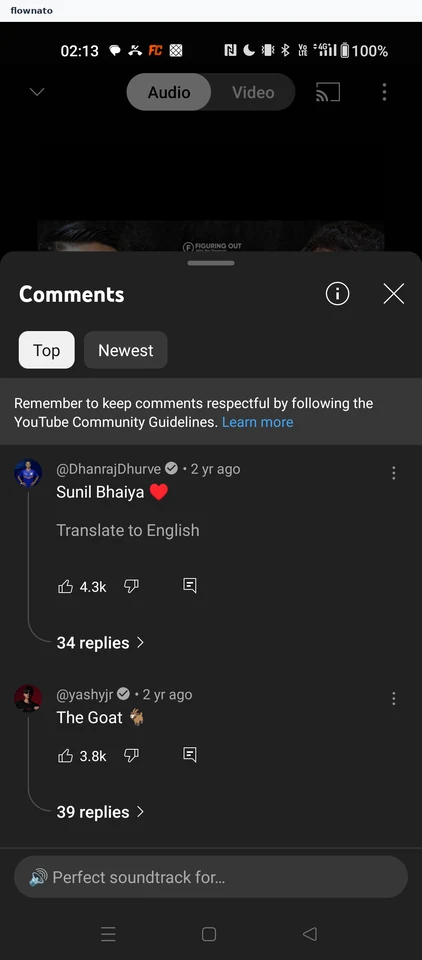
  18. Reading episode comments

    2 steps

    YouTube Music: Player with comments chipYouTube Music: Comments sheet
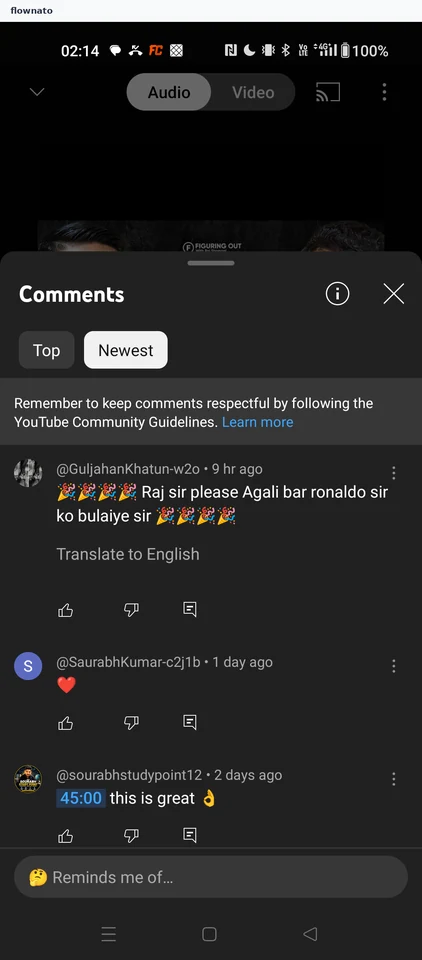
  19. Sorting comments by newest

    2 steps

    YouTube Music: Top commentsYouTube Music: Newest first
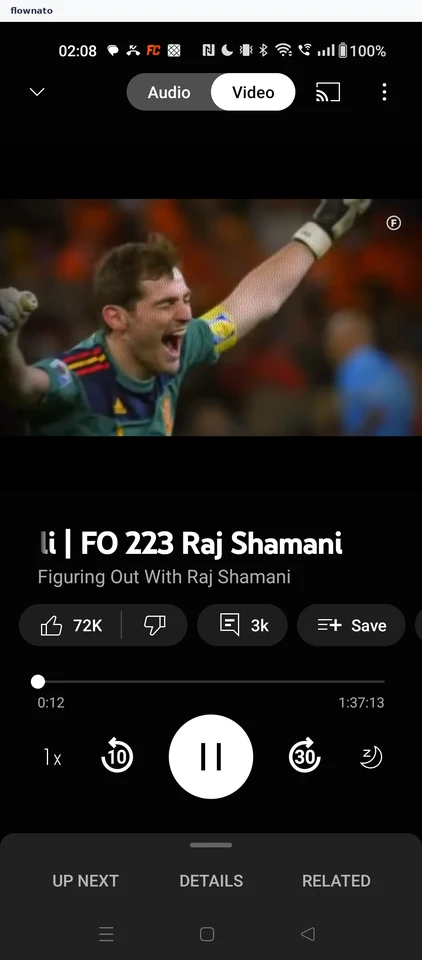
  20. Switching to audio mode

    2 steps

    YouTube Music: Playing in Video modeYouTube Music: Audio mode
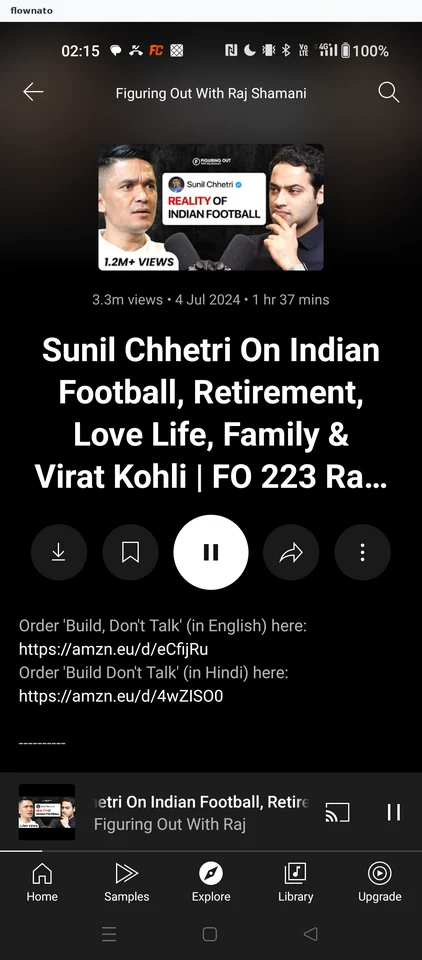
  21. Viewing episode options

    2 steps

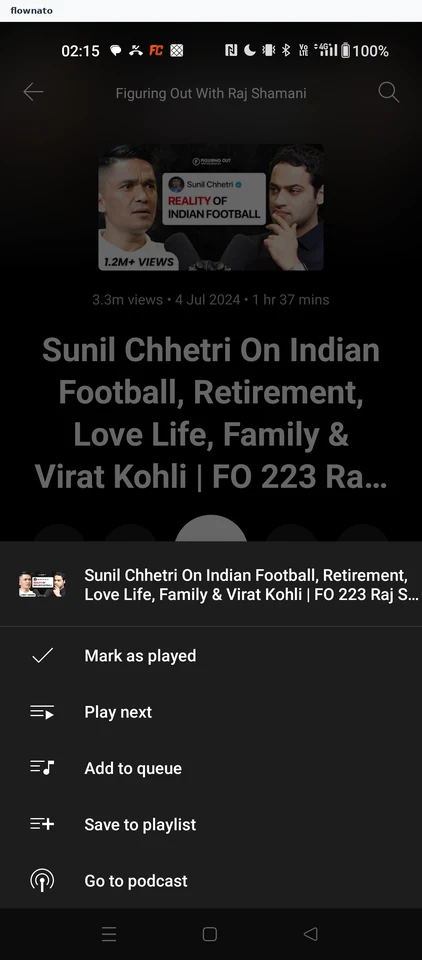
    YouTube Music: Episode pageYouTube Music: Episode options
  22. Copying a show link

    3 steps

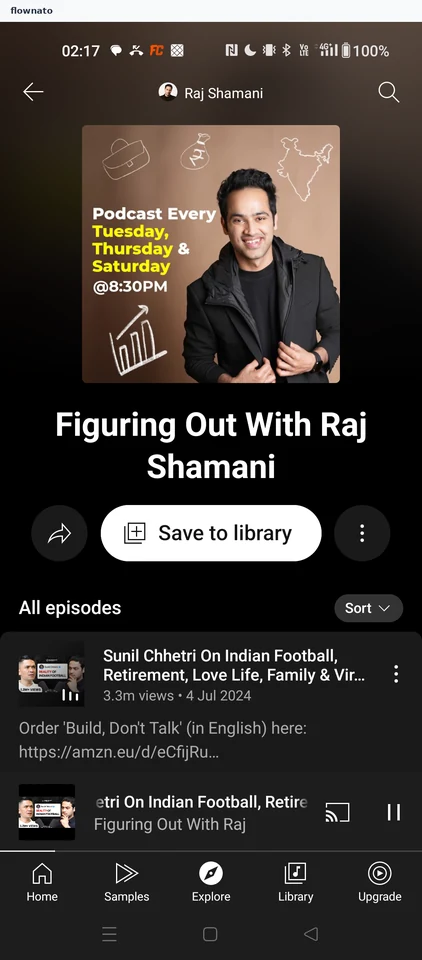
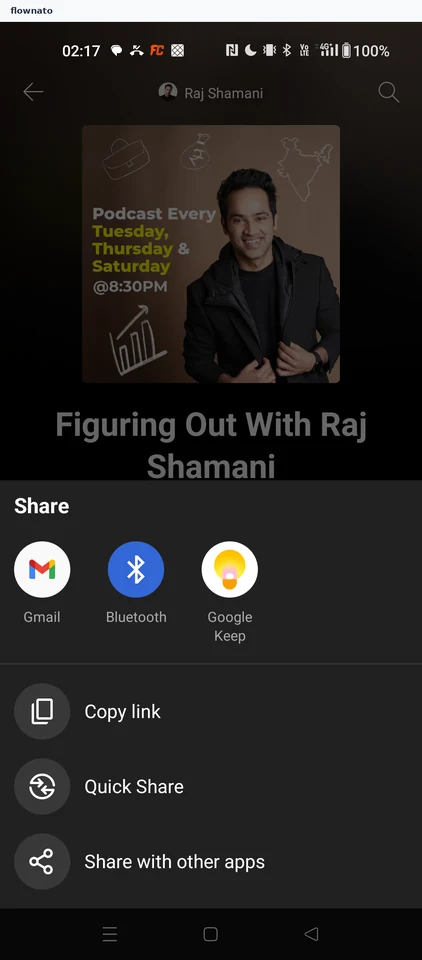
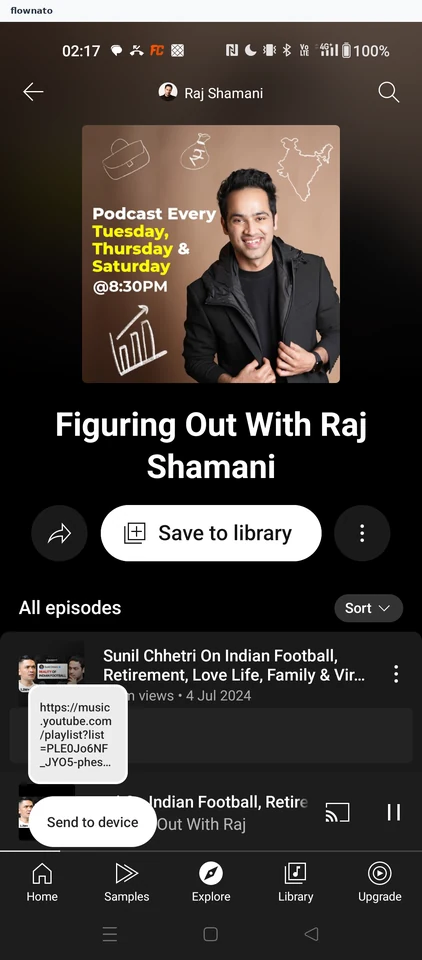
    YouTube Music: Show pageYouTube Music: Share sheetYouTube Music: Link copied
  23. Viewing show options

    2 steps

    YouTube Music: Show pageYouTube Music: Show options
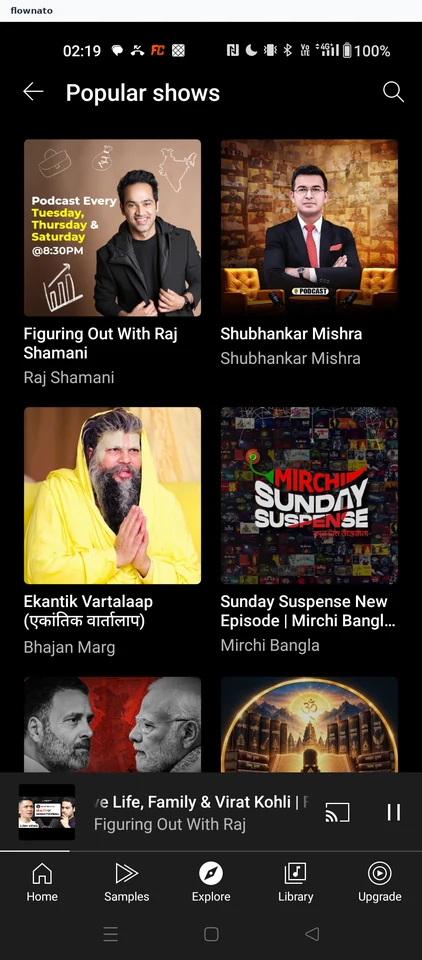
  24. Browsing popular shows

    2 steps

    YouTube Music: Podcasts hubYouTube Music: Popular shows grid

Screen patterns in YouTube Music