Setting a sleep timer — YouTube Music UX flow
Setting a sleep timer in YouTube Music.
Step 1: Sleep timer off

Now playing · Segmented control, Image, Slider, Player controls, Button, Bottom sheet
Step 2: Sleep timer sheet
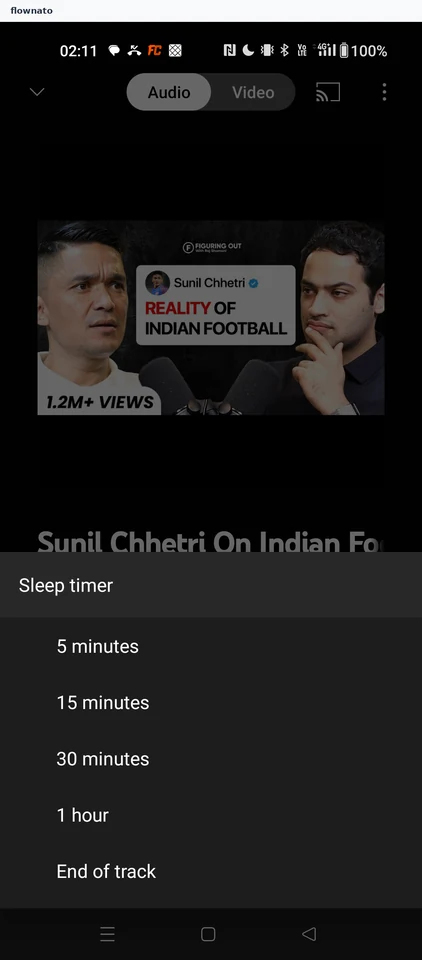
Option selection · Bottom sheet, List, Segmented control, Image
Step 3: Timer set

Now playing · Segmented control, Image, Slider, Player controls, Button, Bottom sheet