Playing a song — YouTube Music UX flow
Playing a song in YouTube Music.
Step 1: Explore tab
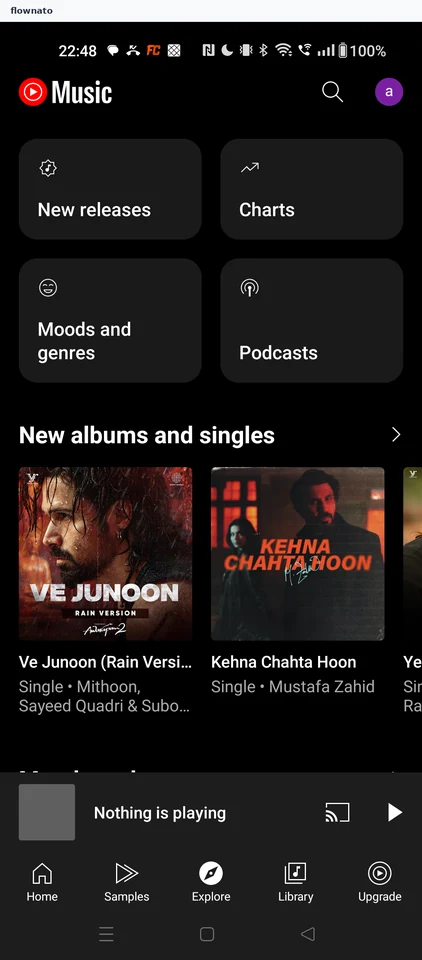
Browse · Logo, Avatar, Card, Section header, Carousel, Image
Step 2: Type the song name
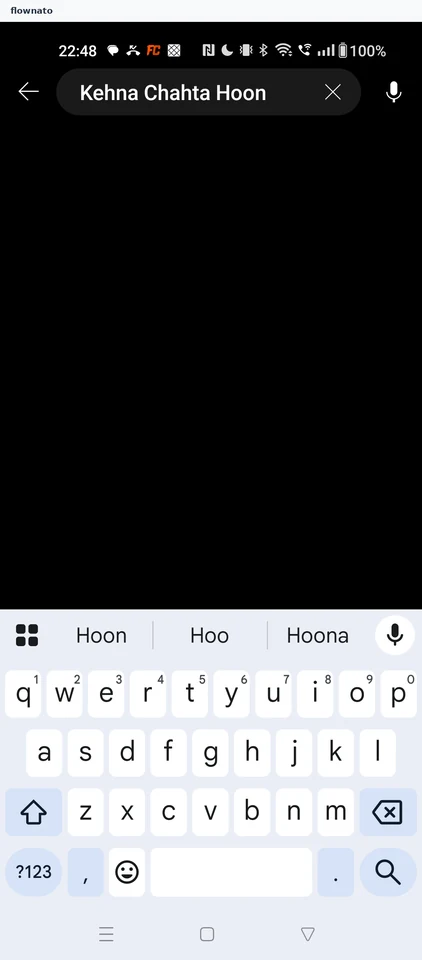
Search · Search bar, Keyboard, Icon
Step 3: Choose a result
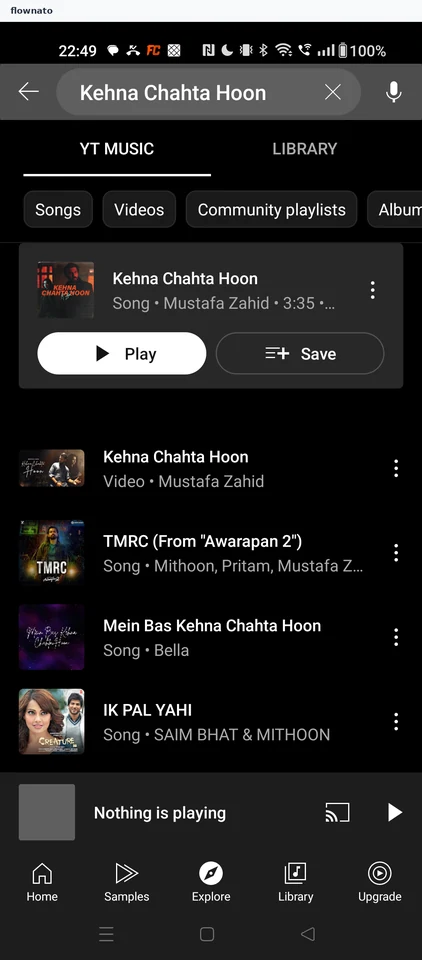
Search results · Search bar, Tabs, Filter control, Card, Button, List
Step 4: Pre-roll ad plays first
Step 5: Song playing