Playing an album — YouTube Music UX flow
Playing an album in YouTube Music.
Step 1: Explore new albums
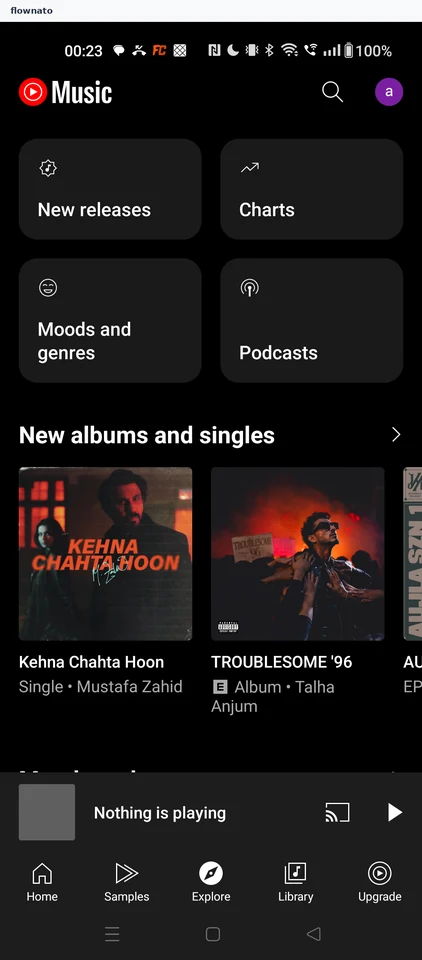
Browse · Logo, Avatar, Card, Section header, Carousel, Image
Step 2: Review the album
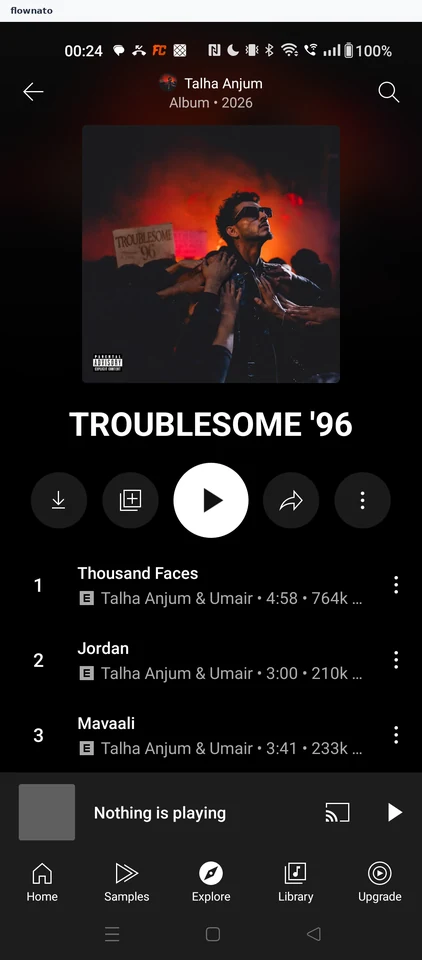
Collection · Top bar, Image, Button, List, Player controls, Bottom navigation
Step 3: Player opens
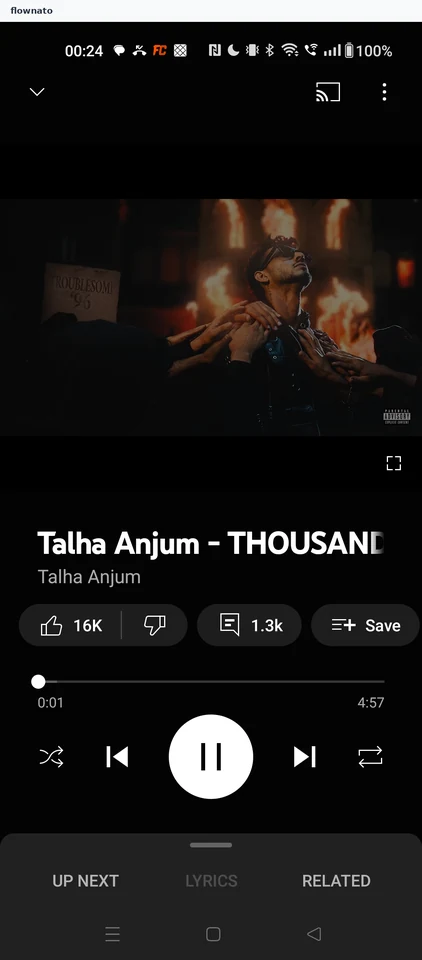
Step 4: Album keeps playing