Shuffle-playing an album — YouTube Music UX flow
Shuffle-playing an album in YouTube Music.
Step 1: Open album options
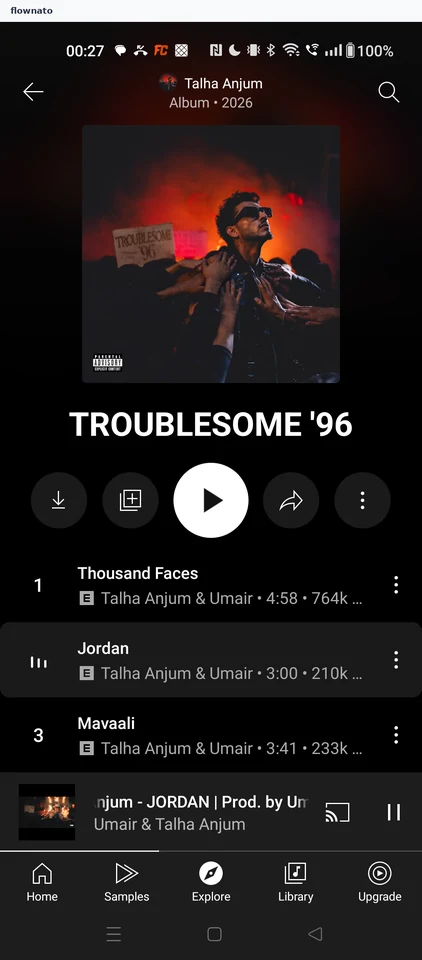
Collection · Top bar, Image, Button, List, Player controls, Bottom navigation
Step 2: Choose Shuffle play
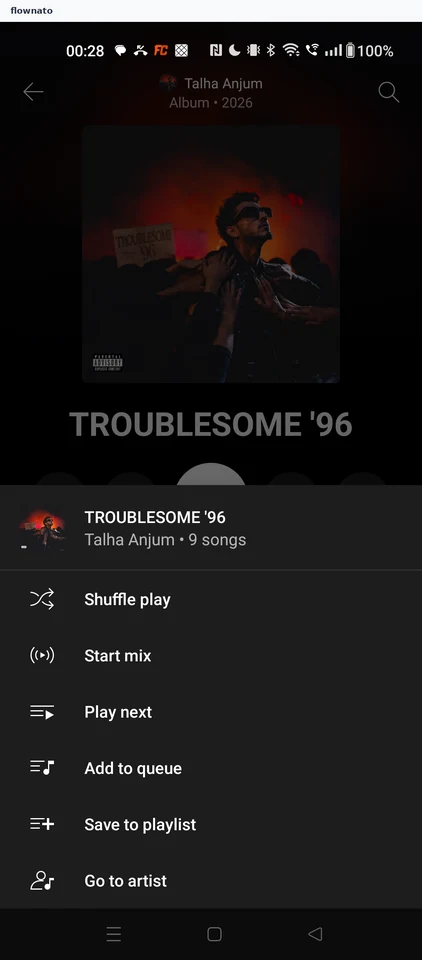
Collection · Action sheet, List, Icon, Image
Step 3: Player restarts the album
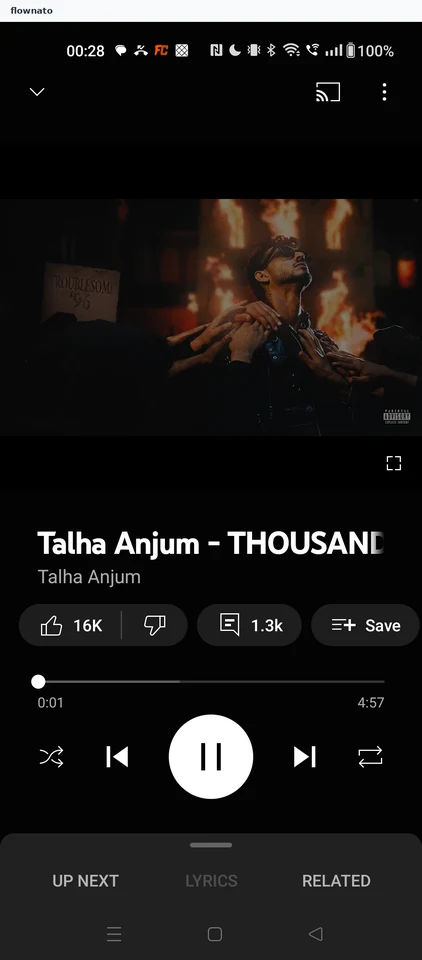
Now playing · Video, Slider, Player controls, Button, Bottom sheet
Step 4: Shuffled queue