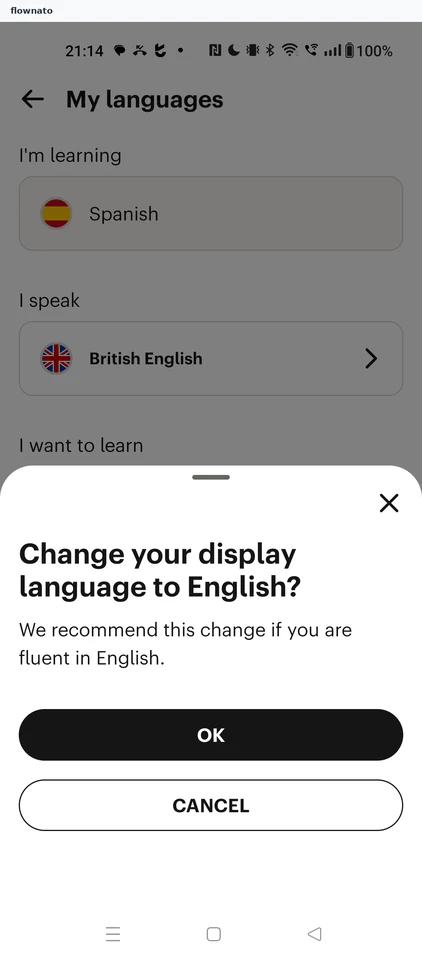
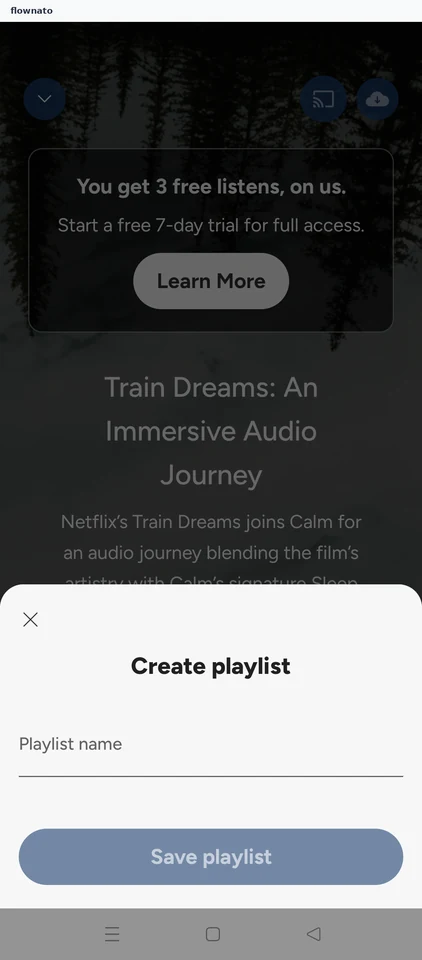
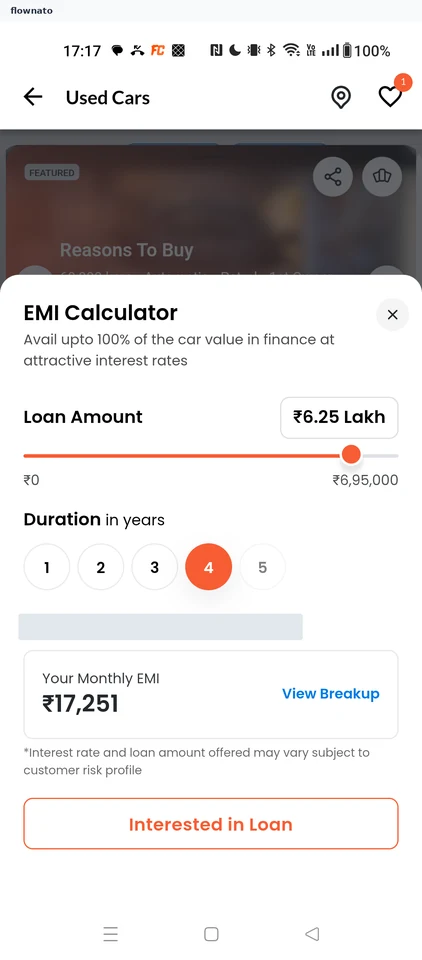
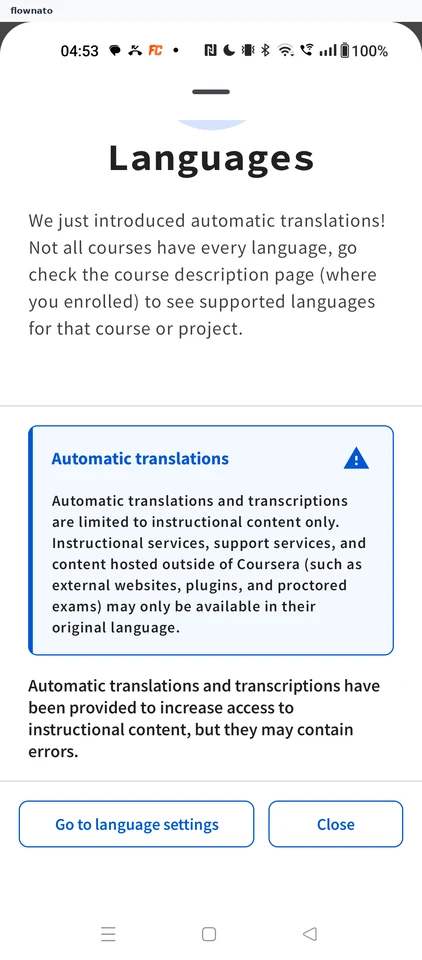
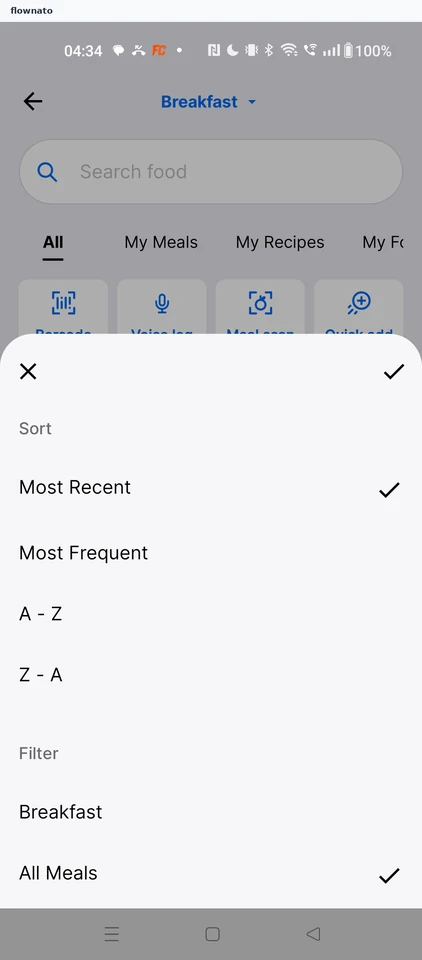
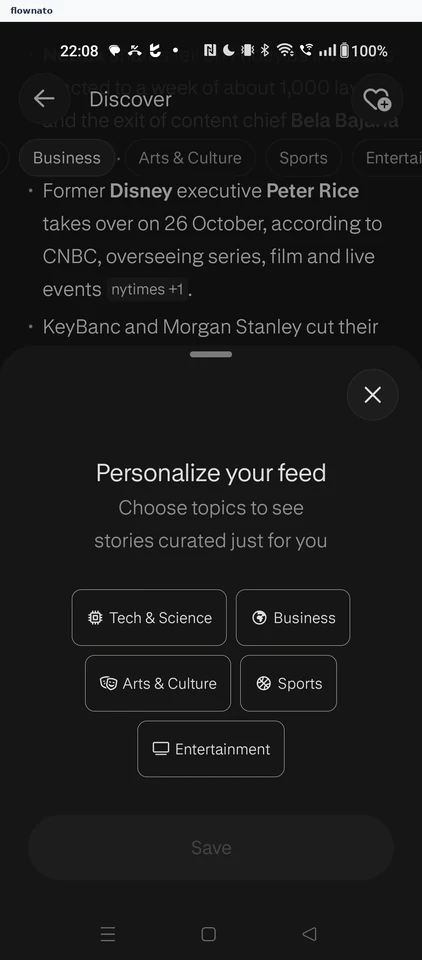
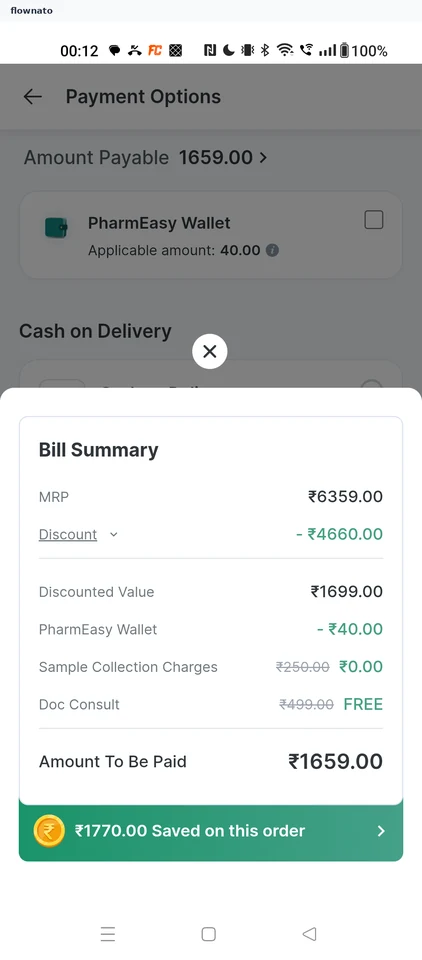
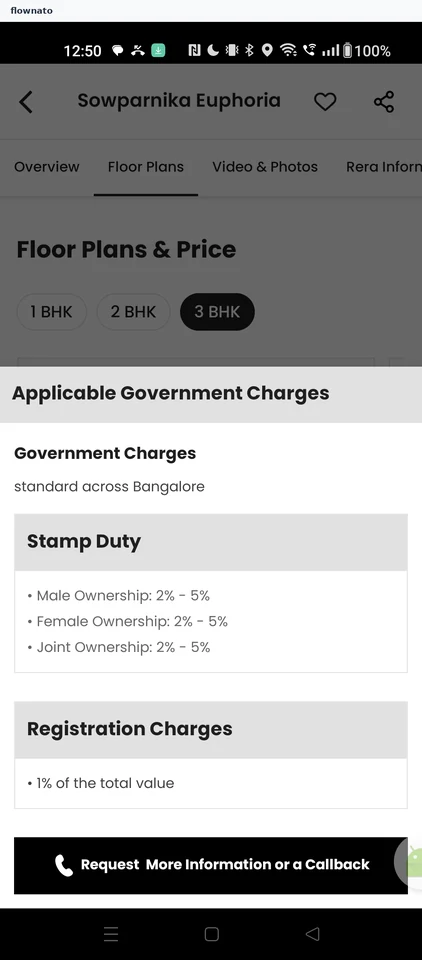
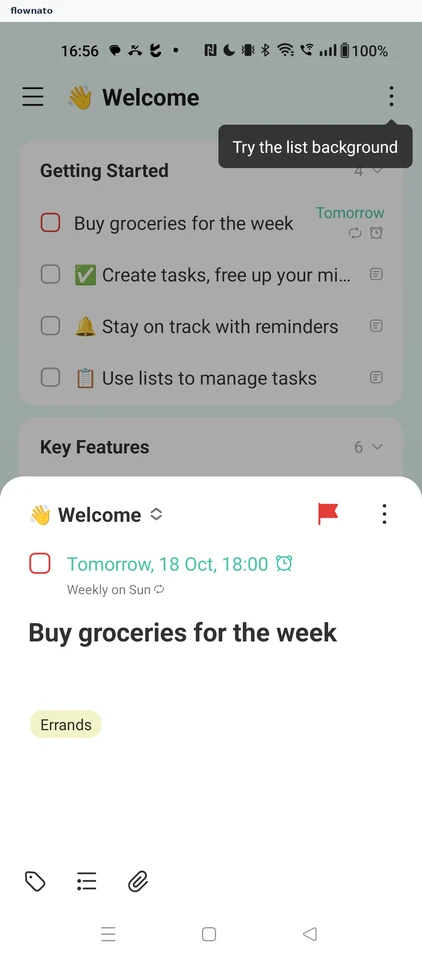
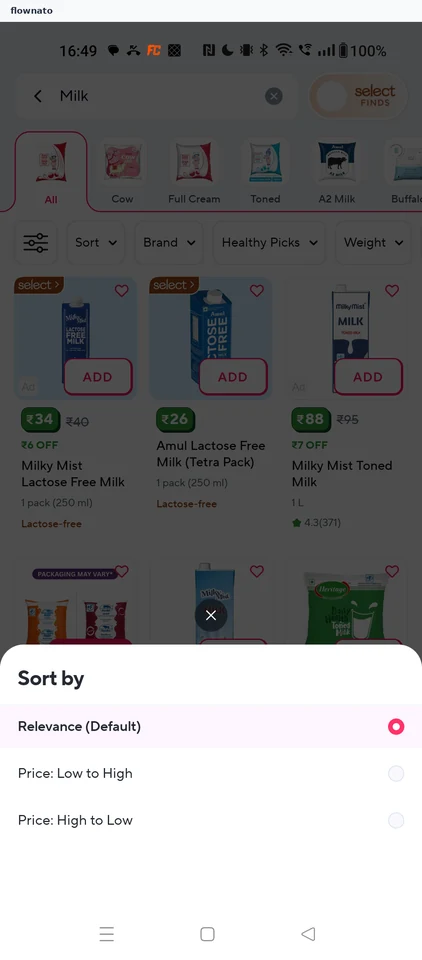
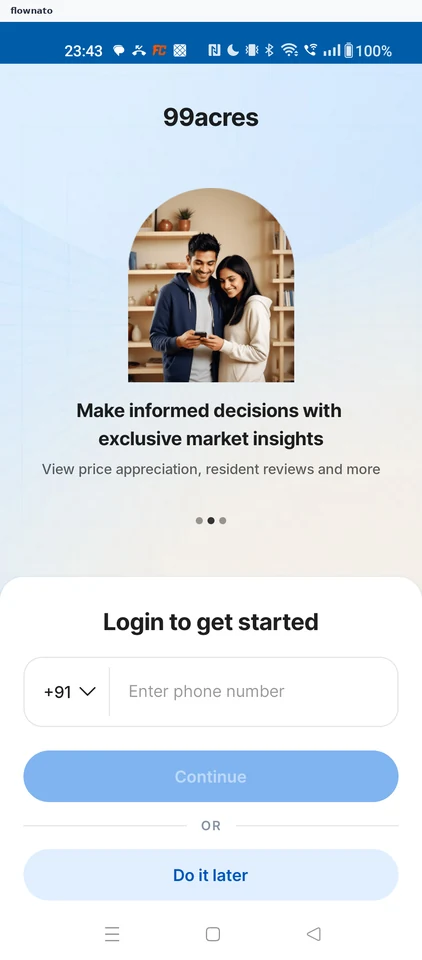
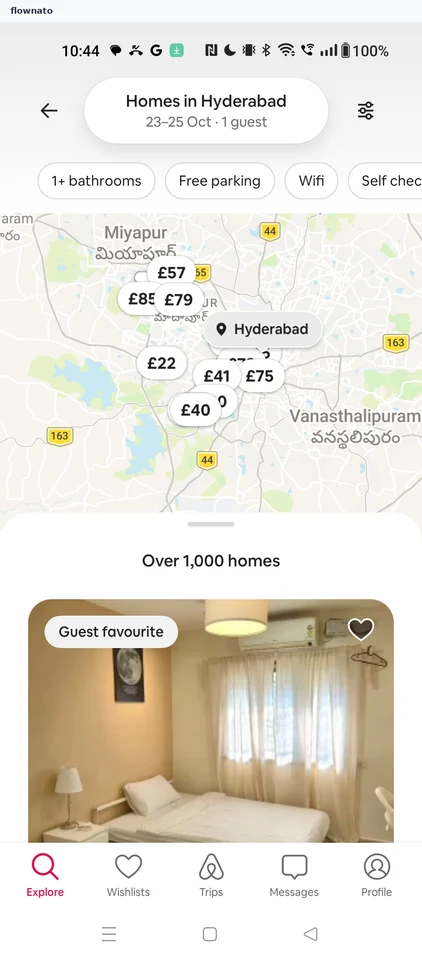
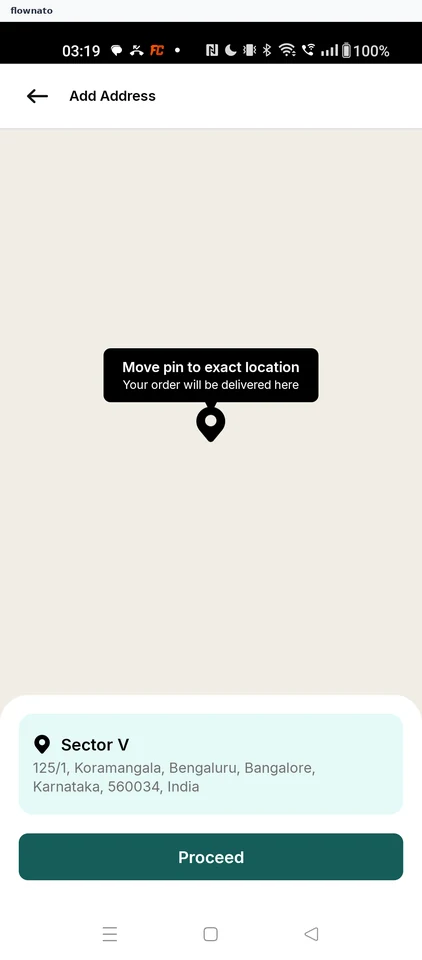
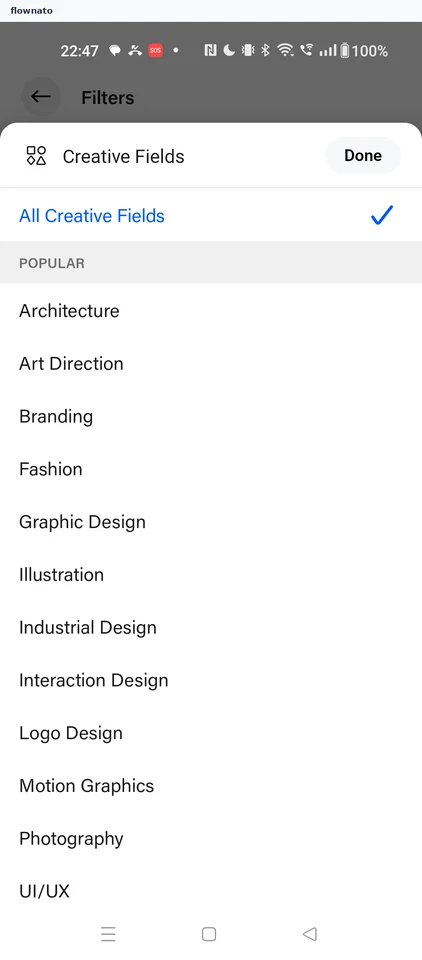
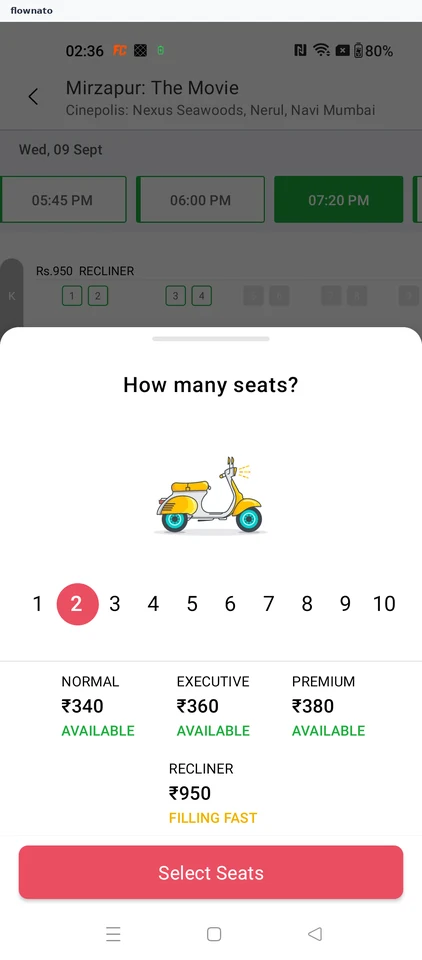
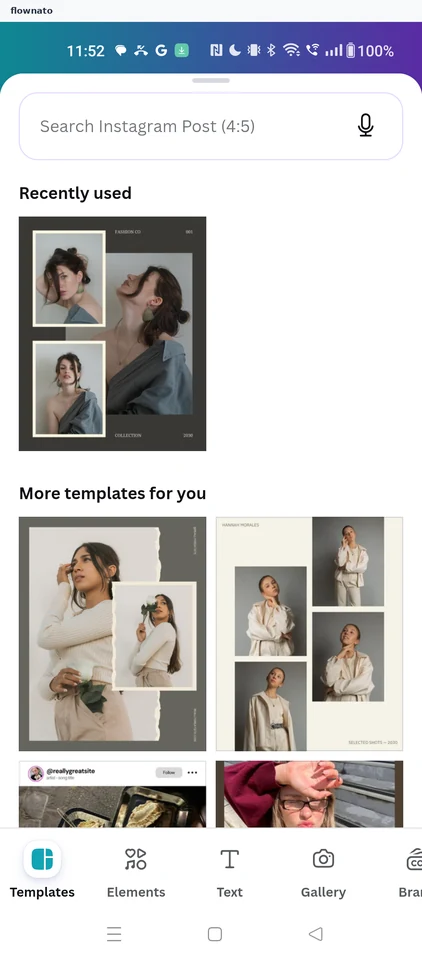
Bottom sheet
Secondary facet for a modal sheet rising from the bottom.
BookMyShow: Contact detail before payment
'Please Fill In The Missing Detail' sheet explaining the detail is needed to deliver tickets, with a country-code mobile-number field, a 'Save this detail in the profile for future transactions' checkbox and an enabled red Proceed To Pay button.
Cleartrip: Flight filters
Flight-results filter sheet with included airports, stops, airlines, reset controls, and Apply.
Cleartrip: Add an adult traveller
Empty adult-traveller sheet with gender, given-name, surname, and Done controls.
Cleartrip: Choose hotel dates
Calendar range selection for hotel check-in and checkout with confirmation.
Cleartrip: Rooms and guests
Room occupancy controls for adults and children with confirmation.
Premium screenshot
Cleartrip: Final flight trip review
Final review sheet summarizing the Bengaluru to New Delhi itinerary and one traveller before Confirm and proceed.
Premium screenshot
Cleartrip: Choose flight departure date
Departure-date calendar with daily fare estimates, a selected date, optional return date, and Done.
Premium screenshot
Cleartrip: Choose a flight fare
Fare-choice sheet comparing Saver and Value Max benefits and prices.
Premium screenshot
Cleartrip: Flight travellers and class
Traveller counts for adults, children, and infants plus Economy, Premium Economy, Business, and First choices.
Premium screenshot
District: Mid-flow login bottom sheet gating guest checkout
A dark bottom sheet titled 'Log in or sign up' with a close (×) control, a +91 mobile-number field, a disabled Continue button, a red 'Login with Zomato' button and the Terms of Service / Privacy Policy footer, presented over a dimmed booking surface.
Premium screenshot
District: Find a restaurant — booking preferences sheet
Bottom-sheet form titled 'Find a restaurant' with a close control and a short subtitle, three stacked preference rows — 'No of guests' (2 guests), 'Date' (Today), 'Time' (2:30 PM) — and a footer pairing a text 'Clear filters' action with a filled 'Find restaurants' submit button, over the dimmed collection listing.
Premium screenshot
MakeMyTrip: Hotels card payment — card entry
Card-instrument form: Total Due header, an online-transaction warning with a Know more link, empty ENTER CARD NUMBER, MM/YY and CVV fields, and a PAY control that stays disabled while the form is empty.
Premium screenshot
SNITCH: Login or signup phone-OTP gate
LOGIN OR SIGNUP bottom sheet over the bag: the line 'Unlock coupons, profile and much more', an empty phone field prefixed +91, a black VERIFY button, and a terms-of-service and privacy-policy consent line.
Premium screenshot
BookMyShow: Age advisory consent
Bottom sheet stating the movie is rated 'A' and that entry is for viewers 18 years and above, with a single Continue button.
Premium screenshot
BookMyShow: How many seats
Sheet asking 'How many seats?' with a 1-10 quantity picker and four price tiers (Recliner 380, Prime Plus 280, Prime 250, Classic 99) above a Select Seats button.
Premium screenshot
BookMyShow: Cinema terms and conditions
Numbered cinema terms covering seat layout accuracy, ticket transfer, outside food, RGB purity and cancellation, with Cancel and Accept buttons.
Premium screenshot
BookMyShow: Select language and format
Bottom sheet titled 'Select language and format' under the film name, grouping the available formats by language: an ENGLISH section with a 2D option and a HINDI section with a 2D option.
Premium screenshot
BookMyShow: Live event quick preview sheet
Bottom sheet raised over the dimmed Comedy Shows listing when an event card is tapped: event poster with a Live badge, the interested count, title 'Gaurav Gupta Live - India Tour', the Comedy Shows genre line, a one-line show description, the next show date and time, a price-from line, the Bengaluru venue with its distance, a '1+ Venues' hint, and the two exits Know More and Book Now.
Premium screenshot
SNITCH: Collection filter and sort
A bottom sheet over the dimmed collection grid listing collapsed facet groups: SORT BY, CATEGORY, SIZE, COLOR, PATTERN, FIT and CUSTOMER REVIEW, each with an expand control. A CLEAR action and an APPLY action carrying a live result count sit pinned at the bottom, showing that curated collections get the same full faceting controls as the standard product listing.
Premium screenshot
More examples with Premium
Premium unlocks the remaining screenshots.