Shortlisting a car — CarDekho UX flow

Shortlisting a car in CarDekho.

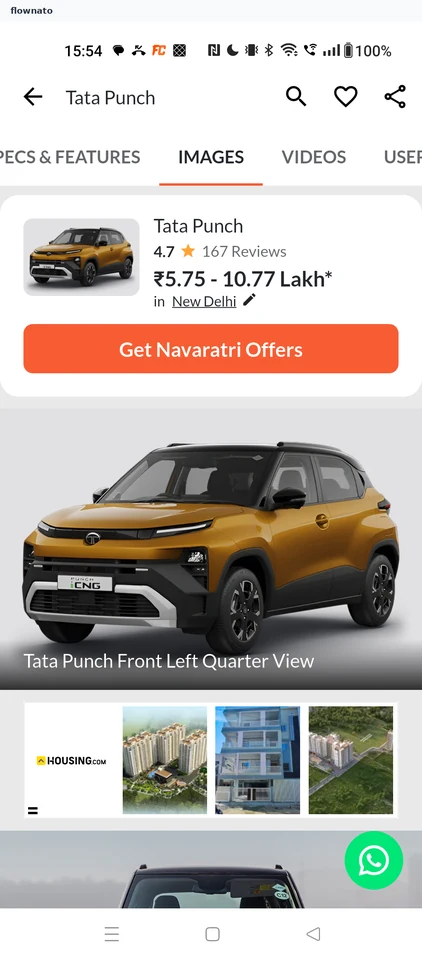
  1. Step 1: Start from the car page

    CarDekho Start from the car page screen

    Product details · Tabs, Card, Button, Image, Promo banner, Floating action button

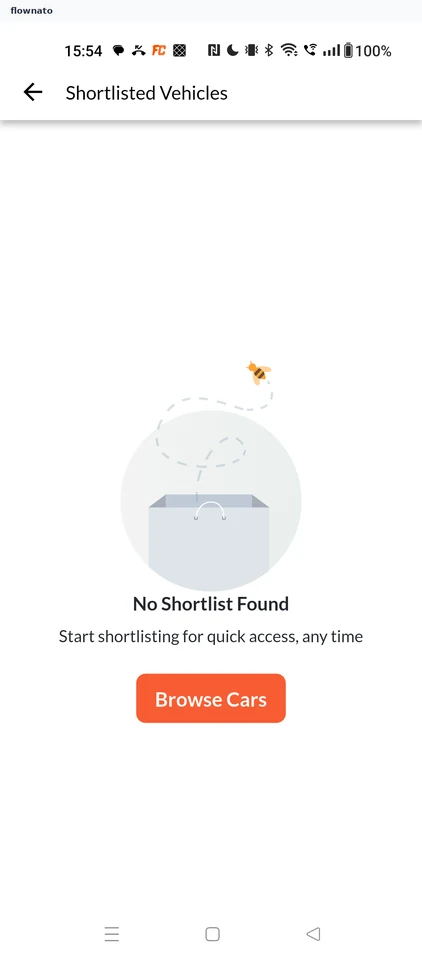
  2. Step 2: Check the shortlist

    CarDekho Check the shortlist screen

    Saved items · Top bar, Illustration, Button

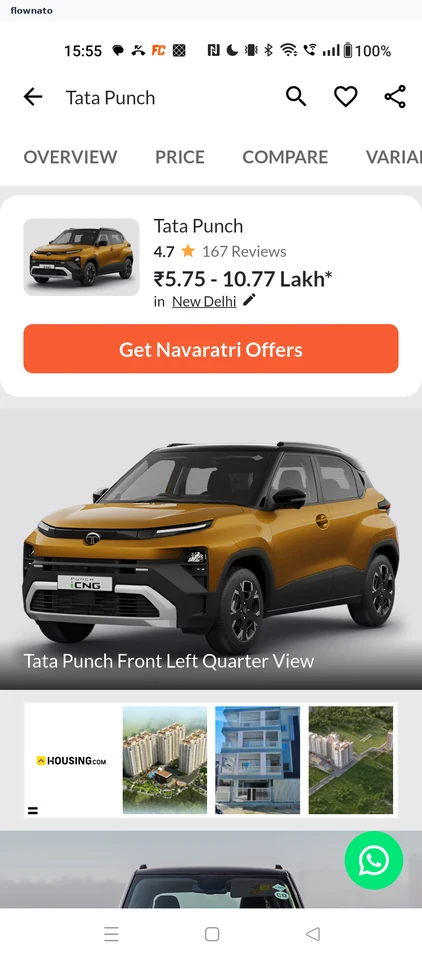
  3. Step 3: Return to Overview

    CarDekho Return to Overview screen

    Product details · Tabs, Image

  4. Step 4: Tap the heart

  5. Step 5: Car shortlisted

Sign up to see every step

More CarDekho journeys