Choose and configure a stay — Booking.com UX flow
Compare Booking.com properties, choose a room and rate, and set room preferences. Review room count, smoking preference and extra-bed options before the reservation step.
Step 1: Search for a stay
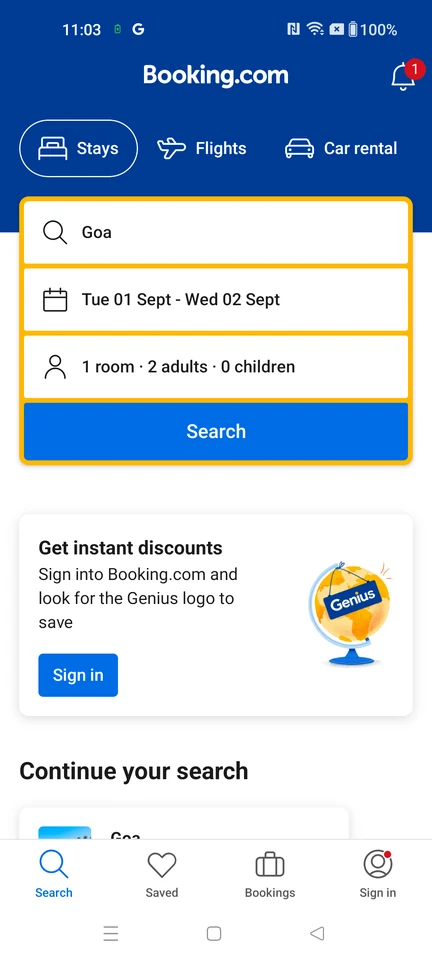
Booking form · Logo, Badge, Tabs, Text input, Select, Button
Step 2: Compare available stays
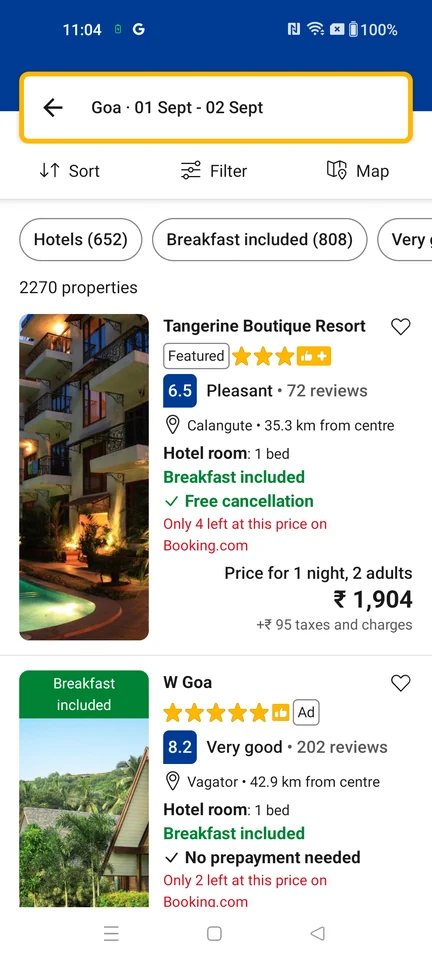
Search results · Search bar, Toolbar, Filter control, Chip, List, Image
Step 3: Review the property
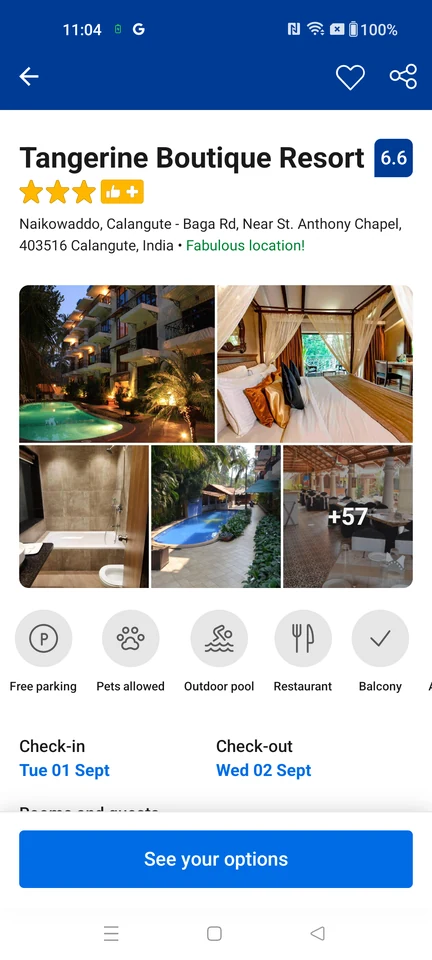
Product details · Top bar, Badge, Star rating, Gallery, Icon, Sticky action bar
Step 4: Choose a room and rate
Step 5: Choose the number of rooms
Step 6: Choose a smoking preference
Step 7: Review extra-bed options
Step 8: Review reservation options