Changing delivery date — Tata 1mg UX flow
Changing delivery date in Tata 1mg.
Step 1: Tap Change on a shipment
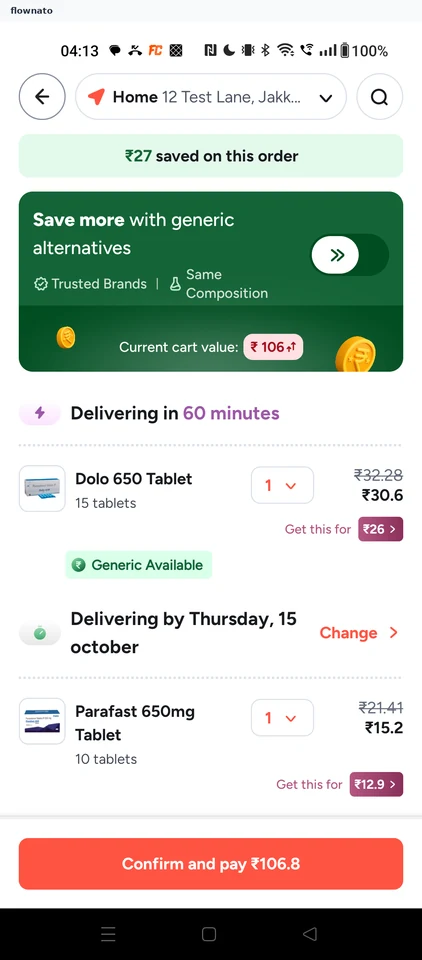
Step 2: Pick another delivery option
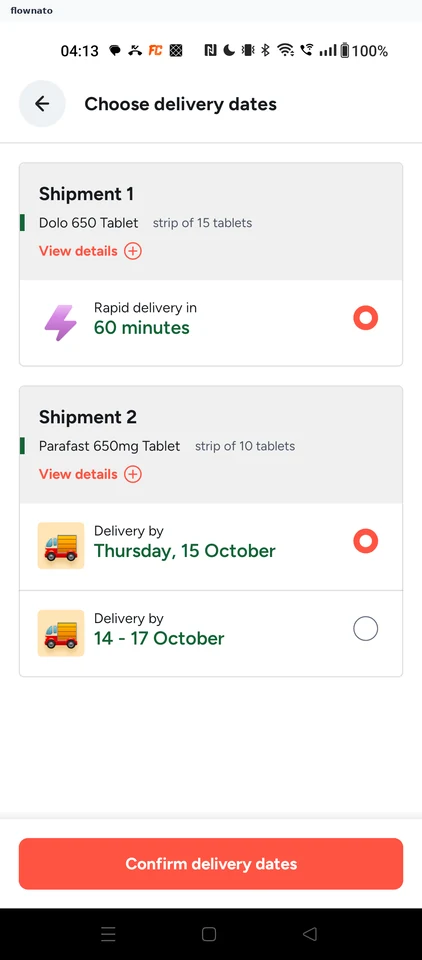
Step 3: Confirm delivery dates
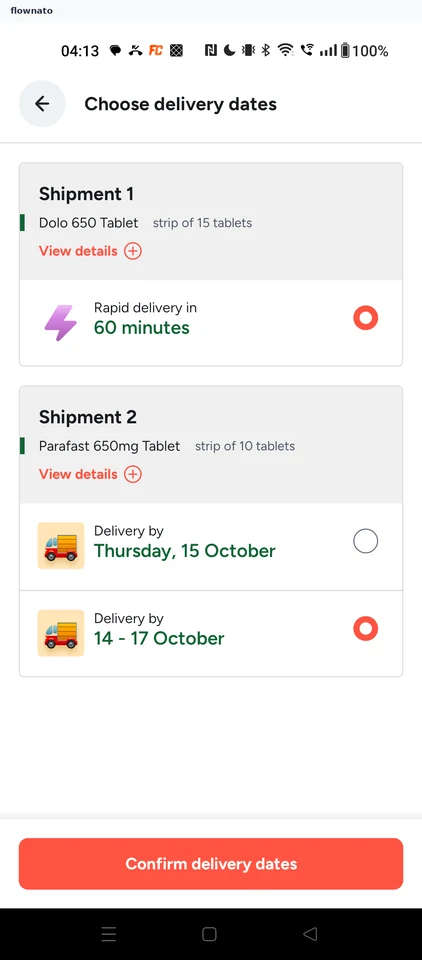
Date selection · Top bar, Card, Radio button, Text link, Icon, Sticky action bar
Step 4: Cart shows the new date