Ordering a medicine — PharmEasy UX flow
Ordering a medicine in PharmEasy.
About this journey
Stops before the task is finished.
Step 1: Start from Home
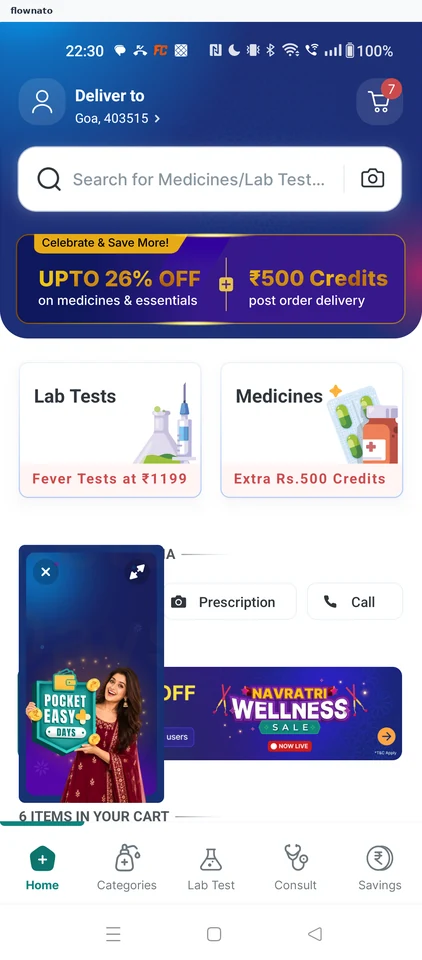
Home · Search bar, Promo banner, Card, Video, Bottom navigation, Badge
Step 2: Open search
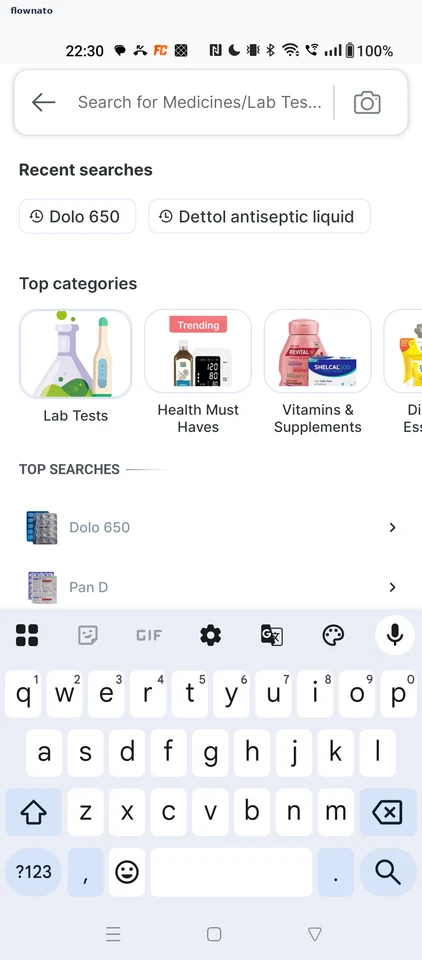
Search · Search bar, Chip, Carousel, List, Section header, Badge
Step 3: Pick View all results
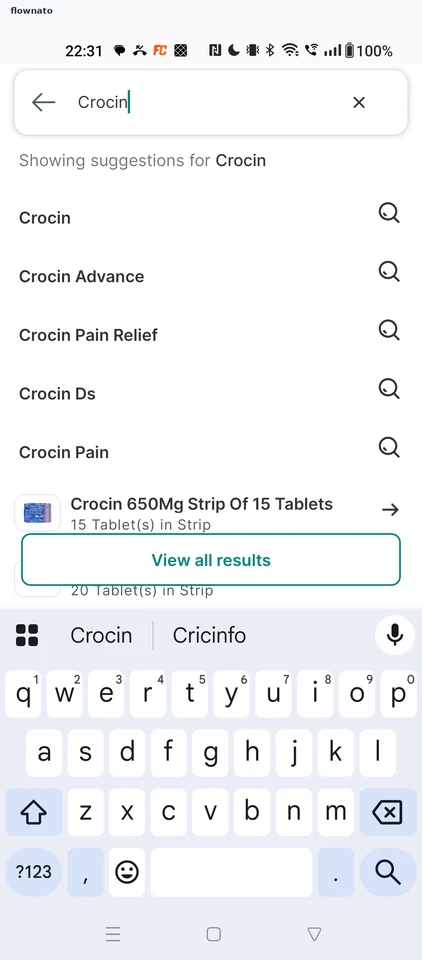
Search · Search bar, List, Button, Keyboard
Step 4: See results with a tip
Step 5: Choose Crocin 650mg
Step 6: Review the product
Step 7: Select quantity
Step 8: Item added
Step 9: Review the cart
Step 10: Choose how to pay
Step 11: Stop at card entry