Add to bag — AJIO UX flow
Search for a kurta, compare products, choose a size and add the item to the AJIO bag. Review its quantity and the payable total before checkout.
About this journey
Flow pattern: Adding to cart
Step 1: Open search

Home · Tabs, Search bar, Carousel, Countdown, Floating action button, Bottom navigation
Step 2: Search for a kurta
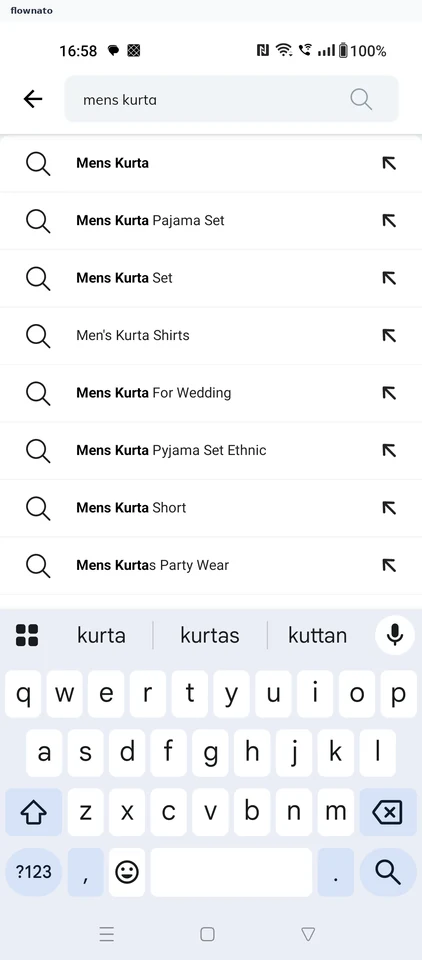
Search · Search bar, List, Keyboard
Step 3: Compare the results
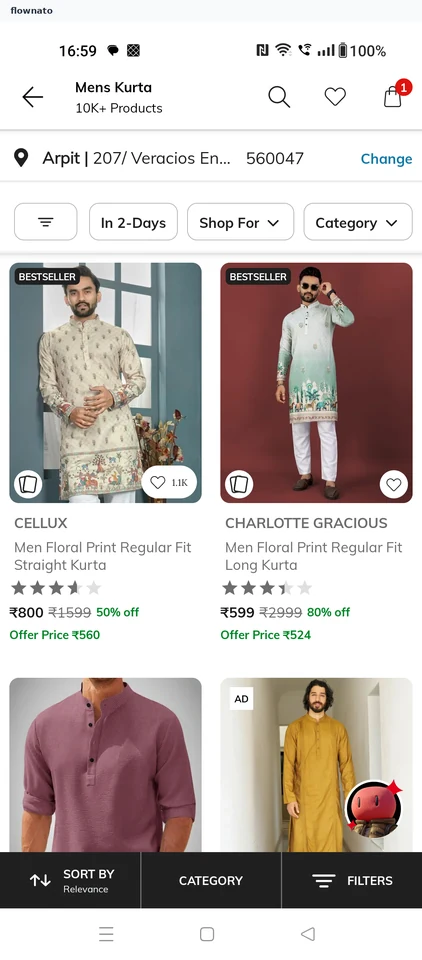
Search results · Top bar, Filter control, Chip, Card, Image, Star rating
Step 4: Check the product
Step 5: Choose a size
Step 6: Confirm the size
Step 7: Added to bag
Step 8: The bag