Refine hotel results — Cleartrip UX flow
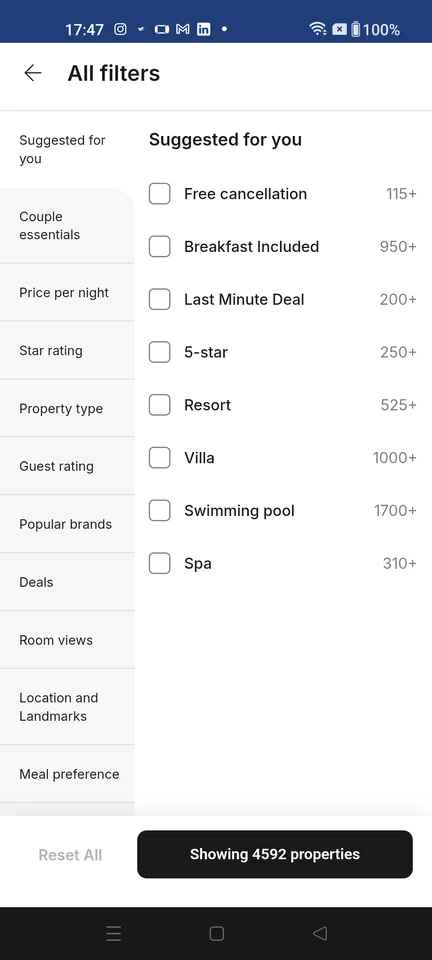
Open hotel filters in Cleartrip and select free cancellation. Return to the results to see the refined hotel list.
About this journey
Flow pattern: Filtering and sorting
Step 1: Open hotel filters
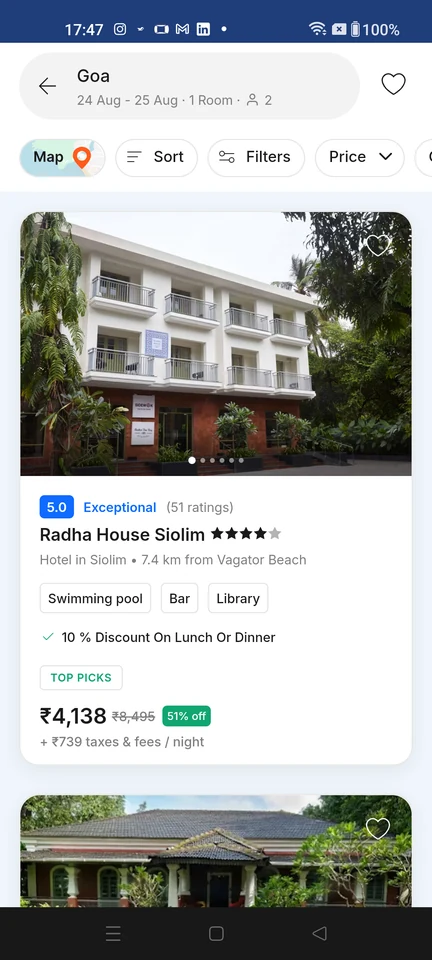
Search results · Top bar, Filter control, Card, Badge, Star rating, Price
Step 2: Choose a filter
Step 3: Free cancellation selected
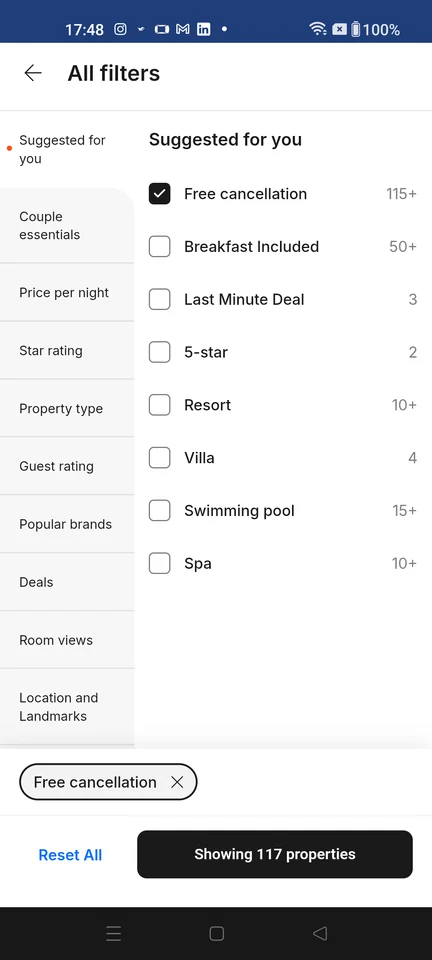
Filter and sort · Top bar, List, Checkbox, Chip, Text link, Button
Step 4: View refined results