Book a hotel stay — Cleartrip UX flow
Choose a destination, dates and guests in Cleartrip, then select a hotel and room. Enter traveller details and review the booking at Pay now without making a payment.
Step 1: Choose Hotels

Step 2: Start a hotel search

Booking form · Top bar, Card, Select, Checkbox, Badge, Button
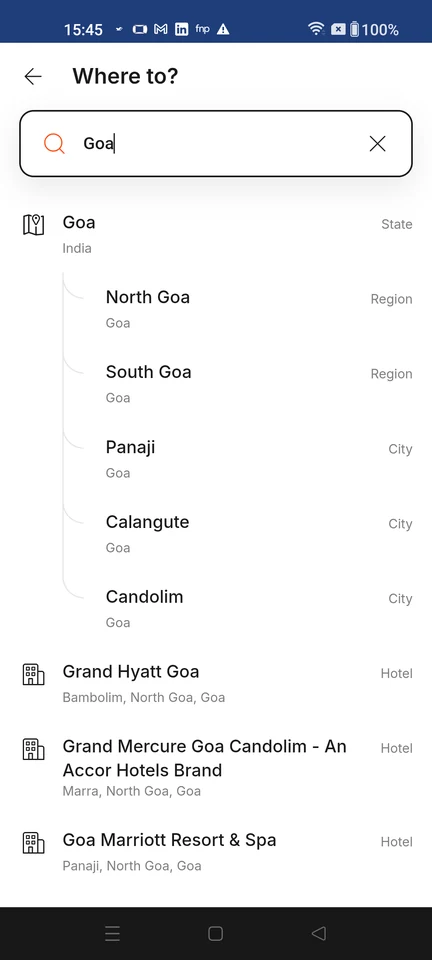
Step 3: Choose a destination
Step 4: Confirm travel dates
Step 5: Confirm rooms and guests
Step 6: Search hotels
Step 7: Choose a hotel
Step 8: View room choices
Step 9: Select a room
Step 10: Review booking details
Step 11: Add traveller details
Step 12: Review Pay now