DailyBean

DailyBean app UI and user flows

App

About DailyBean

Screens and user flows from the DailyBean app.

DailyBean is an Android app in the Health & fitness category. Last recorded on 8 November 2026.

Explore the screens and product flows inside DailyBean.

In the library
29 flows · 72 screens
Category and platform
Health & fitness · Android
Updated
Nov 2026
FLOWNATO RATING
—Rating pending

Onboarding

Flow

About DailyBean Onboarding

  1. Splash
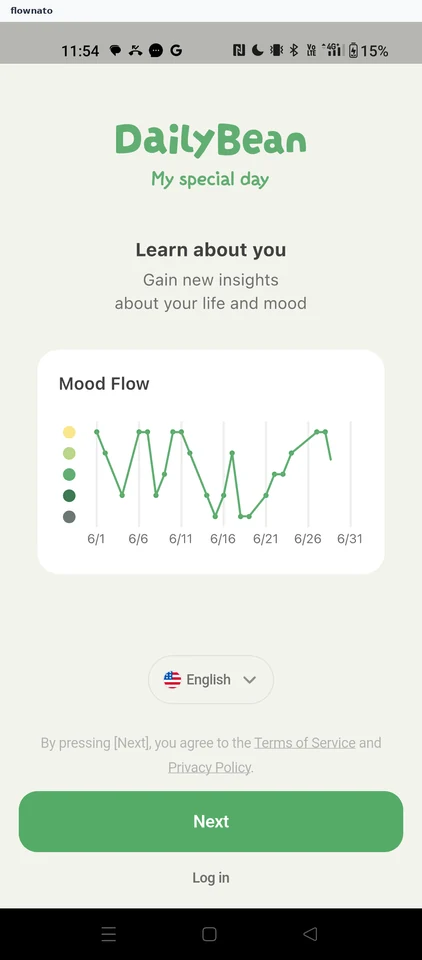
  2. Welcome
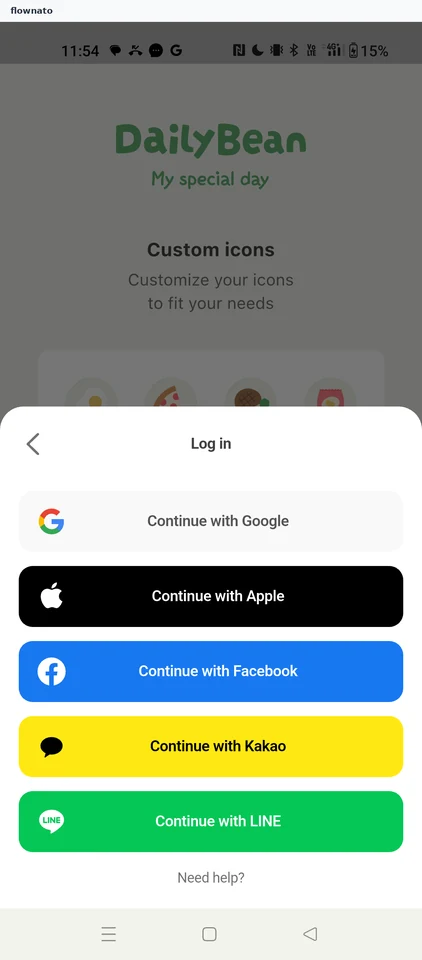
  3. Log in
  4. Google account chooser
  5. Google sign-in consent
  6. Log in
  7. Welcome
  8. Birthday step
  9. Gender step
  10. Recommendations loading
  11. Top picks
  12. Special blocks
  13. Theme gift
  14. Theme gift
  15. Referral survey
  16. Goal step
  17. Goal step
  18. User reviews
  19. User reviews
  20. Reminder step
  21. Reminder step
  22. Premium Pass
  23. Limited offer
  24. Calendar

24 screens

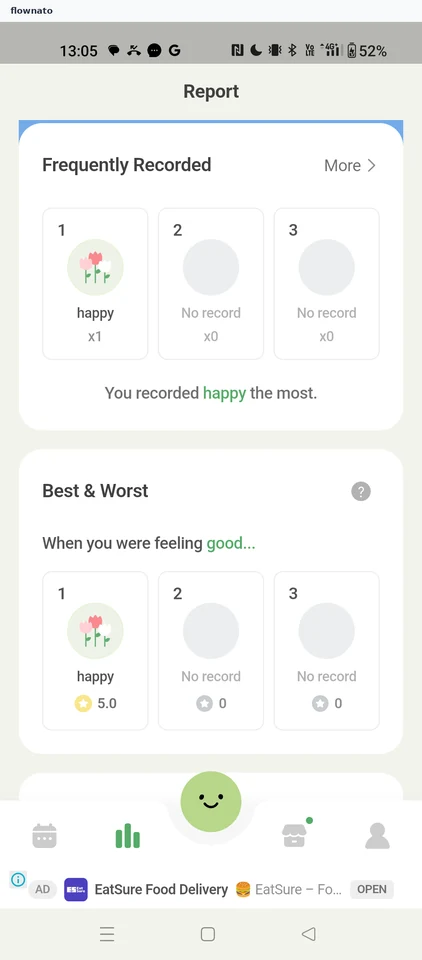
Report

Flow

About DailyBean Report

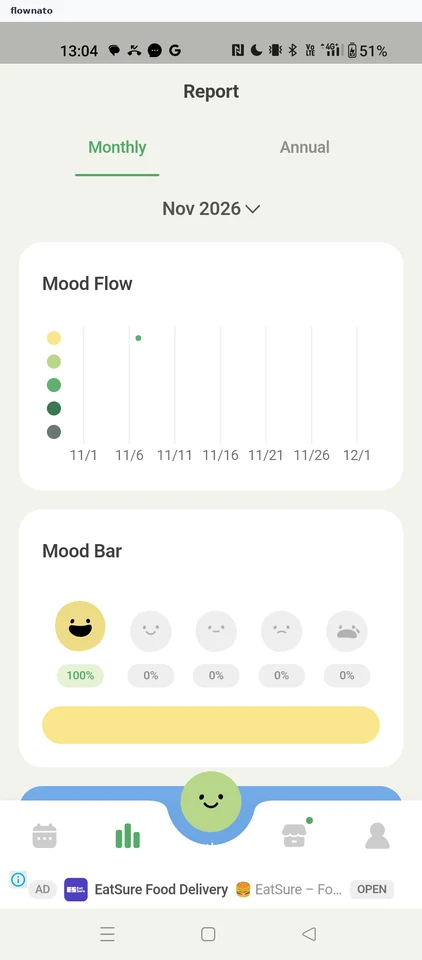
  1. Report
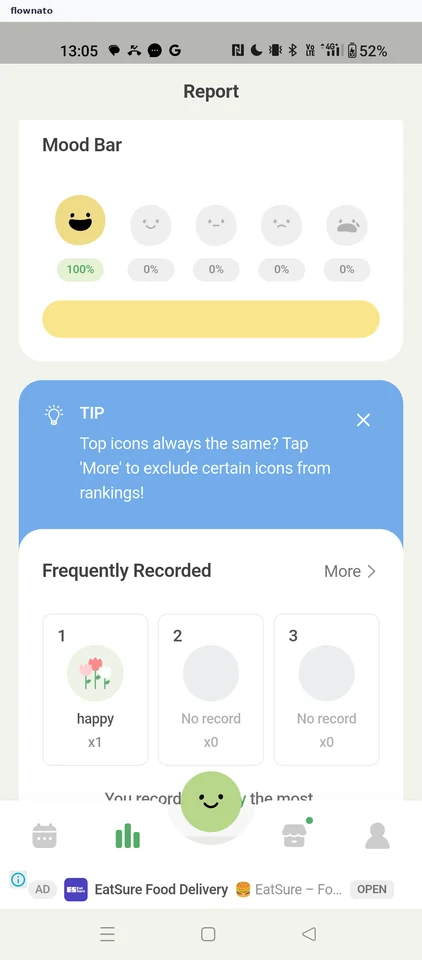
  2. Report
  3. Report
  4. Report
  5. Report
  6. Report
  7. Report

7 screens

Store

Flow

About DailyBean Store

  1. Store
  2. Store
  3. Store
  4. Store

4 screens

Calendar

Flow

About DailyBean Calendar

  1. Calendar
  2. Calendar

2 screens

Recording a day

Flow

About DailyBean Recording a day

  1. Calendar
  2. Calendar
  3. Daily record
  4. Daily record
  5. Daily record
  6. Daily record
  7. Daily record
  8. Save confirmation
  9. Calendar

9 screens

Adding to Highlights

Flow

About DailyBean Adding to Highlights

  1. Calendar
  2. Daily record
  3. Daily record

3 screens

Claiming birthday gift

Flow

About DailyBean Claiming birthday gift

  1. Birthday gift modal
  2. Calendar

2 screens

Searching entries

Flow

About DailyBean Searching entries

  1. Menu
  2. Search
  3. Search results

3 screens

Highlighting an entry

Flow

About DailyBean Highlighting an entry

  1. Search results
  2. Search results
  3. Search results

3 screens

01Search results02Search results03Search results

Entry options

Flow

About DailyBean Entry options

  1. Search results
  2. Entry options

2 screens

01Search results02Entry options

Changing report period

Flow

About DailyBean Changing report period

  1. Report
  2. Mood statistics report (Stats tab)
  3. Report
  4. Report

4 screens

Frequently Recorded help

Flow

About DailyBean Frequently Recorded help

  1. Frequently Recorded
  2. Frequently Recorded ranking list
  3. Frequently Recorded

3 screens

Sorting icons

Flow

About DailyBean Sorting icons

  1. Frequently Recorded
  2. Frequently Recorded ranking list
  3. Frequently Recorded ranking list
  4. Frequently Recorded
  5. Frequently Recorded ranking list
  6. Frequently Recorded

6 screens

Best & Worst help

Flow

About DailyBean Best & Worst help

  1. Report
  2. Mood statistics report (Stats tab)
  3. Report

3 screens

Theme preview

Flow

About DailyBean Theme preview

  1. Theme detail
  2. Theme preview
  3. Theme preview

3 screens

Adding to wishlist

Flow

About DailyBean Adding to wishlist

  1. Theme detail
  2. Theme detail

2 screens

Jumping to sections

Flow

About DailyBean Jumping to sections

  1. Store
  2. Store
  3. Store

3 screens

Filtering themes

Flow

About DailyBean Filtering themes

  1. Store
  2. Themes
  3. Store Themes catalogue
  4. Themes

4 screens

Clovers

Flow

About DailyBean Clovers

  1. Clovers
  2. Clovers

2 screens

My Info

Flow

About DailyBean My Info

  1. My Info
  2. My Info
  3. My Info
  4. My Info

4 screens

Editing profile

Flow

About DailyBean Editing profile

  1. Account
  2. Account profile
  3. Account
  4. Account profile
  5. Account
  6. Account profile
  7. Account profile
  8. Account

8 screens

Changing profile picture

Flow

About DailyBean Changing profile picture

  1. Account
  2. Change profile picture
  3. Account

3 screens

Settings

Flow

About DailyBean Settings

  1. Settings
  2. Settings
  3. Settings

3 screens

Allowing notifications

Flow

About DailyBean Allowing notifications

  1. Settings
  2. Notifications
  3. Notification permission prompt
  4. Notifications

4 screens

Switching to dark mode

Flow

About DailyBean Switching to dark mode

  1. Settings
  2. Display mode picker
  3. Settings
  4. My Info
  5. Settings
  6. Display mode picker
  7. Settings

7 screens

Changing font size

Flow

About DailyBean Changing font size

  1. Settings
  2. Font settings
  3. Font settings
  4. Settings
  5. Font settings
  6. Font settings
  7. Settings

7 screens

Changing language

Flow

About DailyBean Changing language

  1. Settings
  2. Language picker sheet
  3. Settings

3 screens

Changing start of week

Flow

About DailyBean Changing start of week

  1. Settings
  2. Start of the week sheet
  3. Settings

3 screens

Signing up

Flow

About DailyBean Signing up

  1. Calendar
  2. Calendar
  3. Calendar
  4. Create an account
  5. Google account chooser
  6. Create an account
  7. Create an account
  8. Create an account
  9. Create an account
  10. Create an account
  11. Calendar

11 screens