Filtering by brand — Tata 1mg UX flow
Filtering by brand in Tata 1mg.
Step 1: Open All filters
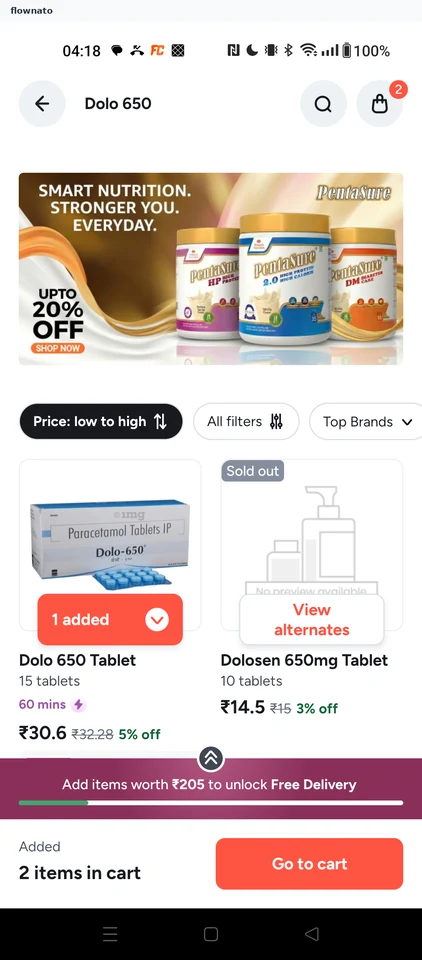
Search results · Promo banner, Filter control, Badge, Button, Card, Floating cart bar
Step 2: Pick a brand
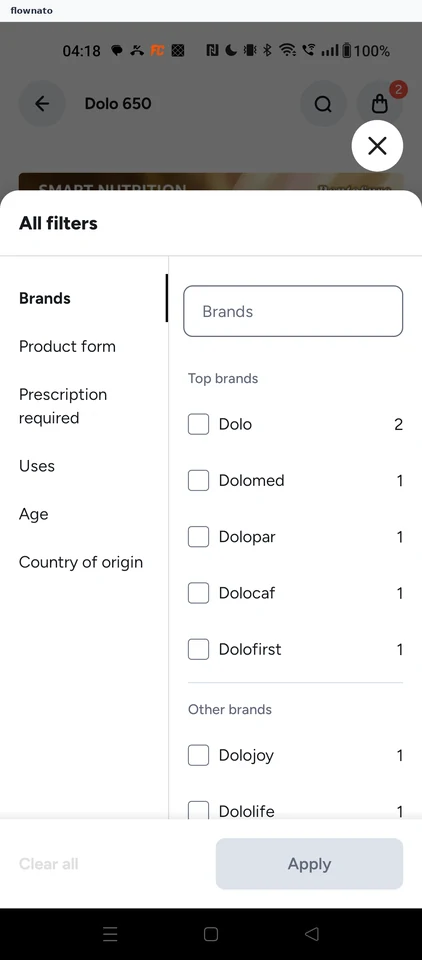
Filter and sort · Bottom sheet, Button, List, Text input, Checkbox, Text link
Step 3: Apply the filter
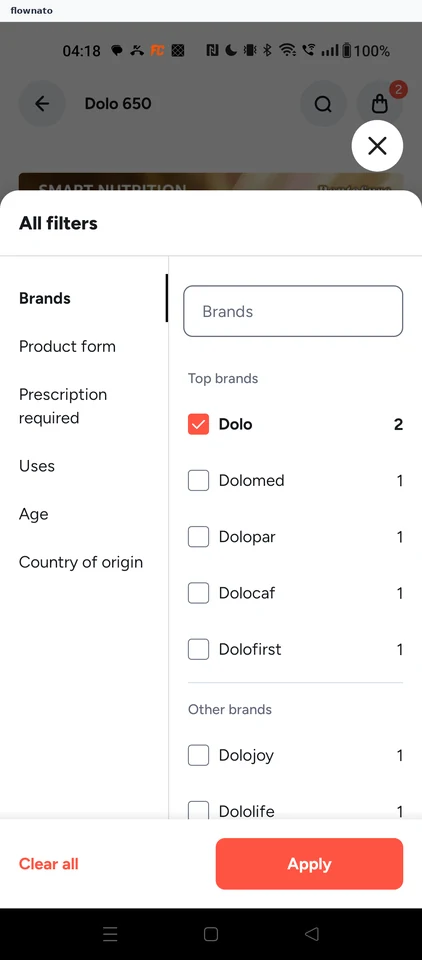
Filter and sort · Bottom sheet, Text input, Checkbox, Text link, Button
Step 4: Filtered results