Switching to an audio call — PharmEasy UX flow

Switching to an audio call in PharmEasy.

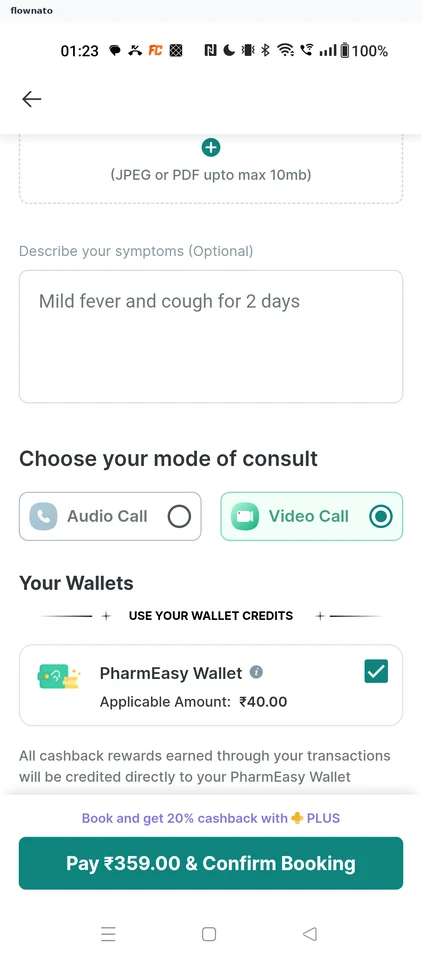
  1. Step 1: Video Call preselected

    PharmEasy Video Call preselected screen

    Checkout · Text area, Radio button, Checkbox, Sticky action bar

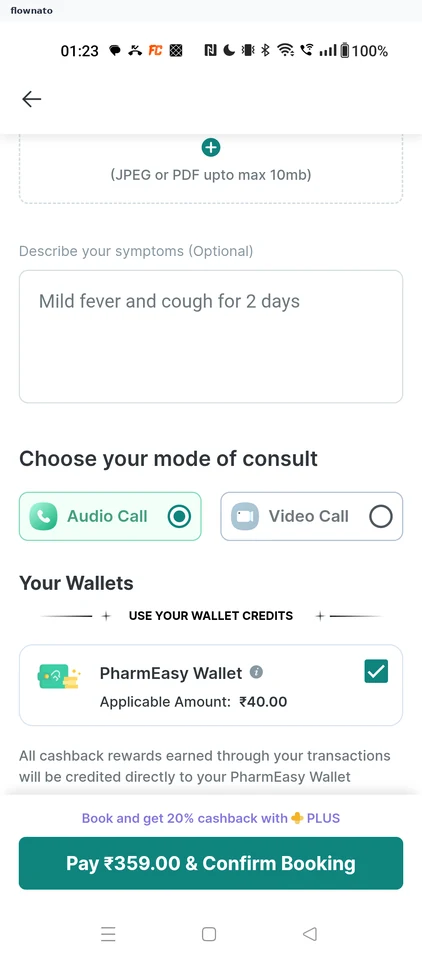
  2. Step 2: Audio Call selected

    PharmEasy Audio Call selected screen

    Checkout · Text area, Radio button, Checkbox, Sticky action bar

More PharmEasy journeys