Changing the time slot — PharmEasy UX flow
Changing the time slot in PharmEasy.
Step 1: Preselected slot
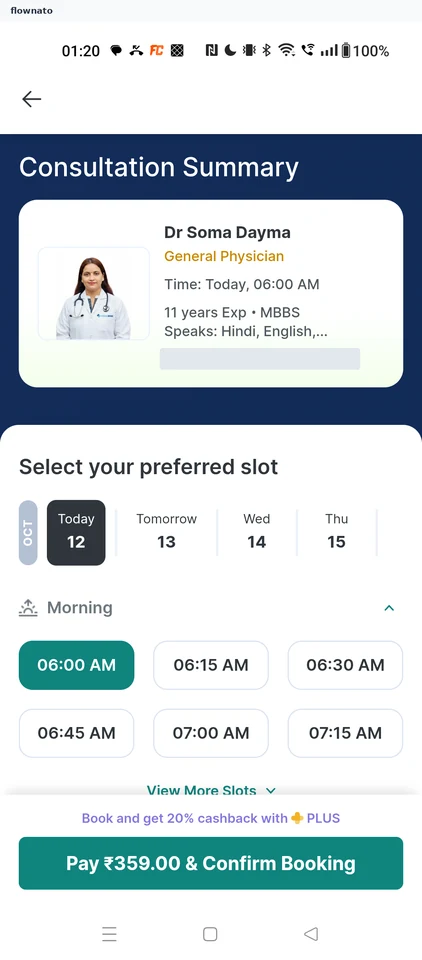
Date selection · Date picker, Time picker, Sticky action bar
Step 2: Pick another time
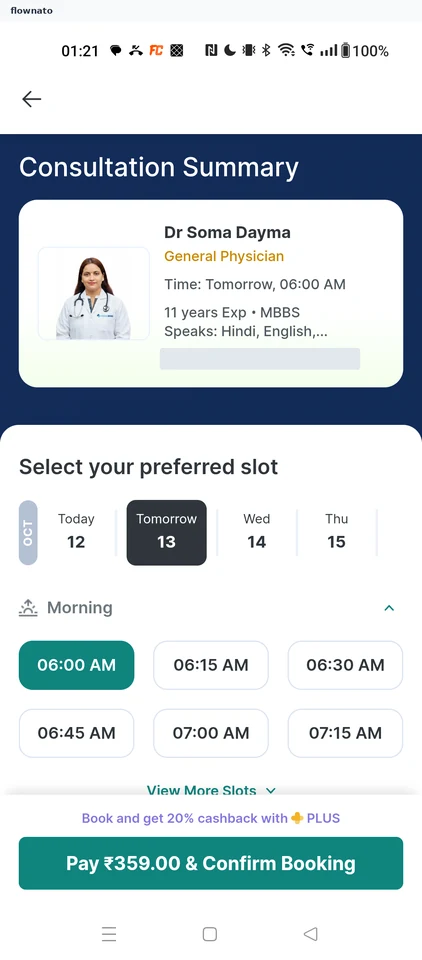
Date selection · Date picker, Time picker, Card, Sticky action bar
Step 3: Slot updated
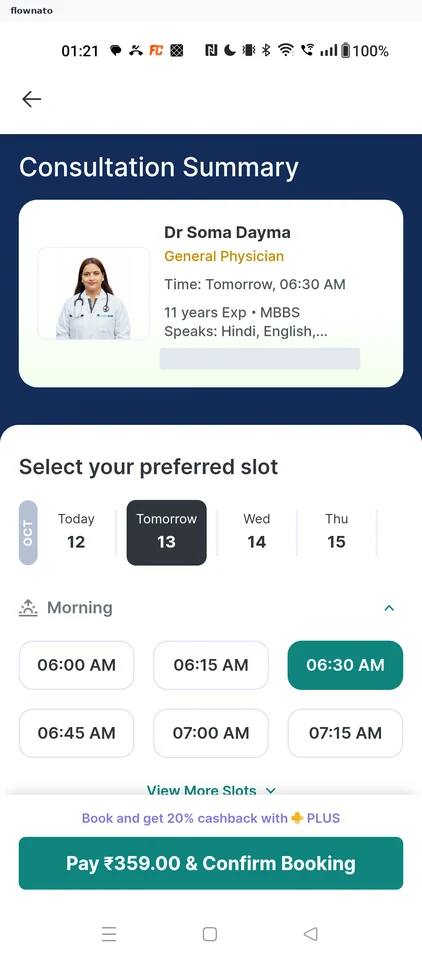
Date selection · Date picker, Time picker, Sticky action bar