Plan a store visit — IKEA UX flow
Open IKEA’s store hub and review the selected store’s address and regular hours. Check separate opening times for the store and café.
About this journey
Flow pattern: Searching
Step 1: Start from Home
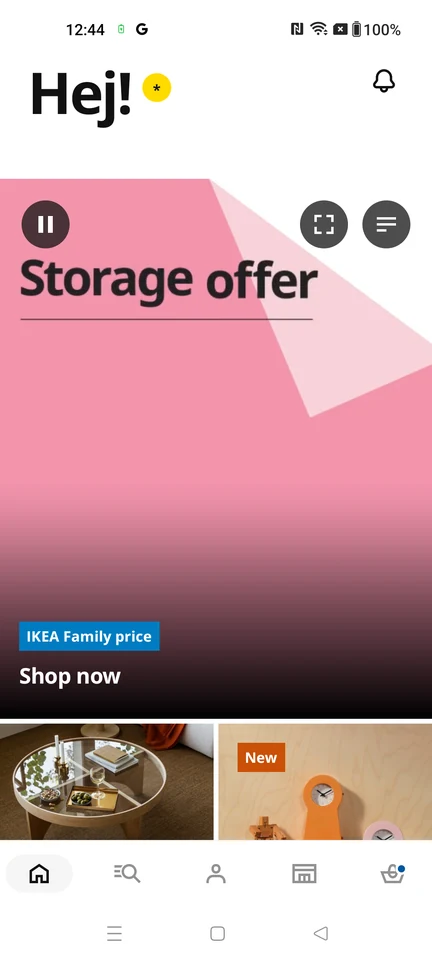
Home · Video, Player controls, Badge, Image, Bottom navigation
Step 2: Open the store hub
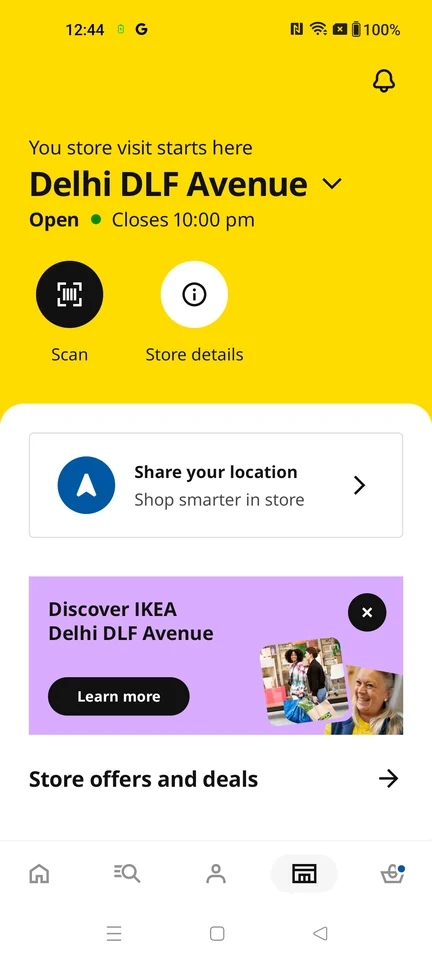
Product details · Button, Card, Promo banner, Section header, Bottom navigation, Icon
Step 3: Check address and regular hours
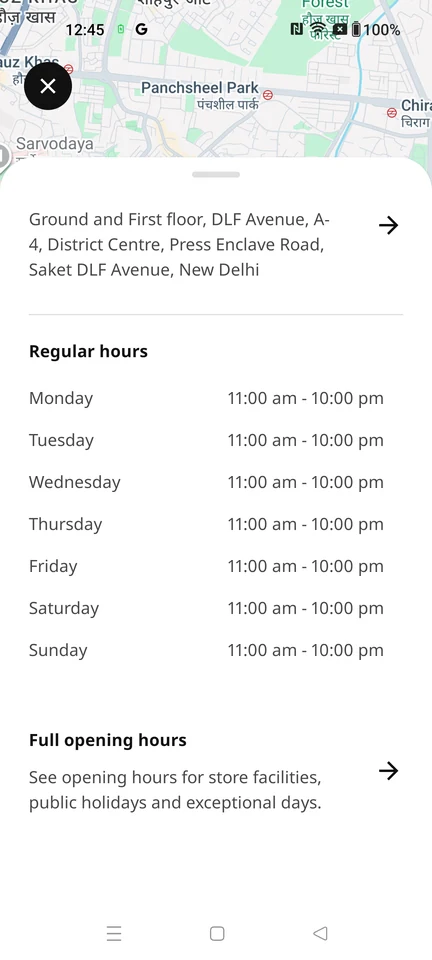
Product details · Map, Bottom sheet, Table, Divider, Section header, Button
Step 4: Review store and café hours