Viewing an answer explanation — Duolingo UX flow
Viewing an answer explanation in Duolingo.
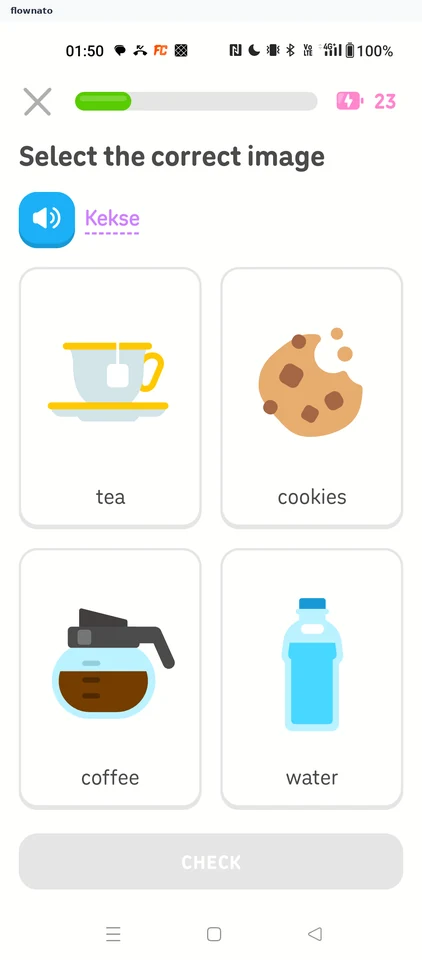
Step 1: Pick the image for 'Kekse'
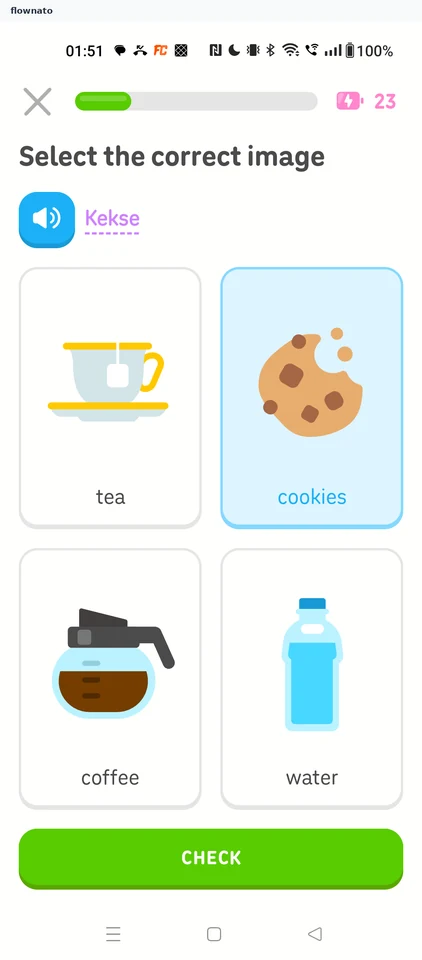
Step 2: Cookies selected
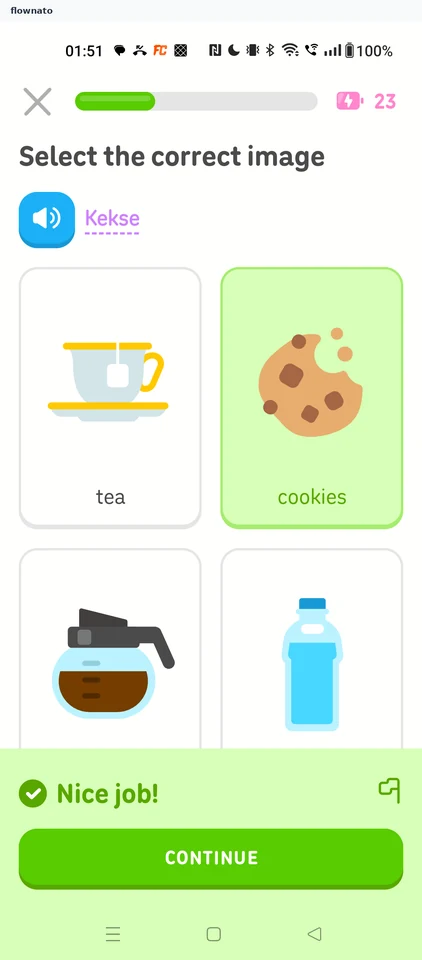
Step 3: Correct, no explanation
Step 4: Translate 'cookies'
Step 5: Correct: COMBO x2
Step 6: Pick the image for 'Wasser'
Step 7: Water selected
Step 8: Correct: COMBO x3
Step 9: Translate 'tschüss'
Step 10: 'bye' placed
Step 11: Explain My Answer offered
Step 12: Explanation