Creating a profile — Duolingo UX flow
Creating a profile in Duolingo.
Step 1: Build a daily habit
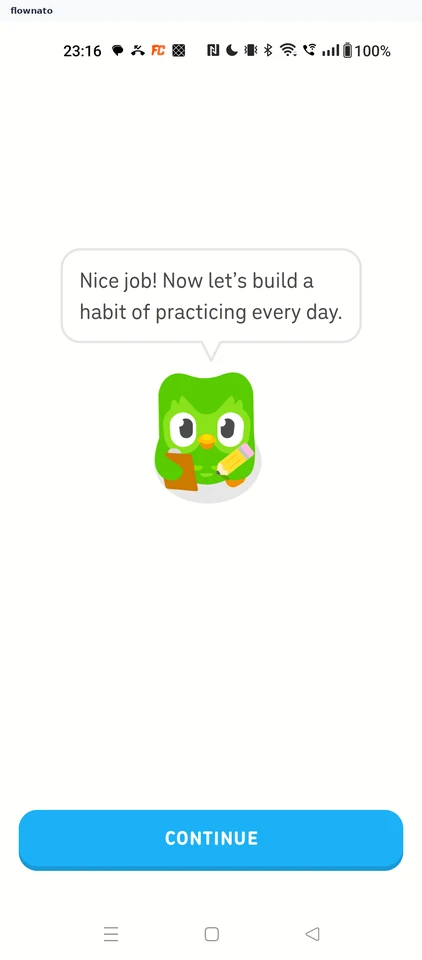
Step 2: Streak started
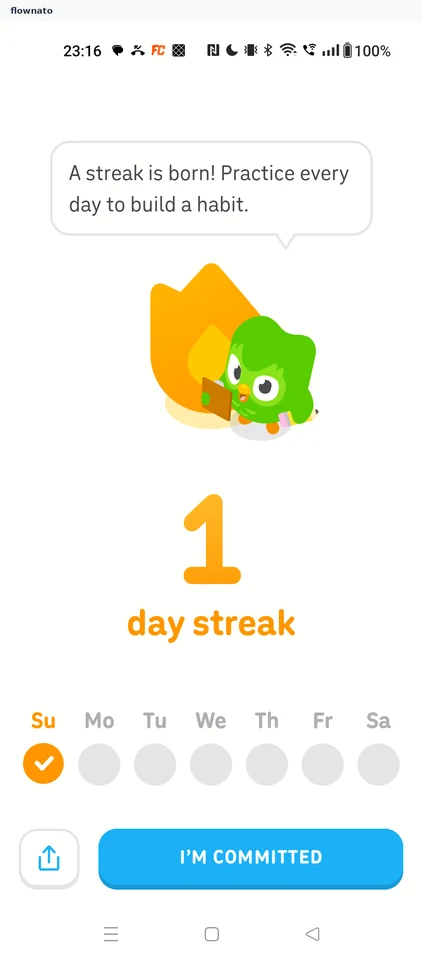
Statistics · Illustration, Text, Button, Icon
Step 3: Streak reminders
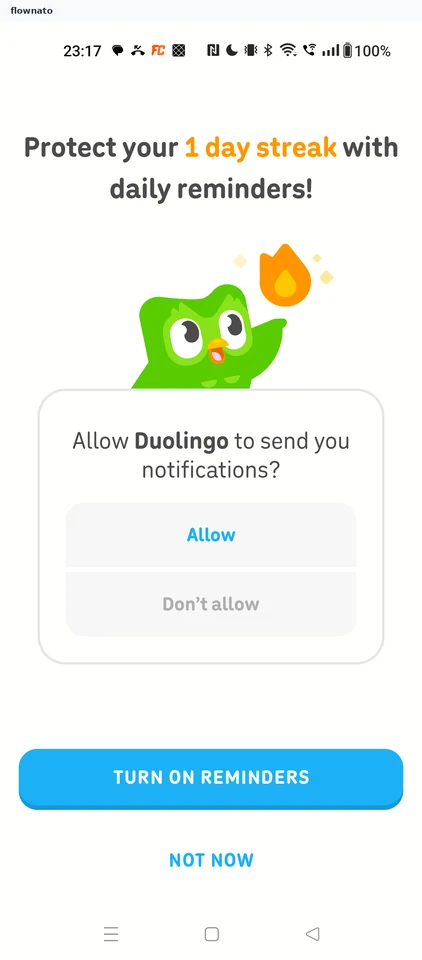
Step 4: Streak goal options
Step 5: 7-day goal selected
Step 6: Widget pitch
Step 7: Create a profile prompt
Step 8: Enter your age
Step 9: Age entered
Step 10: Choose a sign-up option
Step 11: Pick a Google account
Step 12: Google sign-in consent
Step 13: Find friends
Step 14: Profile created
Step 15: Signed-in Home