Skip to main content
Flownato
Apps
Flows
Screens
Search apps, flows, or screens…
⌘K
Connect MCP
Sign up free
×
Apps / Chalo
Chalo
Android · Captured Oct 2026
Saved library ↗
Chalo
:
Tracking a bus
Screens
Video
Download Flow
Add to Figma
1. Start from Home
Save
Copy
Add to Figma
2. Search for a stop
Save
Copy
Add to Figma
3. Stop opens the trip planner
Save
Copy
Add to Figma
Sign in to view
4. Back on the stop results
Sign in to view
5. Recent searches
Sign in to view
6. Choose a route
Sign in to view
7. Track the route
Step 01
Start from Home
Save
Inside this flow
Checking another stop
Optional · from Track the route · 3 steps
Searching the route's stops
Optional · from Track the route · 4 steps
Saving a favourite route
Optional · from Track the route · 3 steps
Viewing the timetable
Optional · from Track the route · 2 steps
Removing a recent search
Optional · from Search for a stop · 3 steps
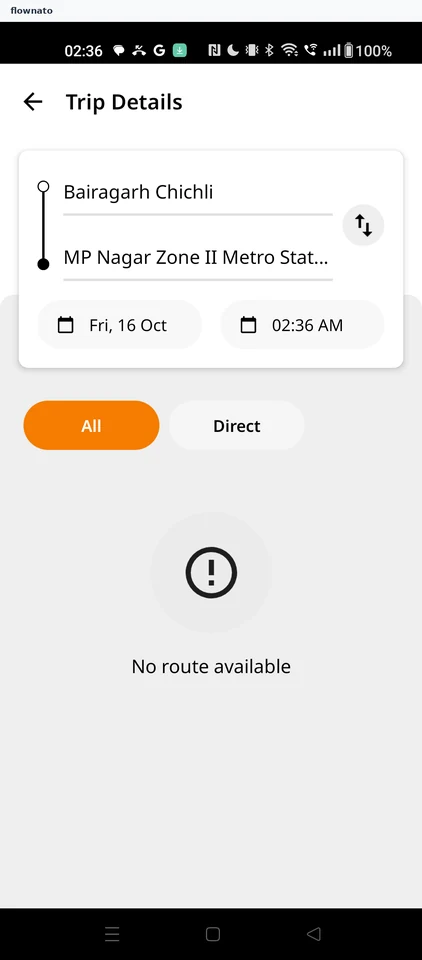
Planning a trip
Optional · from Search for a stop · 4 steps
Flownato works best with JavaScript enabled. You can still browse our
Terms
,
Privacy policy
, and
Copyright policy
.