Skip to main content
Flownato
Apps
Flows
Screens
Search apps, flows, or screens…
⌘K
Connect MCP
Sign up free
VSCO
·
Photo editor
VSCO · Screen reference
About Photo editor
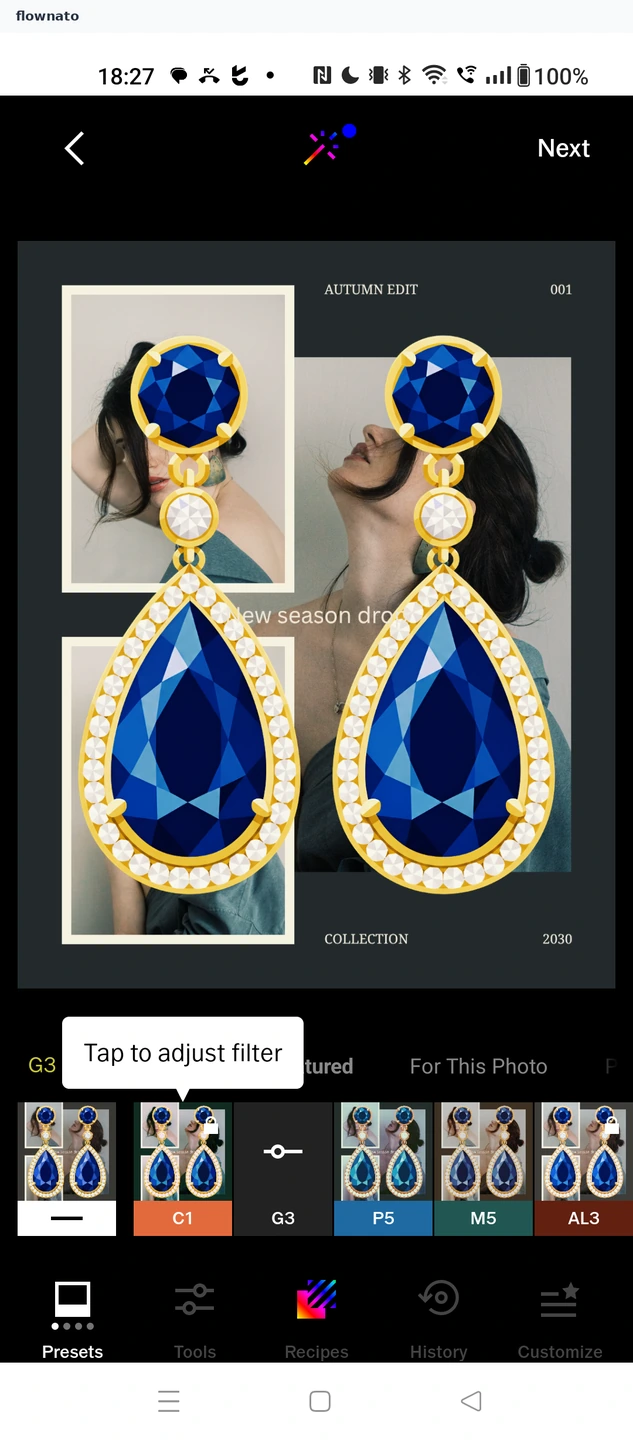
The Photo editor screen in VSCO’s Applying a preset flow.
Open the Applying a preset flow
Open flow
Save
Download screen
Add to Figma
×
5
2
Flownato works best with JavaScript enabled. You can still browse our
Terms
,
Privacy policy
, and
Copyright policy
.