Skip to main content
Flownato
Apps
Flows
Screens
Search apps, flows, or screens…
⌘K
Connect MCP
Sign up free
×
Apps / VSCO
VSCO
Android · Captured Oct 2026
Saved library ↗
Studio
Creating a collage
Optional · from Collage editor
VSCO
:
Adding a photo
Screens
Video
Download Flow
Add to Figma
1. Collage editor
Save
Copy
Add to Figma
2. Select images for a collage cell
Save
Copy
Add to Figma
3. Select images for a collage cell
Save
Copy
Add to Figma
Buy Premium to view
4. Select images for a collage cell
Buy Premium to view
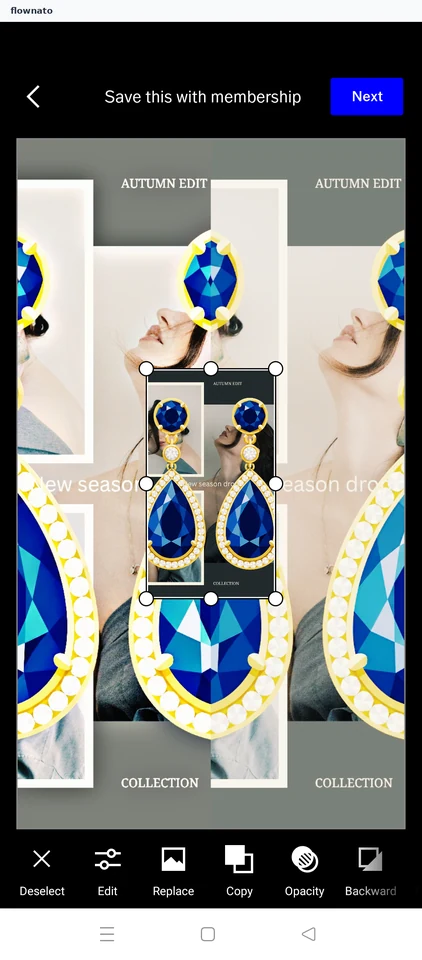
5. Collage editor
Step 01
Collage editor
Save
Inside this flow
Adding a photo
Adding a photo
Flownato works best with JavaScript enabled. You can still browse our
Terms
,
Privacy policy
, and
Copyright policy
.